While it's one of the best laptops we've tested under $700, it's designed for light workloads like web browsing, Office apps, and studying. If your needs grow beyond that, you'll quickly reach its limits.
Design and Build Quality
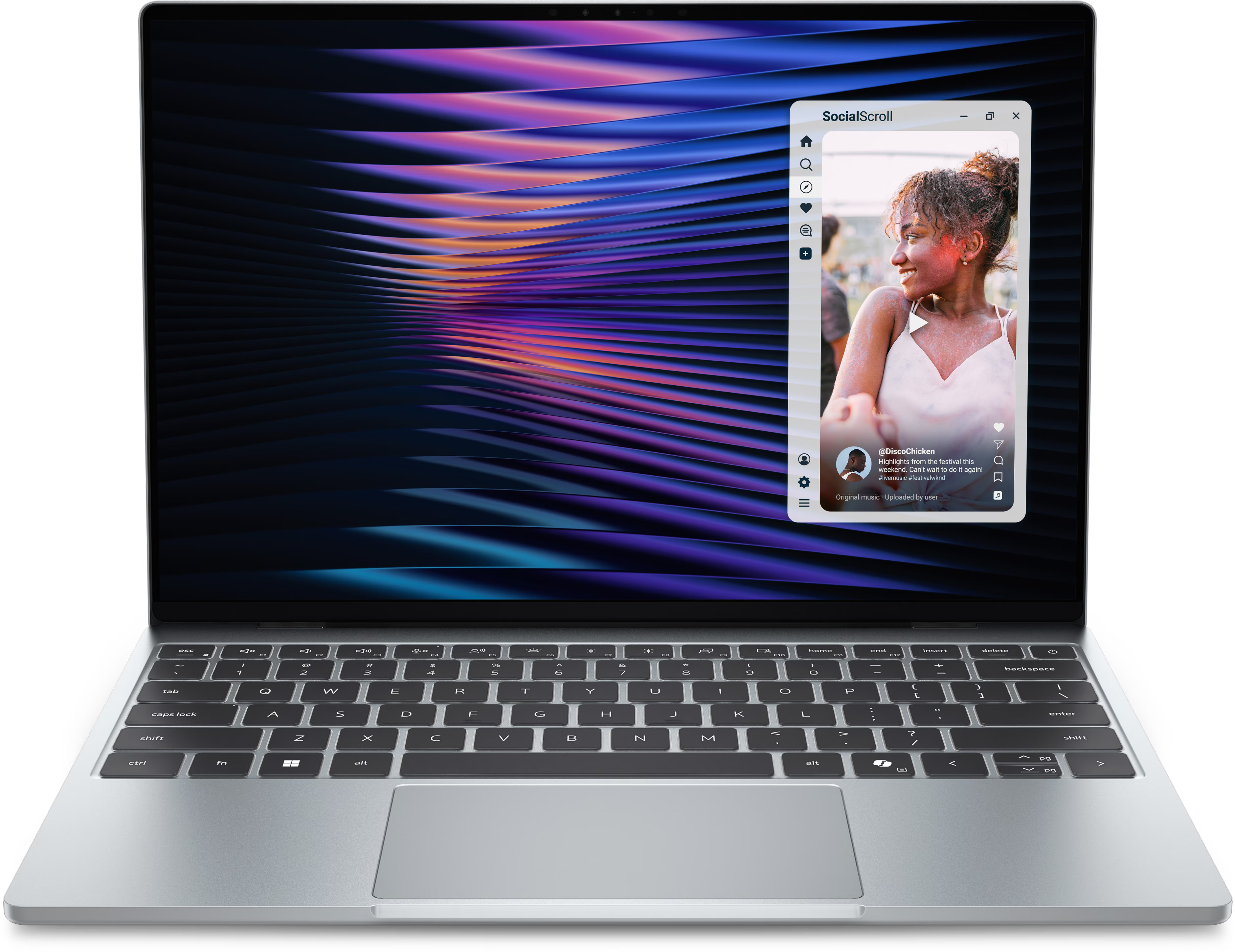
Its aluminum chassis is thin, lightweight, and exceptionally well built, with very little keyboard deck flex or screen wobble. Despite its compact footprint, it still fits a 13.4-inch display, making it an excellent travel companion.
There are a few compromises. The screen hinge is a little looser than we'd like for a touchscreen laptop, and the front edge of the chassis can dig into your wrists during longer typing sessions.
Display
Although it's an IPS panel rather than OLED, it delivers outstanding image quality with a sharp 2560 × 1600 resolution, excellent color accuracy, around 500 nits of brightness, and a smooth 120Hz refresh rate.
Dell's anti-reflective coating is particularly impressive, making the screen easy to use outdoors and in bright environments. For students and office users, it's one of the best displays available at this price.
Keyboard, Trackpad, and Ports
The keyboards low-travel design feels comfortable enough once you adjust to it, and it's quieter than many competing laptops. We were also pleased to see the return of a physical function row and an effective keyboard backlight.
The mechanical trackpad is smooth, accurate, and quiet, making everyday navigation effortless.
Port selection is the biggest compromise. You only get two USB-C ports with DisplayPort and charging support. There's no USB-A or headphone jack, so many users will need adapters.

The Dell XPS 13 is designed for everyday productivity rather than demanding workloads. While it trails higher-performance laptops in Cinebench, it provides enough power for web browsing, Office apps, and general use.
Dell pairs its premium chassis with a very low-power processor that's best suited to web browsing, Microsoft Office, streaming, and other everyday tasks. For these workloads, the laptop feels responsive and handles multitasking well.
More demanding applications are another story. Creative workloads, software development, and heavier productivity tasks quickly expose the processor's limitations.
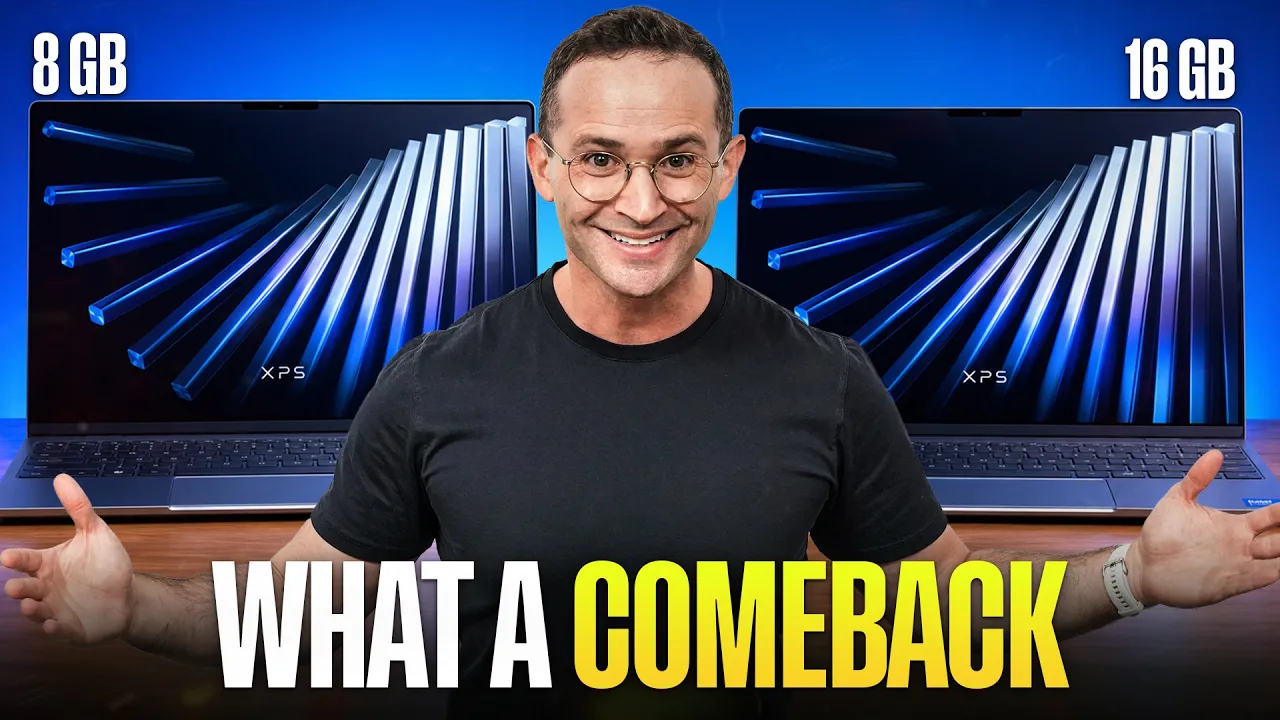
Memory: 8GB vs 16GB
Our testing showed the 8GB model handled everyday browsing surprisingly well, although performance began slowing with around two dozen Chrome tabs open. The 16GB model remained comfortable with significantly heavier multitasking.
If your budget allows, we'd recommend the 16GB version. It offers more breathing room for future updates and heavier everyday use, even though the processor remains the limiting factor.
Battery Life and Everyday Comfort

The Dell XPS 13 delivered exceptional battery life in our office workload test, lasting more than 17 hours and outperforming every other laptop in this comparison.
The XPS 13 comfortably lasted through a full office productivity workload and significantly outperformed the MacBook Neo in our testing. During everyday use, the laptop remained cool and almost silent, with the fan rarely becoming noticeable.
Only heavier workloads caused the system to warm up, and even then it remained comfortable to use.
Upgradeability and Linux Support
The SSD, battery, and Wi-Fi card can all be replaced, although the XPS uses the shorter 2230 SSD format, which tends to be more expensive than standard drives.
Linux support, however, is disappointing. During our testing, Ubuntu and Fedora both had hardware compatibility issues, including missing Wi-Fi and speaker support, making this a poor choice for Linux users.
Should You Buy the Dell XPS 13?
The XPS 13 is an excellent laptop for the right person.
If your workload consists of web browsing, Office applications, streaming, and light productivity, it's one of the best-built laptops available under $800. The combination of premium materials, a fantastic display, long battery life, and quiet operation is difficult to beat.
However, there isn't much room to grow. Students planning to study programming, engineering, video editing, or other demanding disciplines should look for a laptop with a more capable processor instead.
Final Verdict
The XPS 13 proves you don't have to sacrifice build quality or display quality to buy an affordable Windows laptop. It feels premium in almost every way and delivers an excellent everyday experience.
Just be realistic about its limitations. If your computing needs are basic, it's one of the easiest laptops to recommend at this price. If you expect to run demanding applications now or in the future, spending more on a faster laptop will be the smarter investment.
Pros
- Competitive price for what you get.
- Looks more like and has the build quality of a higher end laptop than a budget one, despite being thin and lightweight.
- Great screen for the price. It is high resolution, 120 hz, around 500 nits (bright for a laptop at this price point), and has very good color gamut of sRGB (almost 100% coverage) and DCI-P3 (also almost 100% coverage).
- Has pretty effective keyboard backlighting.
- Windows Hello via an IR Camera is standard.
- Has an option for 16 GB of RAM at the time of purchase.
Cons
- Low travel keyboard (0.8 mm)
- Ports are very lacking for connecting external devices; only 2 USB C (5 Gbps) ports, and no Thunderbolt 4 or USB4.
- Bad speakers and no 3.5 headphone jack.
- Intel Wildcat Lake (Core Series 3) CPU is only suitable for light/casual use.
- Only supports shorter M.2 2230 SSDs, making storage upgrades and replacements more expensive and limited to 2 TB.