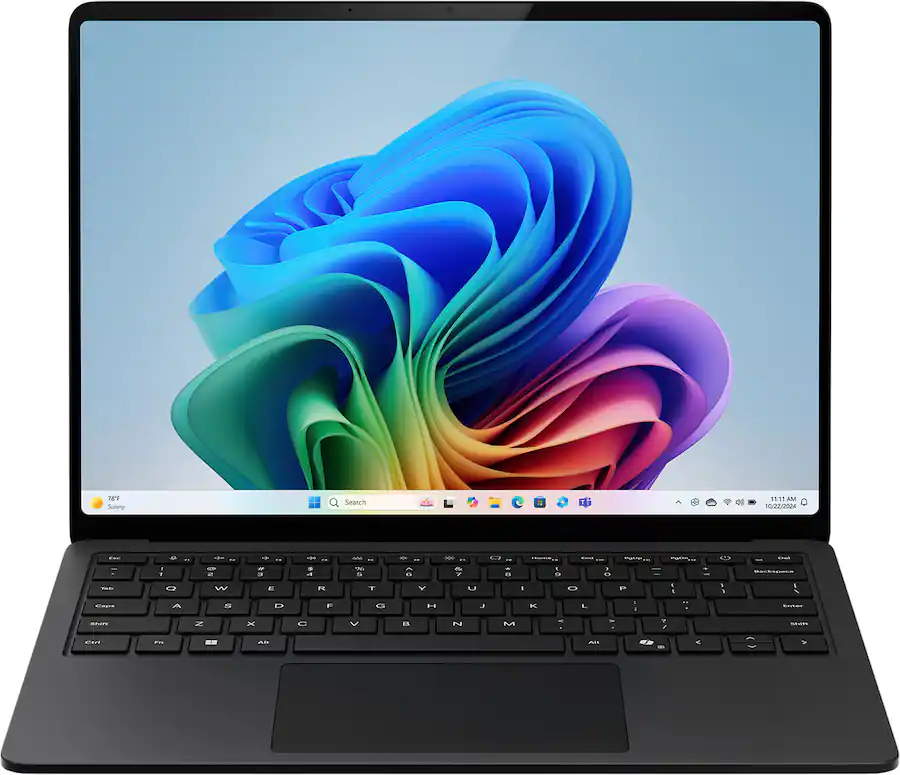
For basic office work, browsing, school, and media consumption, it is one of the nicer Windows laptops to use. However, Qualcomm compatibility issues remain, performance improvements over the Surface Laptop 7 are smaller than we hoped, and the new model is considerably more expensive.
Two Years Later, Not Much Has Changed
The Surface Laptop 8 is extremely similar to the Surface Laptop 7 from 2024, but that’s not necessarily a bad thing. We loved the Surface 7’s stylish, premium design, comfortable keyboard, excellent haptic trackpad, and upgradeable SSD. It was also one of the first laptops with Qualcomm’s Snapdragon X processors, which promised better battery life with less heat and fan noise than many Intel and AMD alternatives.
Alongside the Lenovo Yoga Slim 7x, it was one of our favorite early Snapdragon laptops. The Surface offered the more polished overall experience, while the Slim 7x stood out for its performance, battery life, display, and keyboard. The problem is that two years later, the laptop market has moved on considerably.
Our Problems With the Original Surface Laptop
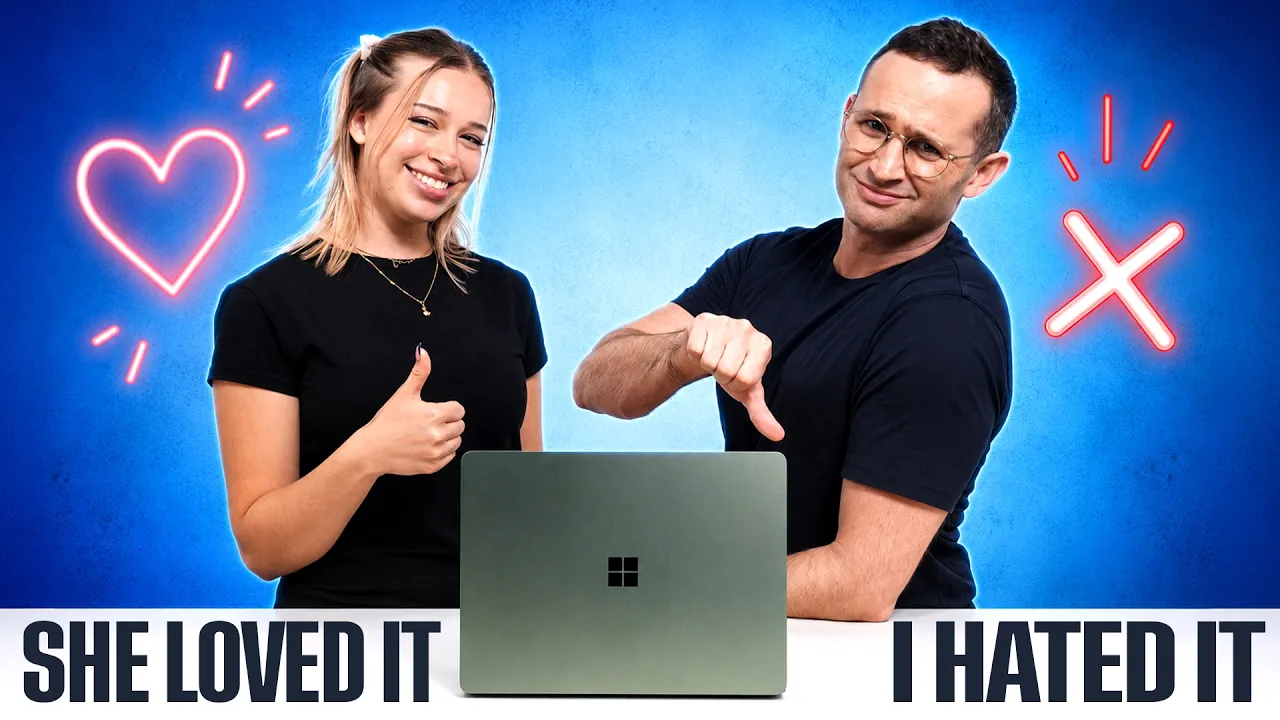
Josh actually switched to the Surface Laptop 7 as his daily driver, but Windows on ARM compatibility quickly became a problem. His favorite game wouldn’t run, his dock didn’t work properly, and real-world battery life on his X Plus model rarely exceeded five hours. It could also get noticeably warm, even during light use.
Since then, Intel has significantly improved the efficiency of its processors, reducing one of Qualcomm’s biggest advantages. So, with the new Snapdragon X2-powered Surface Laptop 8, we hoped Microsoft would finally address these shortcomings. Unfortunately, it only fixes some of them.

The Surface Laptop 8 improves on its predecessor, but trails the faster Yoga Slim 7x and MacBook Pro 14.
The Surface Laptop 8 does feel noticeably snappier than its predecessor, likely thanks to improved single-core performance and more Windows apps running natively on ARM. However, the benchmark gains aren't as significant as we hoped. In Geekbench, multi-core performance improved by around 15% with the X Plus and just 5% with the X Elite. In Cinebench, the X Plus gained roughly 10% in multi-core and a more impressive 23% in single-core performance.
That stronger single-core result helps explain the smoother everyday experience, but overall performance gains are underwhelming after two years. The huge Snapdragon X2 improvements shown at launch largely came from an 18-core X2 Elite chip compared with older 12-core models, and those higher-core-count chips aren't available in these Surface configurations.
Windows on ARM Compatibility Still Isn't Fixed
Windows on ARM has improved over the last two years, and the Surface Laptop 8 is fantastic for web browsing and Microsoft Office. However, compatibility remains a concern. Josh’s game still won’t run, and his dock continues to have issues, particularly when connecting an external monitor.
Professional apps like Adobe’s suite now have much better ARM support, but Qualcomm’s basic integrated graphics limit performance for demanding workloads. If you rely on specialist software, games, or accessories, we recommend checking Windows on ARM compatibility before buying.
Battery Life Hasn't Improved Much Either

The X2 Elite Surface Laptop 8 leads our office battery test at just over 15 hours.
We hoped for a substantial battery life improvement, but the X Plus Surface Laptop 8 lasted roughly as long as its predecessor. In Josh’s real-world use, it gained only around 30 minutes, bringing battery life to approximately five and a half hours.
The X Elite model performed considerably better in our testing. While most buyers probably don’t need its extra performance, the longer battery life may justify the upgrade.
Heat and Fan Noise Remain
The Surface Laptop 8 still gets noticeably warm, especially while charging or under load. During a Dropbox sync, we measured around 45°C near the WASD keys, and our X2 Elite model ran hotter than the fanless MacBook Air while also producing audible fan noise.
We wouldn’t buy the Surface for performance-heavy workloads. For most buyers, the X Elite’s biggest advantage is its longer battery life rather than its extra performance.
The Biggest Problem Is the Price
The Surface Laptop 8’s higher price makes its shortcomings harder to overlook. According to our BestLaptop.deals price tracking, a Surface Laptop 7 with an X Plus processor, 16GB of memory, and 512GB of storage could be found for around $900, while the comparable Surface Laptop 8 costs around $1,200 on sale.
That’s $300 more for a very similar laptop. Beyond the newer processor, there are few meaningful upgrades to the design, weight, or ports, making the Surface Laptop 8 a frustrating upgrade from an enthusiast’s perspective.
The Display Is Excellent
The Surface Laptop 8’s display is one of its strongest features. Our X Elite model has improved Adobe RGB and P3 color coverage, gets bright, and reaches around 200 pixels per inch for crisp text.
You also get a smooth 120Hz refresh rate and touchscreen support, giving the Surface a notable advantage over 60Hz laptops like the MacBook Air.
Comfortable Keyboard and Excellent Trackpad
The Surface Laptop 8’s keyboard is comfortable enough, with a standard layout, quiet keys, and a backlight. Its low noise makes it particularly well suited to classrooms, lectures, and meetings.
The haptic trackpad is a bigger highlight. Tracking feels precise and natural, while two-finger scrolling is smooth and responsive. Combined with the touchscreen, it helps give the Surface Laptop 8 its polished, premium feel.
Speakers and Webcam Are Less Impressive
The speakers are fine for casual use but sound noticeably flatter than something like the MacBook Pro 14, while the webcam is fairly grainy. Neither is a standout feature of the Surface Laptop 8.
So, Should You Buy the Surface Laptop 8?
The Surface Laptop 8 is best suited to everyday users who value a premium design, great display, and excellent trackpad. At around $1,200–$1,400 on sale, it’s competitive, but Intel and AMD alternatives offer broader compatibility.
If you’re open to macOS, we’d generally choose the MacBook Air for its lighter design and fewer compatibility issues, although the Surface has a better 120Hz touchscreen. At MacBook Pro 14 pricing, we’d choose the MacBook Pro instead. Among Qualcomm laptops, Josh prefers the lighter, more powerful Yoga Slim 7x, but the Surface feels more premium and has a much better trackpad.
Ultimately, the Surface Laptop 8 is great for basic use, but it hasn’t improved enough in two years. With prices fluctuating, we’d recommend checking the latest deals before buying.