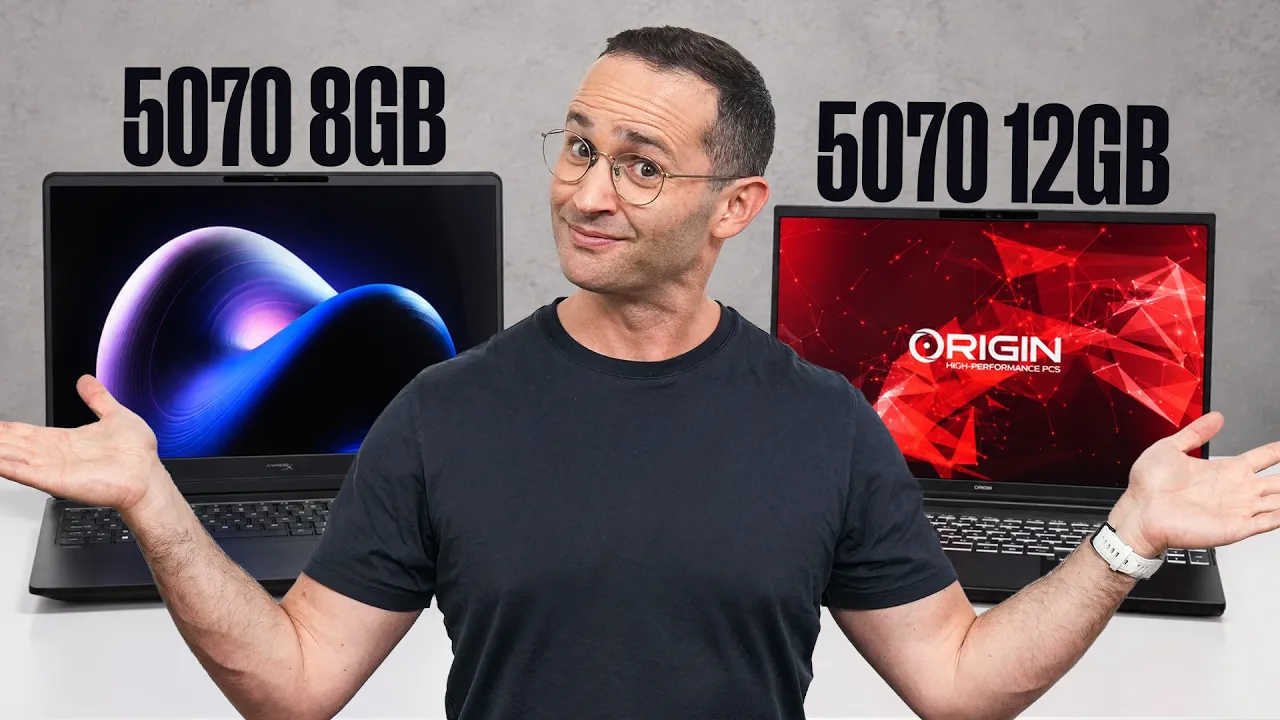
The RTX 5070 12GB can make a real difference, but not in every game
The RTX 5070 laptop GPU is available with either 8GB or 12GB of VRAM, and on paper the extra memory sounds like an obvious upgrade. But how much does it actually matter?
We tested both versions across graphically intensive games, eSports titles, creative applications, and other workloads to find out where the extra 4GB helps and where it doesn't.
The answer is more nuanced than simply saying that 12GB is better. In some demanding games, 8GB can cause serious performance problems, particularly at higher settings with ray tracing. In other games, there is essentially no difference at all.
More importantly, the 12GB RTX 5070 is expensive enough that you have to consider the RTX 5070 Ti instead. If you're willing to sacrifice some portability, a 5070 Ti laptop can offer substantially more GPU performance for similar money.
Testing the RTX 5070 8GB vs 12GB
We tested an HP Omen 16 with an RTX 5070 8GB against an EON 15-S, also known as the Thunderobot Zero Air 15 in some markets, with an RTX 5070 12GB.
Both laptops use the same CPU, have at least 32GB of system memory, feature 2560 x 1600 displays, and can supply the RTX 5070 with its maximum 115W power limit. The main difference we're interested in is the VRAM: 8GB versus 12GB.
There is one important caveat. We wanted to test the GPUs in identical laptops, but the only system we had that allowed this was the Framework 16, thanks to its replaceable GPU modules. Nvidia's drivers initially didn't enable the 12GB Framework GPU, so our main testing was done on the Omen and EON.
A later Nvidia driver enabled the 12GB Framework module, allowing us to spot-check our most important results. The findings were unchanged.
However, don't look at the graphs and assume every difference is caused by VRAM. The EON consistently performed around 5–10% better than the Omen even in situations where VRAM wasn't a limiting factor.
That distinction becomes particularly important in games like Hogwarts Legacy and Marvel Rivals.
When 12GB of VRAM Actually Matters
The biggest differences showed up in newer, demanding games where higher-quality settings can push beyond the 8GB VRAM limit.
The clearest examples were Indiana Jones and the Great Circle, Forza Horizon 6, and Elder Scrolls 4: Oblivion Remastered.
These aren't cases where the 12GB model simply produces a few extra frames. In some situations, the additional VRAM allows settings that simply aren't practical on the 8GB version.
Indiana Jones and the Great Circle
Indiana Jones and the Great Circle was probably the clearest example of the limitations of 8GB.
On the Omen, we saw significant performance problems at anything above Medium quality. High settings were effectively unplayable with the 8GB RTX 5070.
We even tried dropping the output resolution to 1920 x 1080 rather than relying on upscaling, but this didn't solve the problem. The base rendering resolution of DLSS Quality at 2560 x 1600 is already similar to 1920 x 1080, so reducing the resolution didn't meaningfully change the situation.
The solution was simply to drop the quality settings to Medium.
At Medium, the 8GB RTX 5070 can run the game well. So it's not that the 8GB card can't play Indiana Jones. It's that you're forced to make a much larger settings sacrifice.
Forza Horizon 6
Forza Horizon 6 showed another clear advantage for the 12GB configuration.
The RTX 5070 is powerful enough to run the game with ray tracing enabled at Ultra settings, but you need the 12GB version to do it. With 8GB, you have to drop to High.
The good news is that High settings save enough VRAM that you can still enable Medium ray tracing and get a playable experience. And the game still looks very good.
So this is a good example of what the extra VRAM actually buys you: not necessarily dramatically higher frame rates, but access to higher graphical settings.
Oblivion Remastered
Elder Scrolls 4: Oblivion Remastered was another game where the 12GB configuration clearly matters.
If you want Ultra quality and ray tracing, you need the 12GB RTX 5070. On the 8GB version, there is a substantial hit to the 1% lows and especially the 0.1% lows.
Those low-percentile results matter because they capture the moments when performance drops significantly below the average frame rate. A high average FPS doesn't necessarily mean a game feels smooth if the lows are poor.
Fortunately, dropping both quality and ray tracing to High makes the game playable on the 8GB RTX 5070.
Our Framework 16 spot check confirmed the same behavior: insufficient VRAM significantly affected the 1% and 0.1% lows, while 12GB was required for Ultra in Forza.
This is where things get interesting.
Hogwarts Legacy didn't show a meaningful benefit from the additional VRAM. The game simply doesn't use more than 8GB under the tested settings.
The Omen did have worse 1% and 0.1% lows, but we don't think that can be attributed to its lower VRAM capacity. We saw the same behavior even at Low settings, where VRAM wasn't a limiting factor.
This is why comparing these two laptops isn't a perfect way to isolate VRAM. The EON is simply a faster-performing system in general.
Cyberpunk 2077 tells a similar story.
At settings that are actually playable on an RTX 5070, the GPU isn't powerful enough to require more than 8GB of VRAM. You only start seeing an impact from insufficient VRAM after turning on ray tracing, disabling upscaling, and pushing the settings much higher.
The problem is that those settings aren't playable on the RTX 5070 anyway.
In other words, the VRAM limitation technically exists, but it doesn't matter in a practical gaming scenario because the GPU itself becomes the bottleneck first.
Marvel Rivals: VRAM Isn't the Limitation
Marvel Rivals was another useful test because it's a modern eSports title.
We saw only a small performance drop on the 8GB Omen, and VRAM usage stayed below 6GB across the tested settings. That makes it unlikely that the extra 4GB was responsible for the difference. Again, the EON's general performance advantage is the more likely explanation.
This is also an important point for anyone buying a laptop primarily for competitive games.
You don't automatically need 12GB of VRAM just because the GPU has the option.
Creative Work Doesn't Justify the 12GB Model
We also tested Premiere Pro and DaVinci Resolve using Puget benchmarks.
The difference between the two laptops was only around 5%, which again appears to be related to the EON being faster overall rather than the extra VRAM.
Video export showed a larger difference. The EON completed the test in about 8.5 minutes, while the Omen took around 9.5 minutes. Even so, the source testing doesn't consider this a large enough advantage to justify choosing the 12GB RTX 5070 specifically for video editing.
The same applies to local LLM workloads. The additional 4GB does allow you to run larger models, but not enough larger to make this alone a compelling reason to spend more on the 12GB version.
So, Who Should Buy the RTX 5070 12GB?
The 12GB RTX 5070 does unlock the GPU in a way the 8GB model doesn't.
In demanding games, you can sometimes move from High to Ultra, enable more ray tracing, or avoid the severe 1% and 0.1% low problems caused by running out of VRAM.
But there's a major problem: price.
The 12GB RTX 5070 laptops are expensive enough that RTX 5070 Ti laptops can sometimes cost the same or less. And the 5070 Ti is a more powerful GPU overall. The source testing found that moving up to the 5070 Ti can provide a significant step toward high-frame-rate gaming at decent settings.
The main reason to choose the 12GB RTX 5070 instead is portability.
The RTX 5070, 5060, and 5050 use a different motherboard platform from the 5070 Ti and higher GPUs. That gives manufacturers more flexibility to build smaller and lighter laptops.
The Legion 7 is a good example from our testing. It combines a relatively light and portable chassis with a 16-inch display, while also being quieter during lighter workloads than the EON we tested.
So if you want a genuinely portable gaming laptop and you're willing to pay for the higher-end configuration, the 12GB RTX 5070 makes more sense.
RTX 5070 8GB Is Still a Viable Option
If affordability is more important than getting the absolute highest settings, don't automatically rule out the 8GB RTX 5070.
In general, dropping from Ultra to High makes most games very playable. This is especially relevant now that upscaling has become common.
At 2560 x 1600, technologies such as DLSS don't necessarily render every frame at the display's native resolution. Instead, they can start with a substantially lower internal resolution and reconstruct the image. That makes it considerably easier for a mid-range GPU to drive a high-resolution laptop display.
So while 8GB is becoming more restrictive, it isn't suddenly useless.
The bigger concern is longevity. Games are continuing to become more demanding, and VRAM requirements can increase over time. If you plan to keep your laptop for many years, the 8GB model carries more risk of becoming restrictive.
There's another factor worth considering for eSports gamers: the CPU.
In many competitive titles, we've found that the CPU can matter more than the GPU. The source testing specifically notes that VRAM isn't a major concern for eSports titles and may not be for the next couple of years.
So a laptop with a stronger CPU and an RTX 5070 8GB could make more sense for an eSports-focused buyer than spending extra for 12GB of VRAM.
Conclusion
The RTX 5070 12GB solves a real problem.
In games like Indiana Jones and the Great Circle, Forza Horizon 6, and Oblivion Remastered, the extra VRAM can allow substantially higher settings or prevent major drops in 1% and 0.1% lows. The Framework 16 spot checks backed up those findings.
But the 12GB version isn't universally faster. Hogwarts Legacy, Cyberpunk 2077 at playable settings, and Marvel Rivals showed that 8GB can still be enough, and the differences between the test systems can't always be attributed to VRAM.
For creative work, the advantage is also relatively small, with the source testing finding only around a 5% difference in Premiere Pro and DaVinci Resolve.
The biggest issue is therefore price.
If you want the smallest and lightest gaming laptop possible, the RTX 5070 12GB is an interesting option because it gives this relatively compact class of laptop more room to handle demanding games.
If you want the most performance for your money, however, the source's testing points toward looking at an RTX 5070 Ti or RTX 5080 instead and accepting a larger, less portable laptop.
And if you're trying to spend less, the RTX 5070 8GB remains a viable choice. You just need to be comfortable using High rather than Ultra settings in the games where VRAM becomes a limitation.