The laptops I'll buy for $1000 (Lenovo IdeaPad Review)
November 17, 2026
|
The laptops I'll buy for $1000
Summary
Today, we share with you the laptops I would currently buy for $1000 in today's market, and we review which laptops are worth buying, including Lenovo's popular IdeaPad.
Table of contents:
Why I’d Buy This $1,000 Lenovo Over More Expensive LaptopsA Premium Experience for LessAn Excellent OLED DisplayA Well-Built Chassis and Good Port SelectionOne of the Best Keyboards AroundPerformance: Good Enough for Most PeopleGaming and Creative PerformanceCool, Quiet, and Comfortable to UseConclusion: Excellent Value Around $1,000
Why I’d Buy This $1,000 Lenovo Over More Expensive Laptops
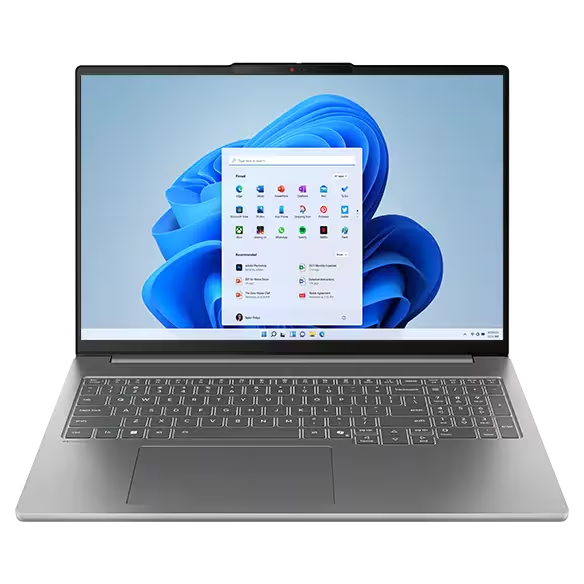
The Lenovo IdeaPad Pro 5 is one of the best-value laptops we've tested around the $1,000 price point. While it sacrifices some gaming and processing performance compared to more expensive alternatives like the Gigabyte Aero X16, it makes up for it with a beautiful OLED display, a comfortable keyboard, a lightweight chassis, and impressively quiet operation.
A Premium Experience for Less
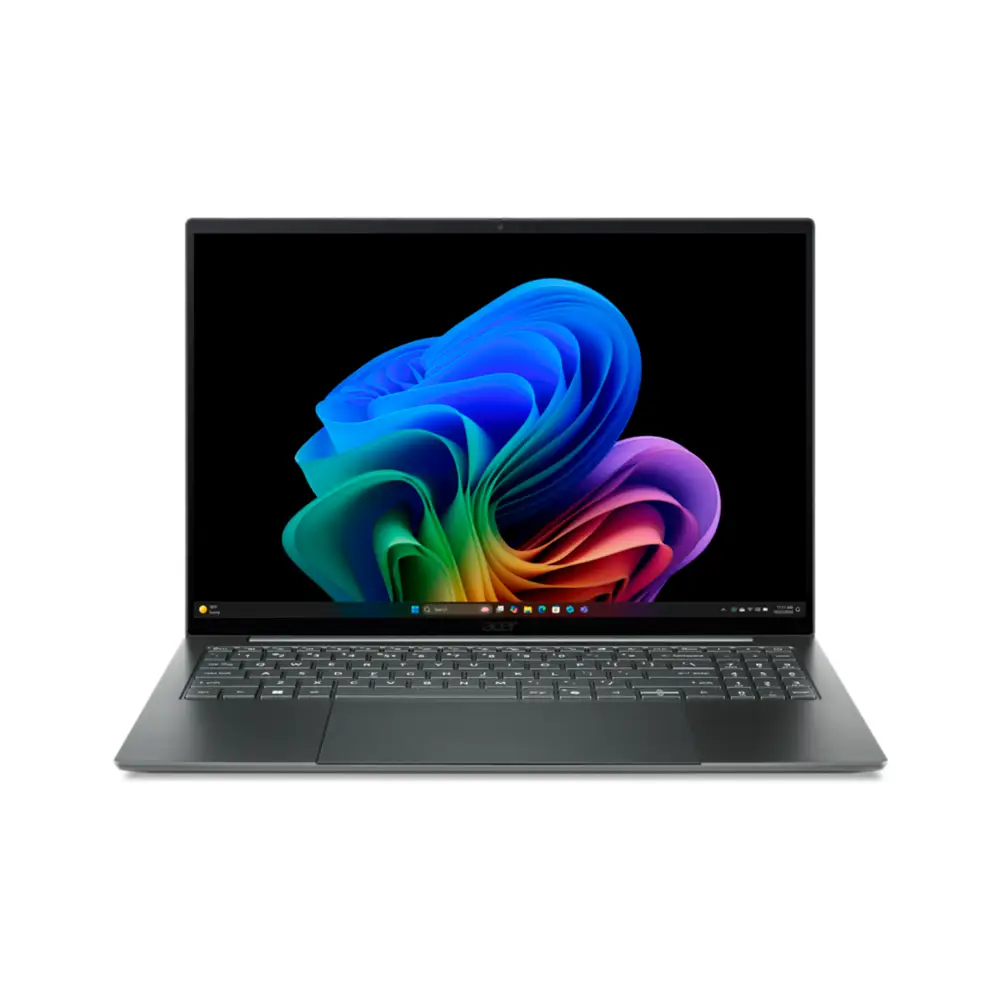
The Gigabyte Aero X16 has been one of our best-selling laptops, and it's easy to understand why. For around $1,300, you get an RTX 5070, 32GB of memory, and a high-resolution display in a relatively slim chassis.
However, we think the IdeaPad Pro 5 is a compelling alternative that costs around $300 less.
Despite its lower price, the IdeaPad feels more premium in several important areas. It's lighter, has a significantly better display, and offers one of the more comfortable keyboards we've tested. The trade-off is that this particular configuration comes with 16GB of memory instead of 32GB and an RTX 5050 instead of an RTX 5070.
For many people, that's a worthwhile compromise. You're getting a higher-quality everyday laptop while saving a considerable amount of money.
It's worth noting that the $1,000 model we're reviewing is the previous-generation Gen 10. Lenovo has since introduced a Gen 11 version, which is essentially the same laptop but with Intel's newer Core Ultra Series 3 processor. The main differences are additional CPU performance and potentially better battery life.
An Excellent OLED Display
The display is arguably the biggest reason to buy the IdeaPad Pro 5.
It features a 2880 x 1800 OLED panel with excellent color coverage, deep blacks, and vibrant colors. This makes it particularly appealing for content creators who need accurate-looking colors, something the Gigabyte Aero X16's display struggles with.
Text also looks exceptionally sharp thanks to the high resolution. We were able to reduce display scaling and fit more content on screen without making everything difficult to read. That's particularly useful for productivity tasks like working in Excel or writing code.
Brightness is another strong point, with the panel exceeding 500 nits.
There are two compromises, though. Firstly, it's not a touchscreen. Secondly, the glossy finish makes it quite reflective. If you're frequently working near windows or in brightly lit environments, you'll need to be mindful of your viewing angle. The Aero X16 has an advantage here with its matte display.
A Well-Built Chassis and Good Port Selection
The IdeaPad Pro 5 has a competitive build quality for its price. While the HP OmniBook 16 feels more rigid and modern, the Lenovo is noticeably lighter.
We also appreciate that the charging port is positioned at the back of the laptop. This keeps the cable out of the way, particularly if you're using a mouse. The Aero X16's charging port is positioned further forward, which can be inconvenient for left-handed users.
Lenovo provides a good selection of ports, including two 40Gbps USB-C ports that support charging, two USB-A ports, HDMI, and an SD card reader. The only disappointment is that the SD card reader is relatively slow.
We would also have liked to see USB-C charging on both sides of the laptop. Although a 140W USB-C charger is sufficient to power the machine, Lenovo still includes its proprietary charging solution rather than making USB-C the primary charging option.
One small annoyance is the power button's placement on the right side of the chassis. It's possible to press it accidentally when picking up the laptop, although you do need to hold it down for a moment before it registers.
One of the Best Keyboards Around
The keyboard is another area where the IdeaPad Pro 5 stands out.
Compared to the Aero X16, which has noticeable keyboard deck flex and a somewhat mushy typing experience, the Lenovo feels much more solid. Its keys have ample travel and a satisfying click without being particularly loud.
This makes it a great keyboard for working in quieter environments like classrooms or meetings.
Lenovo has also included larger arrow keys, a small number pad, and a multi-stage backlight with automatic brightness adjustment. Unfortunately, the backlight isn't particularly well implemented. Too much light escapes around the keys, which can be distracting when looking at the keyboard from certain angles.
The trackpad is considerably less impressive. It's a basic mechanical design with a loud, inexpensive-feeling click. Accuracy also suffers when clicking near the left or right corners. We'd recommend using an external mouse if you're particular about trackpads.
The speakers are similarly average. They lack bass and stereo separation, and sound becomes somewhat muddy at higher volumes. They're fine for occasional video watching, but nothing special. They're also downward-facing, so placing the laptop on a blanket can further reduce sound quality.
Performance: Good Enough for Most People
The IdeaPad Pro 5's biggest compromise is performance.
Our configuration uses AMD's Ryzen 7 350 processor. It's a capable chip for everyday productivity, but it falls behind Intel's newer Core Ultra Series 3 H processors in both performance and efficiency.
It's worth distinguishing these H-series processors from the lower-powered Core Ultra Series 3 chips found in many thin-and-light laptops. The Ryzen 7 350 is actually more powerful than those lower-end alternatives.
It falls behind on power efficiency. Intel's newer H-series chips deliver better performance while consuming less power, while Apple's M5 remains particularly impressive in this regard.
For everyday tasks, however, the Ryzen processor is perfectly usable. Office applications, web browsing, and general productivity aren't a problem.
Battery life is also respectable. We measured over 9.5 hours in our testing, and CPU performance doesn't take a hit when running unplugged.
Gaming and Creative Performance
The RTX 5050 gives the IdeaPad Pro 5 some dedicated graphics capability, but don't expect it to perform like a traditional gaming laptop.
Although the GPU is rated for up to 105W, the laptop's overall power budget appears to be limited to around 95W across the CPU and GPU. During gaming, we couldn't get the graphics card to draw much more than 75W while the processor was also being used.
In our testing at 2560 x 1600, this translated to around 60 FPS on average, with 1% lows around 45 FPS at medium settings. More demanding games may require low settings to keep the experience smooth.
Upscaling can also help in particularly demanding titles. For example, we used balanced upscaling in Cyberpunk 2077 when the laptop struggled to maintain 60 FPS.
For creative workloads, the results are more encouraging. In Premiere Pro, the IdeaPad performed similarly to the base M5 MacBook Pro 14. It actually pulled ahead in DaVinci Resolve, although it fell considerably behind in Photoshop, likely due to its weaker single-core CPU performance.
That said, there's still enough performance here for occasional photo editing and video work.
Cool, Quiet, and Comfortable to Use
One unexpected benefit of the IdeaPad's modest performance is just how well it manages heat and fan noise.
During light workloads, the fans are almost completely inaudible. Even when pushing the processor harder, temperatures remain reasonable, and the keyboard deck stays comfortably cool, well below 40°C.
Gaming is similarly impressive. The laptop doesn't become excessively warm, and fan noise remains reasonable compared to many dedicated gaming machines.
This is an important advantage if you want a laptop that can handle occasional demanding tasks without sounding like a jet engine every time you open a game or application.
Conclusion: Excellent Value Around $1,000
If you can find the Lenovo IdeaPad Pro 5 for around $1,000, we think it's a phenomenal deal.
It delivers an excellent OLED display, a comfortable keyboard, a lightweight chassis, respectable battery life, and impressively quiet operation. It's a genuine all-rounder that can handle a wide variety of tasks without excelling at any particular one.
Its main compromises are the 16GB of memory in this configuration, modest gaming performance, and a disappointing trackpad. But for most people, those are reasonable sacrifices at this price.
If gaming performance is your priority, the Gigabyte Aero X16 is a worthwhile step up. Its RTX 5070 and 32GB of memory make it considerably more capable, although you'll be sacrificing some of the Lenovo's advantages in display quality and everyday usability.
As for the newer Gen 11 IdeaPad Pro 5, the Intel Core Ultra Series 3 processor should bring improved CPU performance and battery life. We'd consider spending around $300 more for that upgrade, or up to $500 more if the configuration also includes 32GB of memory.
Ultimately, the IdeaPad Pro 5 is a great example of why you don't always need to spend more to get a better laptop experience. Just make sure you're getting a good price.
Before buying, check BestLaptop.Deals to see how the current price compares with historical sales. You can also set up price-drop notifications if the laptop you're interested in isn't currently on sale. Laptop prices tend to fluctuate regularly, so waiting for the next sale could save you a considerable amount.