The Worst Laptops We've Reviewed in 2026
Some laptops are worth skipping, even when they look like a great deal.
Summary
We've tested plenty of laptops this year, and while most of the products we review have something worth recommending, a few have fallen short. In some cases, the compromises were too significant to justify a full review.
From budget laptops with terrible displays to high-end gaming machines that are simply too loud, these are the laptops that left us disappointed. That doesn't necessarily mean they're wrong for everyone, but their drawbacks are worth understanding before you spend your money.
Here's what we found.
Lenovo IdeaPad Slim 3: A Budget Laptop with Too Many Compromises
The Lenovo IdeaPad Slim 3 15 is designed to be an affordable laptop, and its low price is about the only thing that makes it appealing. We did find a couple of positives, including its relatively lightweight design and a keyboard that's better than what you'll find on many budget laptops.
Unfortunately, those advantages aren't enough to overcome its major problems.
A Display That's Difficult to Enjoy
The biggest issue with the IdeaPad Slim 3 is its display. Our model came with a dim TN panel that has poor colors and extremely limited viewing angles. Even when sitting directly in front of the screen, parts of the image can appear washed out.
While the laptop has a 15.6-inch display, the poor viewing experience makes it feel like you're getting considerably less usable screen space. It's not the kind of panel we'd want to spend hours working on.
Performance is another major weakness. The laptop uses a Ryzen 5 40 processor based on the older Zen 2 architecture, rather than AMD's newer Zen 5 designs. Our testing showed very poor results, including an inability to complete one of our Cinebench 2026 benchmarks.
In Geekbench, the laptop performed at roughly half the level of some low-end competitors, including the MacBook Neo and XPS 13.
Our model also appeared to have just 6GB of RAM available, although it should have been 8GB. In everyday use, it was capable of handling basic web browsing and Excel, but it felt noticeably slower than modern laptops.
The display was such a problem that we ended up using an external 4K monitor instead. Even then, the laptop could only run it at 30Hz, which made for a frustrating experience.
What Should You Buy Instead?
If you're looking to spend around $400, we'd suggest exploring the refurbished or secondhand market. An M1 or M2 MacBook Air could be a much higher-quality option if you can find one for under $500.
For a new Windows laptop, the HP OmniBook 3 offers an OLED display and a Snapdragon X processor in this general price range. However, the Chuwi UniBook is another alternative worth considering if you want a nicer device.
The UniBook has a comfortable keyboard, a thin and well-built chassis, and a brighter IPS display with wider viewing angles. Its updated Core Series 3 processor also delivers substantially better performance than the IdeaPad's older Ryzen chip in our comparisons.
The display's colors aren't perfect, so users who prioritize color accuracy may prefer an OLED-equipped alternative such as the OmniBook 3.
Acer Nitro V 15: Affordable Gaming with Excessive Fan Noise
The Acer Nitro V 15 was a laptop we genuinely wanted to like. At around $900, it offered a reasonable combination of a capable processor and an RTX 4050 graphics card, making it seem like a promising option for budget-conscious gamers.
There are several things to appreciate here. It's relatively compact and lightweight for a gaming laptop, the build quality is solid, and the keyboard is surprisingly good. The trackpad is also fine, and gaming performance is adequate for the price.
In modern games at the laptop's native 1080p resolution and high settings, we recorded more than 60 FPS. On paper, that sounds like a compelling package.
However, testing uncovered two major problems.
The Fans Are Far Too Loud
The Nitro V 15 reached nearly 70dB under demanding workloads, making it the loudest laptop we've encountered in this category. While the aggressive cooling helps keep temperatures under control, the noise is extremely difficult to ignore.
Even when using Quiet mode for everyday tasks, the fans continued to turn on frequently. That made the laptop frustrating to use, even when it wasn't running demanding applications.
The RTX 4050 also isn't being given its full potential. Acer limits the GPU to 75 watts out of a possible 115 watts, which means it can underperform competing budget laptops that allow their graphics cards to run at higher power levels.
Alternatives Worth Considering
If you can find a Lenovo LOQ at a similar price, it could be a better option, even if you have to accept a heavier chassis. The LOQ's graphics card can receive more power, which helps it deliver better gaming performance.
The HP Omen is another option to look for when discounted. However, be cautious about configurations with only 8GB of RAM, which are common in this price range.
There's also an alternative worth considering if you already own a laptop that works well for everyday tasks but lacks gaming performance: an external GPU. The Gigabyte AORUS external GPU, featuring a desktop RTX 5060 Ti with 16GB of VRAM, can potentially turn a compatible laptop into a more capable gaming system through a fast USB-C connection.
This won't eliminate every limitation, particularly if your existing laptop has an older processor, but it may be worth exploring before replacing an otherwise functional device.
Gigabyte AORUS Master 16: Powerful Hardware, Uncomfortable Experience
The Gigabyte AORUS Master 16 takes a different approach from the other laptops on this list. Rather than trying to deliver basic functionality at a low price, it's designed to pack extremely powerful components into a relatively thin gaming chassis.
Our configuration featured AMD's Ryzen 9 9955HX3D processor and an RTX 5090 graphics card. The laptop is also 17% thinner than the previous generation and features a magnesium alloy chassis.
On paper, this is an impressive combination of portability and performance. In practice, however, the cooling system creates a serious problem.
The AORUS Master 16 performs very well for its form factor. Its high-end processor delivers excellent results, particularly in CPU-bound games, and the RTX 5090 provides strong gaming performance.
In Cyberpunk 2077, the laptop managed well over 100 FPS using Ultra settings and DLSS Balanced. Its CPU performance was also competitive with thicker, better-cooled gaming laptops.
The problem is that this performance comes at an unacceptable noise level.
We measured 67dB in the laptop's highest performance mode, and even Silent mode produces noticeable fan noise. During testing, one of our team members had to wear headphones just to work in the same room.
The laptop does keep itself relatively cool during intensive use, particularly around the keyboard, but the side-mounted vents direct hot air toward your mouse hand. That's another drawback for gamers who spend long periods using the device.
Other Compromises at a Premium Price
Fan noise isn't the only concern. Despite its price of well over $3,000, the AORUS Master 16 doesn't feel as premium as we'd expect.
The keyboard has 1.7mm of key travel but feels mushy, and its visual design isn't particularly appealing. The ports are also positioned far down the sides, which can cause connected peripherals to get in the way.
The display is a clear highlight. It features a high-resolution 2560 × 1600 OLED panel with a 240Hz refresh rate and brightness of up to 500 nits. It's an excellent screen for gaming and everyday use.
Still, a great display and strong performance don't completely offset the laptop's noise and design compromises.
What Should You Buy Instead?
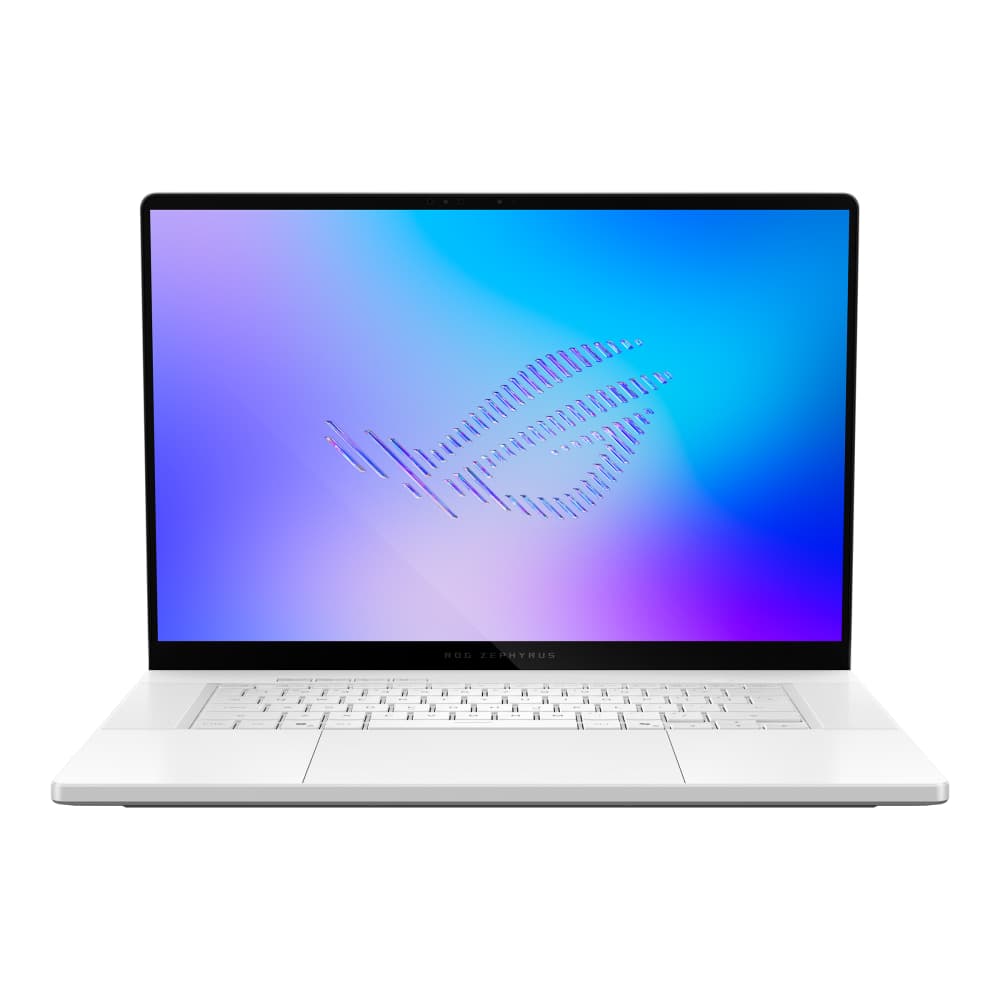
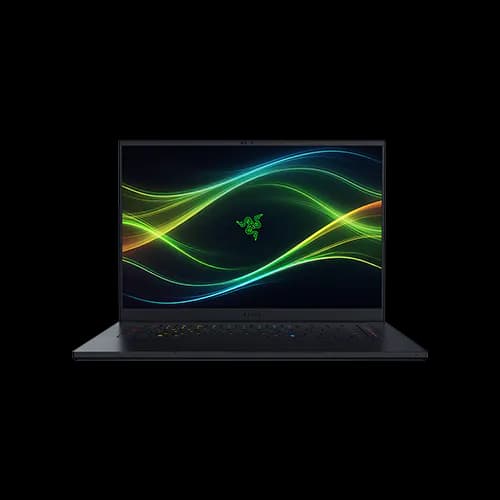
If you want a thinner gaming laptop, the Razer Blade 16 or ASUS ROG Zephyrus G16 may be worth considering. These devices make some performance compromises, but their designs are better suited to users who prioritize portability.
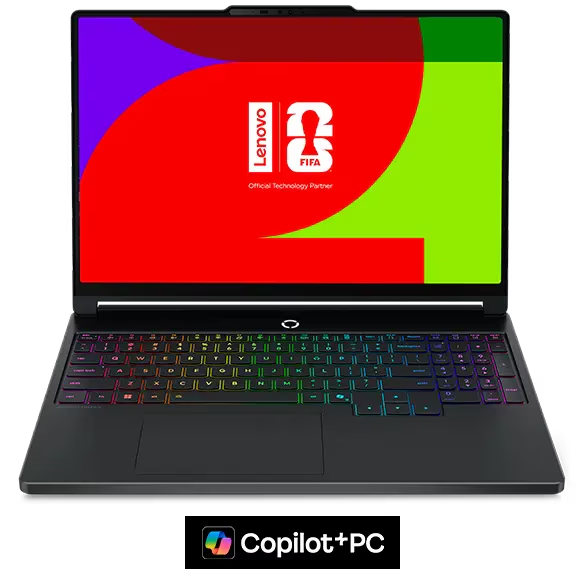
If maximum performance is your priority, a thicker laptop such as the Lenovo Legion Pro 7i or HP Omen Max 16 may be a better fit. Larger chassis designs generally provide more room for cooling powerful hardware.
For users who want strong CPU performance in a portable machine but don't need a high-end GPU, the updated Lenovo Legion 5i with Intel's 290HX Plus processor is another option to explore.
Ultimately, we'd only consider the AORUS Master 16 at a substantial discount, and only if you're comfortable with its fan noise.
What to Consider Before Buying
These laptops highlight a common problem with laptop shopping: impressive specifications and attractive prices don't always translate into a good experience.
The IdeaPad Slim 3 shows why you shouldn't focus on price alone. A low-cost laptop with a poor display and weak performance can end up being frustrating to use, even for basic tasks.
The Acer Nitro V 15 demonstrates that a gaming laptop can offer reasonable performance while still having major issues with acoustics and power limits.
Meanwhile, the AORUS Master 16 shows the limitations of putting extremely powerful hardware into a relatively thin chassis. Performance is impressive, but the cooling system can make the laptop difficult to live with.
Of course, these recommendations are based on what works for the majority of users. If you're comfortable with a particular compromise, one of these laptops might still meet your needs.
That's why we make our testing data available on our website, even for laptops that don't receive a full video review. You can explore performance graphs and compare devices to find the right fit for your budget and priorities.
Before buying, consider how you'll actually use your laptop, what compromises you're willing to accept, and whether a competing model offers a better overall experience. A laptop that looks good on paper isn't necessarily the right choice for you.
Pros
- Strong battery life for a gaming laptop
- Doesn't feel warm while gaming
- Very portable for a 16-inch gaming laptop
- One of the few thin gaming laptops that can come with high end RTX graphics
Cons
- Extremely expensive
- Usually only feeds around 120-140 watts to its GPU, less than the 160 watts advertised
- No haptic trackpad, which feels like a miss at this price