Alienware 16 Area-51 Review: Better OLED, Same Big Problems
Summary
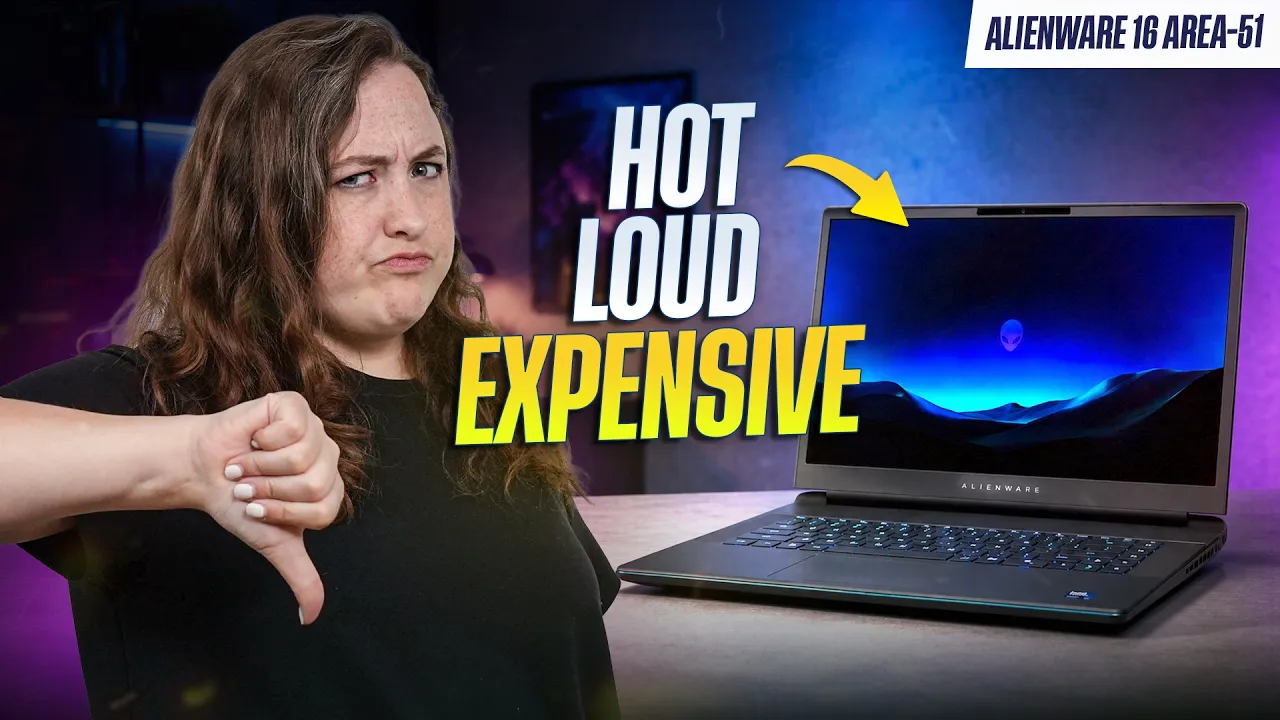
The updated Alienware 16 Area-51 finally gets the OLED display many buyers wanted, along with Intel’s newer Core Ultra 9 290HX Plus processor. On paper, that sounds like a meaningful upgrade. In practice, this laptop is still too big, too loud, too warm, and too expensive for most people.
It is slightly better than last year’s model, but not enough to justify the much higher price. For most buyers, the Lenovo Legion Pro 7i is still the better gaming laptop.
Alienware gives you multiple performance modes, but neither of the main options is ideal.
Overdrive mode delivers the best performance, but the fans run extremely loud, even during light use. The fan pitch is also fairly annoying, so this mode only makes sense if you are wearing headphones.
Performance mode is easier to live with. It keeps fan noise lower during lighter tasks and still reaches around 95% of Overdrive’s performance in some games while using less power. The problem is heat. The keyboard deck gets warm, especially around the WASD keys.
Unfortunately you are forced to choose between loud fans or uncomfortable surface temperatures.

Max CPU Performance - Cinebench 2026 Single Run
The new Intel Core Ultra 9 290HX Plus is a strong processor, but the Alienware does not get the most out of it. The Lenovo Legion Pro 7i with the same chip performs better in several tests.
Compared to last year’s Area-51, CPU gains are fairly small. In Cinebench, the new Alienware performs well, and Performance mode only drops by about 5% compared to Overdrive. It also stays ahead of AMD’s Ryzen 9 9955HX3D in some CPU-heavy workloads.
The downside is power draw. Intel’s new HX chips use noticeably more power than AMD’s competing chip for a smaller performance gain, which contributes to the Alienware’s heat and fan noise issues.
The new Alienware 16 Area-51 still uses an RTX 5080, just like last year’s model. In synthetic GPU benchmarks, the updated model is slightly faster, but the difference is not huge.
In real games, the story is similar:
Cyberpunk 2077 performance is close to last year’s model.
Frame Generation improves average FPS, but 1% lows can suffer.
Forza Horizon 5 average FPS is strong, but 1% lows trail the Legion Pro 7i.
Marvel Rivals shows the Legion Pro 7i ahead with the same GPU.
Overall, this is still a powerful gaming laptop, but it does not deliver enough of a leap over last year’s model or enough of an advantage over the Legion Pro 7i.
Creator Workloads: Mixed Results
For creators, the new Alienware is a mixed upgrade. Premiere Pro and DaVinci Resolve performance is similar to last year’s model, while Photoshop sees a roughly 12% boost from the newer CPU. Real-world video rendering is also about 13% faster, even in Performance mode, but Blender performance is mostly unchanged. Creators will see some benefits, but not enough to make this an obvious upgrade.
Battery Life: Extremely Poor

Battery Rundown - Office Tasks
Battery life is one of the worst parts of the new Alienware 16 Area-51. Gaming laptops are rarely great on battery, but this one performs badly even compared to other gaming laptops. It lasts less than half as long as the Legion Pro 7i with the same processor and also trails AMD-based competitors like the ASUS Strix G16.
Part of the issue may be that the Alienware does not offer an easy way to disable the dedicated GPU when unplugged, while Lenovo and ASUS do. Combined with its large size and heavy chassis, the Area-51 does not work well as an actual portable laptop.
OLED Display: Better, But Not a Game-Changer
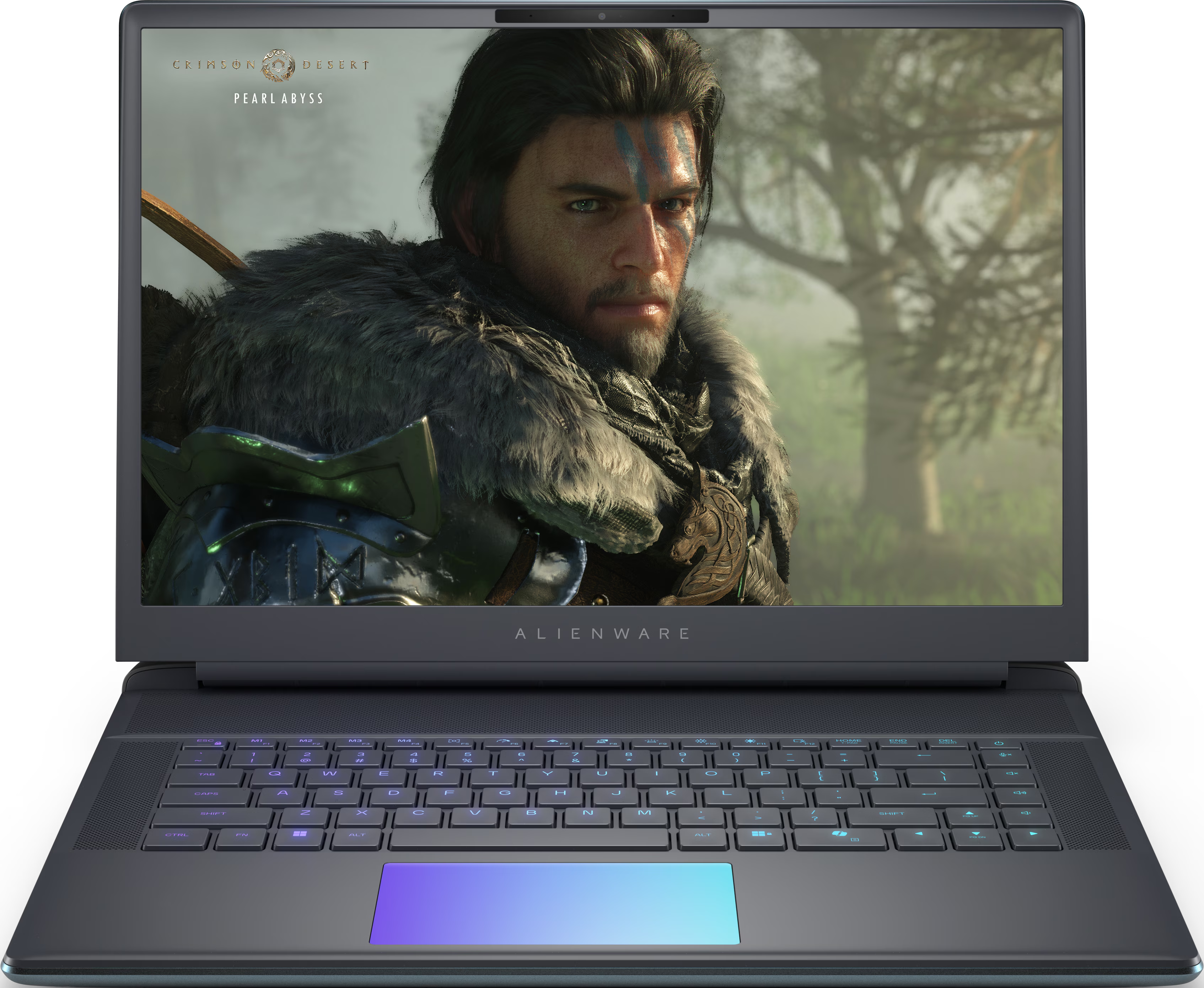
The new OLED screen is one of the best upgrades. It has a 2560x1600 resolution, a 240Hz refresh rate, and noticeably better colors than the old IPS panel.
However, there are trade-offs. The anti-glare coating reduces reflections better than a glossy OLED, but it also makes the panel look slightly less vibrant than other OLED laptops. It lands somewhere between the older matte IPS display and the more colorful OLED panel on the Legion Pro 7i. Brightness is also lower, with the OLED reaching around 400 nits compared to roughly 600 nits on the previous IPS panel. It is a good screen, but not enough to justify the large price jump by itself.
What Alienware Still Gets Right
The Alienware 16 Area-51 is not all bad. It still has some genuinely premium features:
It has excellent build quality, a unique design, subtle rear RGB lighting, a full-size SD card reader, Thunderbolt 5, Wi-Fi 7, upgradeable storage, and an extra SSD slot.
The front edge of the chassis is also more comfortable than many thick gaming laptops, and the optional mechanical keyboard is excellent. Unfortunately, that mechanical keyboard is now tied to the more expensive OLED version with the new CPU.
Conclusion: Buy the Legion Pro 7i Instead
The Alienware 16 Area-51 OLED is slightly better than last year’s model thanks to its nicer OLED display, newer Intel CPU, and excellent build quality, but the core problems remain. It is still too expensive, too heavy, too loud, too warm, and its battery life is terrible. For most people, the Lenovo Legion Pro 7i is the better buy, while the ASUS Strix Scar 16 is also worth considering. If you really want an Alienware, the larger Area-51 18-inch makes more sense because it feels cooler in real-world use, and neither machine is especially portable anyway. The Alienware 16 Area-51 is impressive in some ways, but at this price, “impressive” is not enough.
Pros
- Performs well amongst competitors
- Thunderbolt 5
- Full-Sized SD Card Reader
- Has both IPS and OLED matte screen options
- Has a very good mechanical keyboard option.
Cons
- Extremely heavy
- Feels warm even in light use, unless the fans are running faster, which makes it very loud.
- Soldered Wi-Fi card (though it is Wi-Fi 7)
- No Ethernet Port
- Very poor battery life, even for a gaming laptop.