Gaming laptops can be great for students, especially those studying fields that require more powerful hardware, such as Engineering, Computer Science, or 3D modeling.
The most important part of a gaming laptop is the GPU.
If you mainly play lighter or competitive games such as Counter-Strike and League of Legends, a basic graphics chip such as the RTX 5050 can be enough. For more graphically demanding games, we recommend looking for something around the RTX 5060 or better. Lastly, if you want high frame rates in demanding games or want to use the highest quality settings, we recommend a laptop with an RTX 5070 Ti or RTX 5080.
In many situations, this is enough as a guideline for which GPU is the best choice for you, but it is more complex than that. A manufacturer can feed these GPUs different power levels, which can lead to widely different performance across multiple laptops even though they basically have the same spec sheet.Even though the Aero X16 has better cooling capacity, the low-powered GPU holds it back from reaching its full potential, making it lag behind the smaller Blade 14.
Even though the Aero X16 has better cooling capacity, the low-powered GPU holds it back from reaching its full potential, making it lag behind the smaller Blade 14.

Even though the Aero X16 has better cooling capacity, the low powered GPU holds it back from reaching its full potential, and therefore making it lag behind the smaller blade 14.
For example, in our Gigabyte Aero X16 with an RTX 5070, the GPU is only fed 85 watts instead of its 115-watt maximum. When compared to a laptop such as the Blade 14 with the same GPU, though fully powered, we get worse performance.
Generally, thin laptops are where you need to pay attention to GPU power limits as a thicker laptop is more likely to feed its GPU near max wattage. We still recommend double-checking this even with thicker laptops before you buy one.
Choosing a CPU
If the CPU is not powerful enough, it will hold back the expensive graphics chip. This is especially true in competitive games where high frame rates depend heavily on your CPU's performance.
Our general rule is to pair a high-end GPU with a high-end CPU for most gaming needs. Competitive eSports players can look past this general rule of thumb, as a mid-range GPU with a very fast CPU can work for them. Most games in this category are more often CPU-bound than GPU-bound.
The last piece of advice is to be careful with processor names, as some "newer-sounding" chips are based on much older architectures. An example is the Ryzen 7 170, which uses AMD's old Zen 3 architecture from 2020 and which we advise avoiding at all costs.
VRAM matters
The RTX 5070 comes in two versions of the same card, but with different amounts of memory: one 8GB and the other 12GB. If you want to play games at high resolution (2560 x 1600) with high-quality textures, the 12GB is the optimal pick. The 8GB is still powerful, but it has the same power with less built-in memory. You may need to tweak and reduce texture-related settings or be okay with using upscaling.
No less than 16GB of memory
For most gaming, 16GB is sufficient; for more demanding titles, we recommend 32GB if you have the option. If you choose the 16GB option, we recommend checking whether the laptop you're buying has upgradeable RAM and whether it comes with one 16GB stick or two 8GB sticks. This can affect performance by reducing memory bandwidth if you have only one stick.
Get a Good Display
For students, a higher-resolution panel where possible, as a sharper screen causes less fatigue during longer sessions. In addition, the smaller text will look sharper, giving you more workspace than you would on a standard 1920 x 1200 panel. For gaming, you can always lower the in-game resolution or use upscaling if the GPU struggles.
Aside from this, we would also look for these things in a panel:
- Around 400 nits of brightness or better.
- At least 90% sRGB coverage, preferably 100%.
- IPS or OLED rather than TN or VA. (OLED is excellent, Tandem OLED is even better)
- A fast refresh rate without too much ghosting.
Battery Life Matters, Even for Gamers
While gaming laptops have historically been known for short battery life, modern processors have improved significantly, with the current Intel Core Ultra Series 3 chips having some of the highest power efficiency.
Another increasingly common feature is the ability to disable the dedicated GPU when you don't need it, which can substantially increase battery life during school hours or at the office. Asus has implemented this system better than most,, letting you disable and re-enable it without a restart.

The ability disable and have the GPU turned off results in a great battery life for gaming laptops.
LOQ 15: Best Budget Gaming Laptop

A laptop for those on a budget, but still wants a lot of performance.
The LOQ is the budget gaming laptop for students. Compared to other budget gaming laptops, it stands out. It has a better build, feeds its GPU enough power to perform properly, and has a comfortable keyboard for typing and gaming.
Its displays are also good enough for their purpose, which isn't something you'll always see in a gaming laptop at this price range. The challenge with this laptop, though,, is the huge number of configurations available, with some being much better choices than others.
Previously, we've seen some configurations with an RTX 5050, 16GB of memory, and an Intel HX processor go for around $800.
Best for: Students who want the most gaming performance possible on a tight budget.
Drawbacks: Heavy, basic build quality, and some configurations are much worse than others.
YouTube Review
Acer Nitro V 15: Budget-Runner Up

Acer Nitro V 15
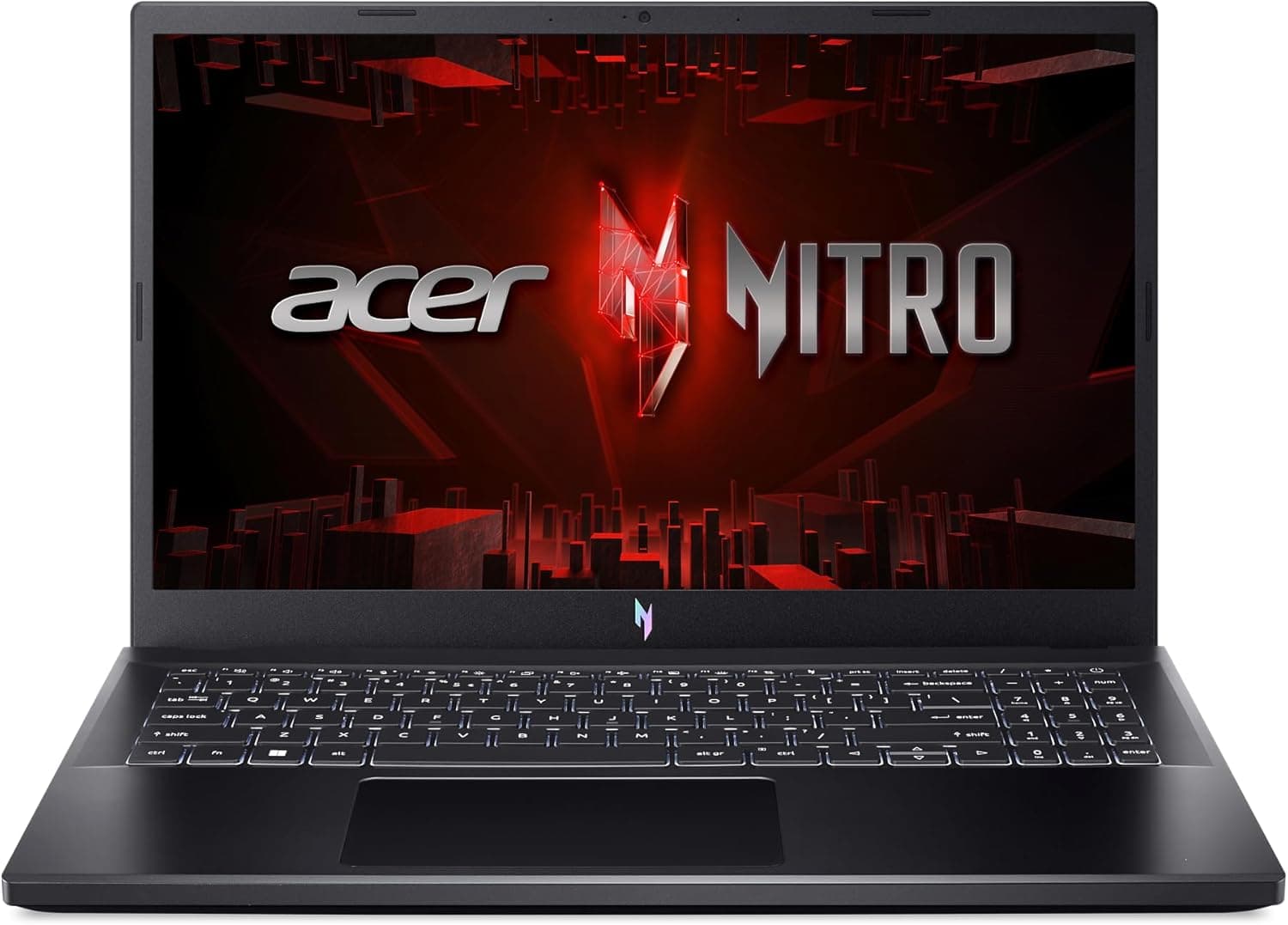
Another good budget option is the Acer Nitro V 15. It's a solid-feeling laptop that is more compact, with a bright matte display and a comfortable keyboard. On top of that, it has more ports than the LOQ.
The downside to all of this? The power fed into the GPU is capped at 75 watts, and therefore does not perform as well as equivalent laptops that feed theirs more power. The last is that it has loud fans that are very aggressive, noticeable even during basic tasks, and very loud in performance mode. This can be mitigated by switching to Balanced mode and being willing to sacrifice some frames.
Best For: Budget-conscious students who prioritize portability over maximum performance.
Drawbacks: GPU is limited by the low power it receives, and fan noise can be loud.
Pros
- Dual storage and upgradeable memory
- Decent gaming performance
- Supports thunderbolt and USB-C charging
Cons
- Dim display with poor color accuracy
- High-pitched fan noise
- Feels cheap

HP Omen Max 16 Hyperx Edition: For those want a lot for reasonable price.
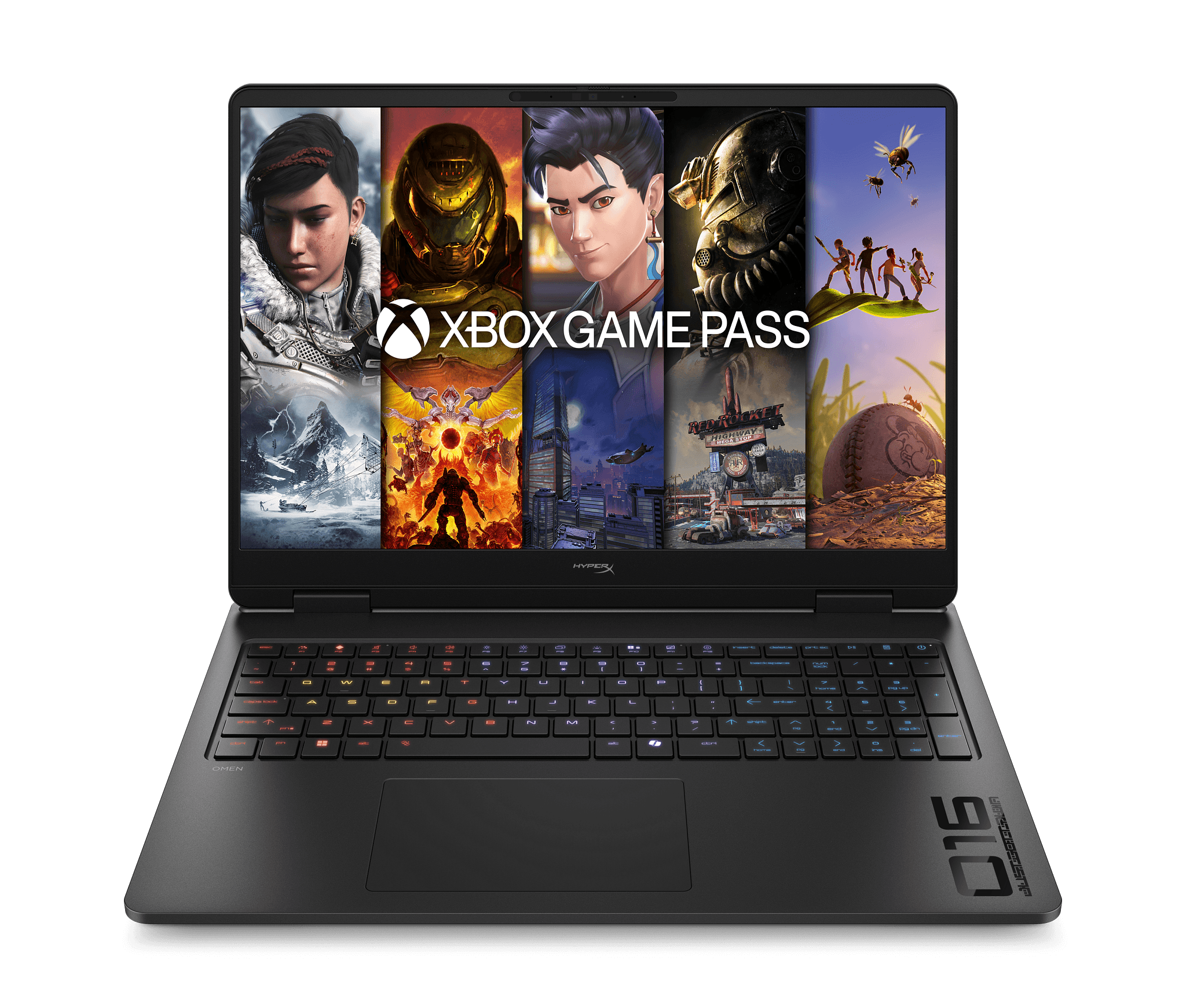
HP's Omen 16 is our favorite full-power performance laptop for students. We especially like the HyperX edition because it can be configured with a powerful HX-class Intel processor, a full-powered GPU up to the RTX 5070 with 12GB of VRAM, and it has upgradeable memory.
This is the laptop for those who want or need performance for demanding AAA games, heavy simulations or 3D rendering, and video editing.
What truly makes the Omen stand out for us is the pricing. We've seen the RTX 5060 models with a 1920 x 1200 display for around $1,100, with the OLED configuration around $1,400. If you're looking to maximize the specs, we've seen the Omen Max 16 models with an RTX 5080 and 32GB of memory go for around $2,300. These are excellent prices in the current market.
We do want you to know there is an Omen Slim that is lighter, but not dramatically, and its GPU is limited to around 90 watts. For the students who want something more portable, we recommend taking a look at the Legion 5i.
Best for: Students who want maximum gaming and productivity performance for the price.
Drawback: Still quite a large laptop, especially when compared side by side with true thin-and-light options.
Omen 16 YouTube Review
Omen 16 MAX YouTube Review
Pros
- The Intel Panther Lake H model supports Windows Hello Facial Recognition
- Solid value when the RTX 5070 12 GB model is on sale.
- The SSD, Wi-Fi card, and both SO-DIMM slots of RAM are upgradable.
- Modern Intel Panther Lake H CPU.
- 2560 x 1600 165 hz OLED screen
Cons
- The AMD HX model does not have Windows Hello Facial Recognition or a fingerprint sensor.
- No Thunderbolt or USB4 ports.

Lenovo Legion 5i: Our recommended alternative to the Omen 16s
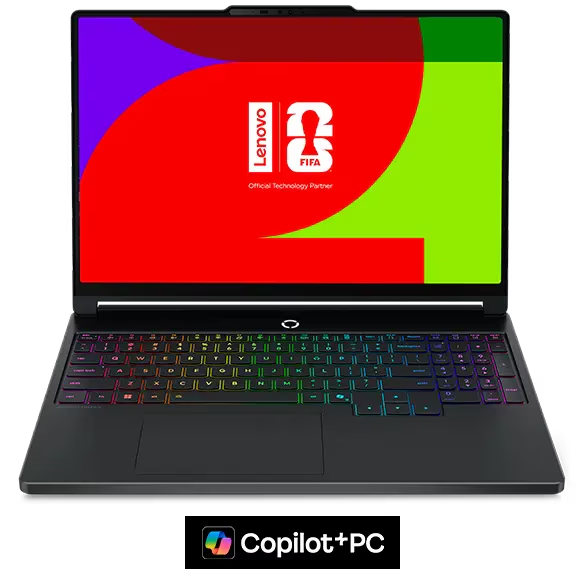
Our performance runner-up is the Legion 5i from Lenovo. A laptop that feels well built, has one of Lenovo's excellent keyboards, and can be configured with a full-powered RTX 5060 or 5070 along with a powerful Intel processor. Lastly, it has a beautiful OLED that gives you a better experience when you are playing games or doing creative work such as video editing.
Even with all of this, there are trade-offs to be aware of, such as the price and screen size. It is more expensive and has a smaller 15-inch display, so you lose some screen real estate.
Best for: Students who want a full gaming performance in a more manageable chassis.
Drawbacks: More expensive than the Omen and has a smaller screen.
YouTube Review.
Lenovo Legion 7a: Best Thin-and-Light Gaming Laptop.

Lenovo's Legion 7a looks and feels like a premium laptop.
Legion 7a is our favorite thin-and-light gaming laptop for students who still want a large 16-inch display to work on.
With this model no longer having the large rear section found on many previous Legion models, the new version is noticeably more compact than its predecessors. Despite this more compact form factor, it still runs an RTX 5060 or 5070 at full power.
While the CPUs, AMD Ryzen 450 and 470, are not as powerful as Intel's HX-class chips, they are still more than capable for most students.
The main benefit of this laptop is portability while retaining strong gaming performance, a large screen, and a premium chassis. You don't have to worry about carrying around a traditional bulky gaming laptop.
We do want to warn readers that the Strix Halo version has a smaller 15-inch display, costs significantly more, and the available processors don't offer enough performance to justify the price.
Best for: Students who want the full gaming performance in a portable 16-inch laptop.
Drawbacks: CPU performance is weaker than the larger HX-equipped gaming laptops.
YouTube Review
Pros
- Stylish and well built
- Lightweight and compact
- Excellent screen (bright, color accurate, fast refresh rate)
- Very comfortable keyboard
- Very good speakers
- Decent port selection
Cons
- AMD CPU is less powerful than Intel HX in the Legion 7i
- Trackpad feels a little cheap
- Expensive given its midrange components, and maxes out at an RTX 5070 12 GB.
- Memory is soldered and is limited to 32 GB on all configs.
Gigabyte Aero X16: Thin-and-Light Runner-Up

Gigabyte Aero X16
Our alternative for the thin-and-light category is the Aero X16 from Gigabyte. It is a cheaper alternative that still offers great performance.
We've seen configurations with an RTX 5070, Ryzen 9 processor, 32GB memory, and 1TB of storage go for around $1,500. This, along with its 2560 x 1600 resolution display with a 165Hz refresh rate and a matte finish. That finish makes it useful in bright lecture halls and an overall great package.
Furthermore, its battery life is impressive, lasting almost 9 hours in light use. The downside to choosing this laptop is that it compromises on build quality and performance.
The performance compromise comes from the RTX 5070 being limited to 85 watts instead of its maximum of 115, so it performs worse than models that can draw the full wattage.
The keyboard also feels somewhat mushy, and several ports sit far enough forward that connected cables do get in the way at times.
Best for: Students who want an affordable and portable 16-inch laptop with dedicated graphics.
Drawbacks: Lower GPU power, less premium build quality, and awkward port placement.
YouTube Review
Battle of The Premium: Razer Blade 16 vs Asus Zephyrus G16
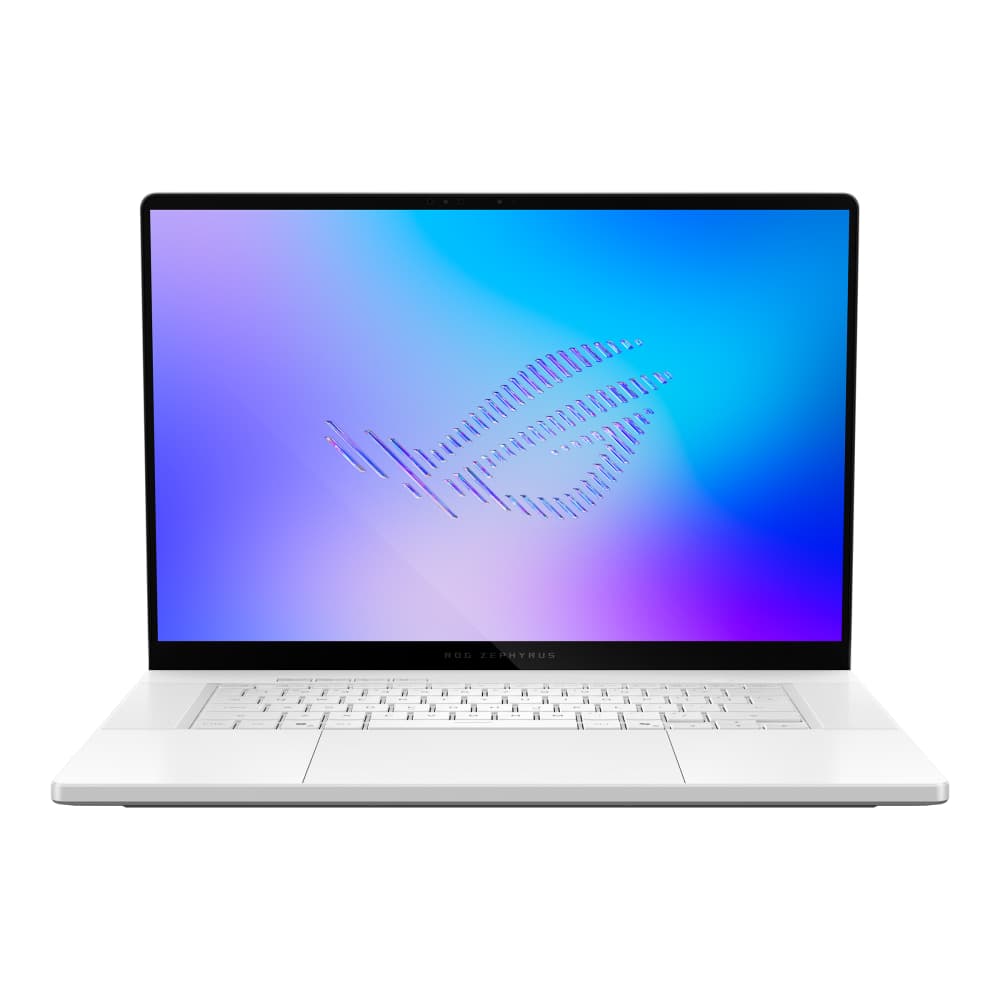
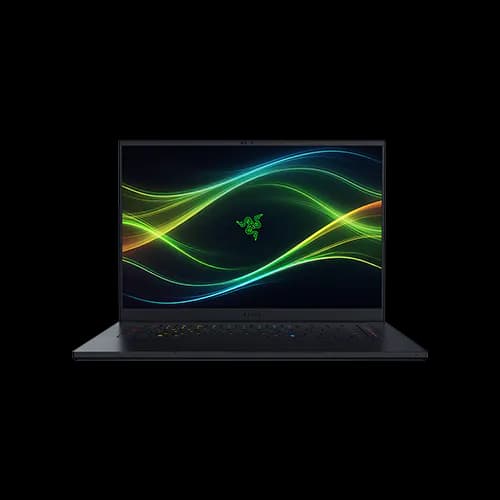
If you are ready to spend money and want a premium 16-inch experience in a thin-and-light form factor, the Razer Blade 16 and the Asus Zephyrus G16 are two options we recommend.
This year's Razer Blade 16 has improved significantly, while the Zephyrus G16 hasn't changed much, but it was already great.
Our recommendation depends on what you value. If you want the least software and reliability issues, pick the Zephyrus G16. On the other hand, if you want more performance, especially when paired with something like Razer's cooling pad, along with better design, pick the Blade 16.
Best for: Students who want premium build quality, strong gaming performance, and a thin 16-inch chassis.
Drawbacks: Both are very expensive, and the Blade still has usability issues with unreliable sleep behavior, where it can remain running after closing it.
Blade 16 YouTube Review
Zephyrus G16 YouTube Review
Pros
- Strong battery life for a gaming laptop
- Doesn't feel warm while gaming
- Very portable for a 16-inch gaming laptop
- One of the few thin gaming laptops that can come with high end RTX graphics
Cons
- Extremely expensive
- Usually only feeds around 120-140 watts to its GPU, less than the 160 watts advertised
- No haptic trackpad, which feels like a miss at this price
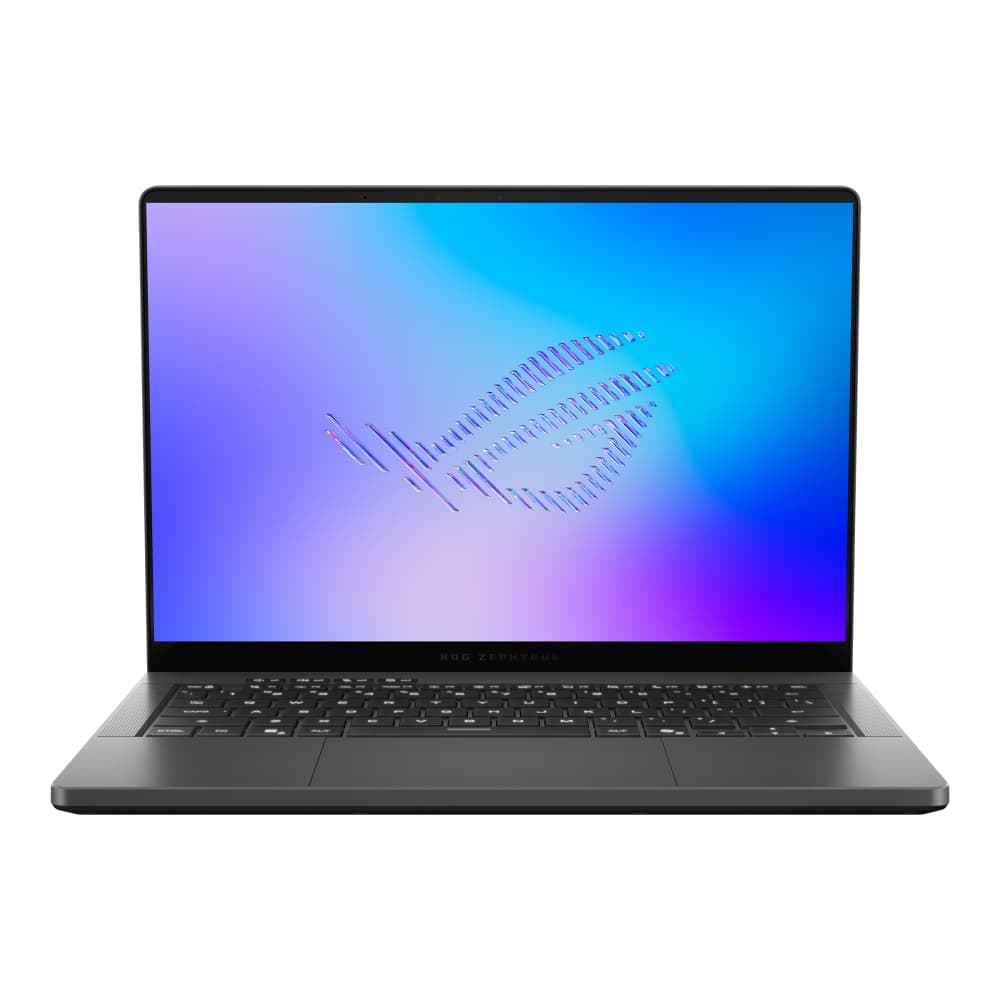
Asus ROG Zephyrus G14: The Best Gaming Laptop For Students

The G14 is our top recommended laptops for those that want everything a gaming laptop can offer in a compact 14-inch package.
The G14 is our top recommended laptop for those who want everything a gaming laptop can offer in a compact 14-inch package.
It is small and portable, and one of the few compact gaming laptops with high-end Nvidia graphics available in the lineup.
The OLED is beautiful and brighter than its predecessor. Build quality is premium, the keyboard feels great to type on, speakers are excellent and visually, it's a good looking laptop.
Moving on, it also has the best battery life we've seen from a gaming laptop. The 2026 model is noticeably better than last year's model as Asus has improved on a lot things on this new version.
The previous Zephyrus G14 became very hot even when running Office apps or when we used it for web browsing. This new model benefits greatly from the new Core Ultra Series 3 CPUs from Intel. This allows for it to stay much cooler and also improves battery life.
Asus has also upgraded the microSD slot to a full sized SD card reader which is great.
Best for: Students looking for a laptop that meets all requirements and more. Those who want the best performance, portability, battery life, and premium build quality in a 14-inch package: this laptop is for you.
Drawback: Very expensive.
Note: While we usually advocate for looking at previous year's model than this one due to pricing, we do think that the improvement in thermals and efficiency is substantial enough to matter greatly.
YouTube Review
Pros
- Much cooler than previous G14 models under load
- Strong battery life for a gaming laptop
- Good gaming performance in a 14-inch laptop
- UHS-II SD card slot is great for content creators
Cons
- Extremely expensive.
- No haptic trackpad, which feels like a miss at this price
- Vapor chamber cooling is restricted to high-end configurations.
HP Omen Transcend: The G14 Alternative

A cheaper alternative to the G14 with its own advantages.
The HP Omen Transcend 14 is our recommended alternative to the G14. It is cheaper, very portable, looks premium, has a good display, and a four-zone RGB keyboard.
The one big compromise is GPU performance, as it's capped at 75 watts, which is significantly lower than many competing laptops.
The upside to this is that this makes the laptop quieter even when delivering most of its available performance.
It also uses last year's Arrow Lake H processor. While performance remains strong and battery life is good, it is less efficient than Intel's new Series 3 chips.
In short, it is a strong option for those who want a sleek 14-inch gaming laptop for lighter games or modern titles, but who are also comfortable reducing graphics settings.
Best for: Students who want a premium compact gaming laptop for less than the Zephyrus G14.
Drawbacks: Low GPU power limit and weaker efficiency than the newest G14.
YouTube Review