Back to School: The BEST Laptops Under $800
August 18, 2026
|
Good Laptop Deals Under $800 Do Exist
Summary
Shopping for a laptop under $800 can involve plenty of compromises, but that doesn’t mean you have to settle for a bad laptop.
August 18, 2026
|Good Laptop Deals Under $800 Do Exist
Shopping for a laptop under $800 can involve plenty of compromises, but that doesn’t mean you have to settle for a bad laptop.
14 Inches | 256 GB | 16 GB | Snapdragon X X1-26-100
14 Inches | 512 GB | 16 GB | Core Ultra 5 226V
On Sale
There are some genuinely good options in this price range, but every one comes with tradeoffs. The key is figuring out which compromises actually matter for how you use your laptop.
These are our favorite laptops we’ve recently seen at or below $800. Since prices change constantly, we recommend paying attention to the exact configuration and current sale price rather than MSRP.
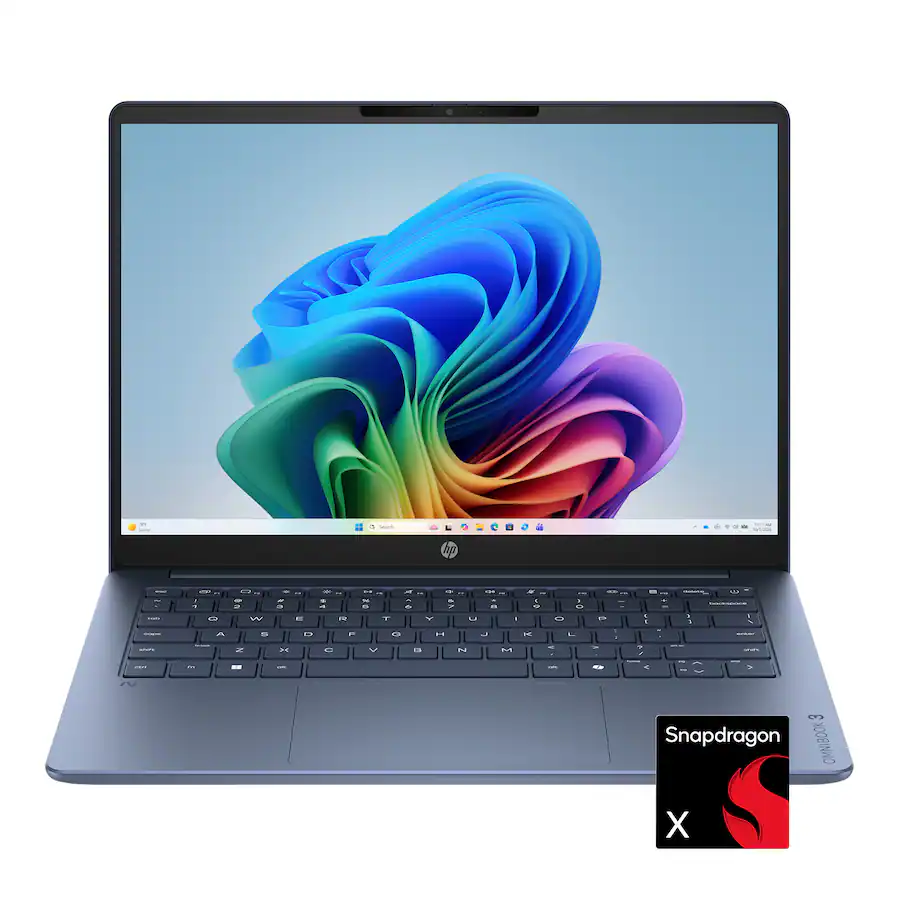
14 Inches | 256 GB | 16 GB | Snapdragon X X1-26-100
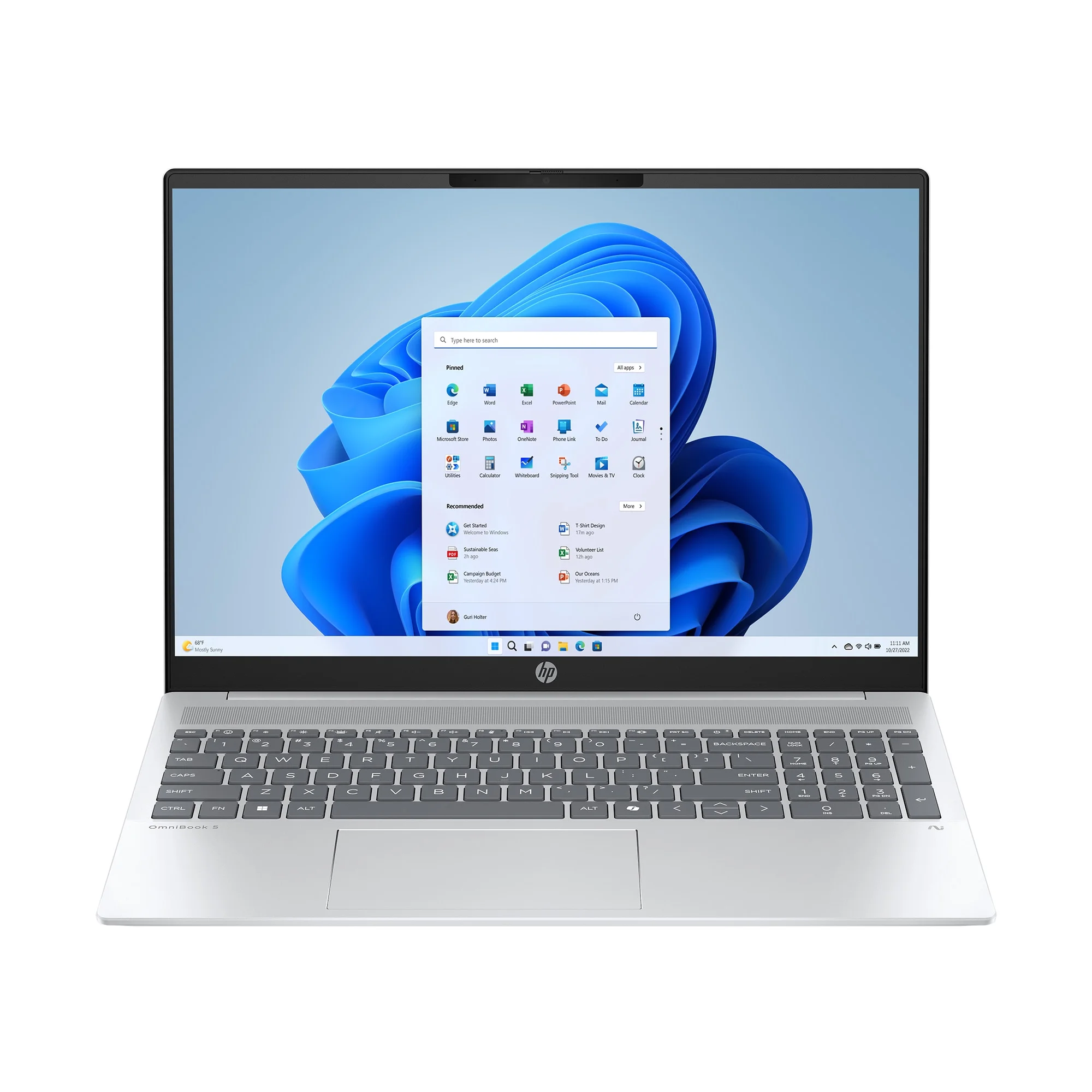
16 Inches | 512 GB | 16 GB | Ryzen AI 7 350
Best for: Budget shoppers who need a basic laptop for everyday use and want to spend around $600 or less.
Why we like it: The OmniBook 3 and 5 are some of the cheapest laptops we’d actually recommend buying. The OmniBook 5 is the nicer of the two, with a smaller, more compact design, more modern-looking display bezels, and a better keyboard and trackpad. The OmniBook 3 can be a better value depending on the configuration. The Snapdragon model we tested offers more performance than the Core Series 3 OmniBook 5 and even has slightly less keyboard deck flex.
Drawbacks: Configuration matters a lot. The Core Series 3 processor in the OmniBook 5 we tested performs poorly, while the Snapdragon OmniBook 3 may have compatibility issues with certain games and specialist applications. Both laptops also have USB-C ports limited to 10Gbps rather than faster USB4 or Thunderbolt 4.
Not ideal for: Performance-heavy users or anyone who needs faster connectivity for a high-end USB-C dock.
📊 See full test results, pricing history, and current deals
Best for: Everyday users who want a large screen, solid performance, plenty of ports, and broad application compatibility.
Why we like it: The AMD Swift Go 16 AI offers a lot for around $800. Its black metal chassis looks sleek and feels sturdier than we expected, with relatively little deck or lid flex. You also get a large selection of fast ports, a microSD card reader, Wi-Fi 7, a touchscreen with good colors, and solid performance from the Ryzen 7 445 configuration we found around this price.
Drawbacks: The keyboard is a little mushy, and the trackpad rattles and has a deeper, louder click than we’d like. Its 16-inch display is also only 1920x1200, so small text doesn’t look as crisp as it would on a higher-resolution panel.
Not ideal for: Programmers and other users who prioritize a particularly sharp display for viewing lots of small text.
📊 See full test results, pricing history, and current deals
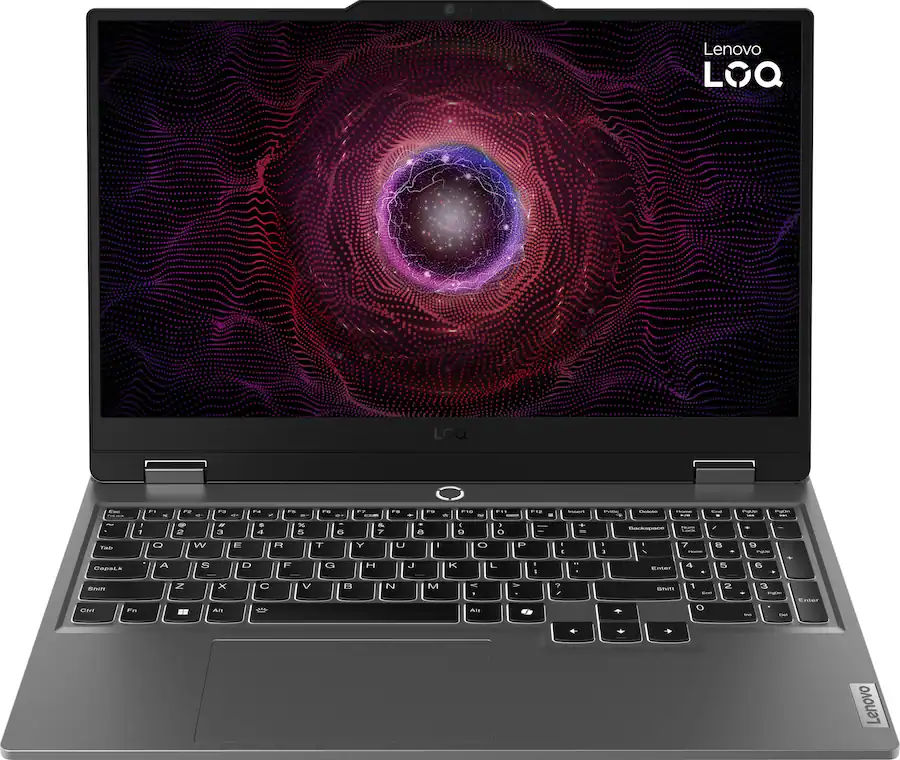
15.6 Inches | 512 GB | 16 GB | Ryzen 5 220 | RTX 5050
On Sale
Best for: Gamers who want as much dedicated graphics performance as possible for around $800.
Why we like it: The LOQ is one of the most reliably good gaming laptops we’ve found in this price range when an older model goes on sale. Look for an RTX 4050 or preferably an RTX 5050. You get enough performance to play modern games at medium or lower settings, along with a sturdy chassis and one of the better displays you’ll find on a budget gaming laptop. Its screen has good colors and a fast 144Hz refresh rate, and the GPU is full-powered.
Drawbacks: The LOQ is big, heavy, and not particularly portable. Battery life is poor, and some older models don’t support convenient fast USB-C charging. Some configurations also use processors without integrated graphics, which can lead to a warm surface and even worse battery life.
Not ideal for: Students and commuters who need long battery life or a lightweight laptop they can comfortably carry around all day.
📊 See full test results, pricing history, and current deals
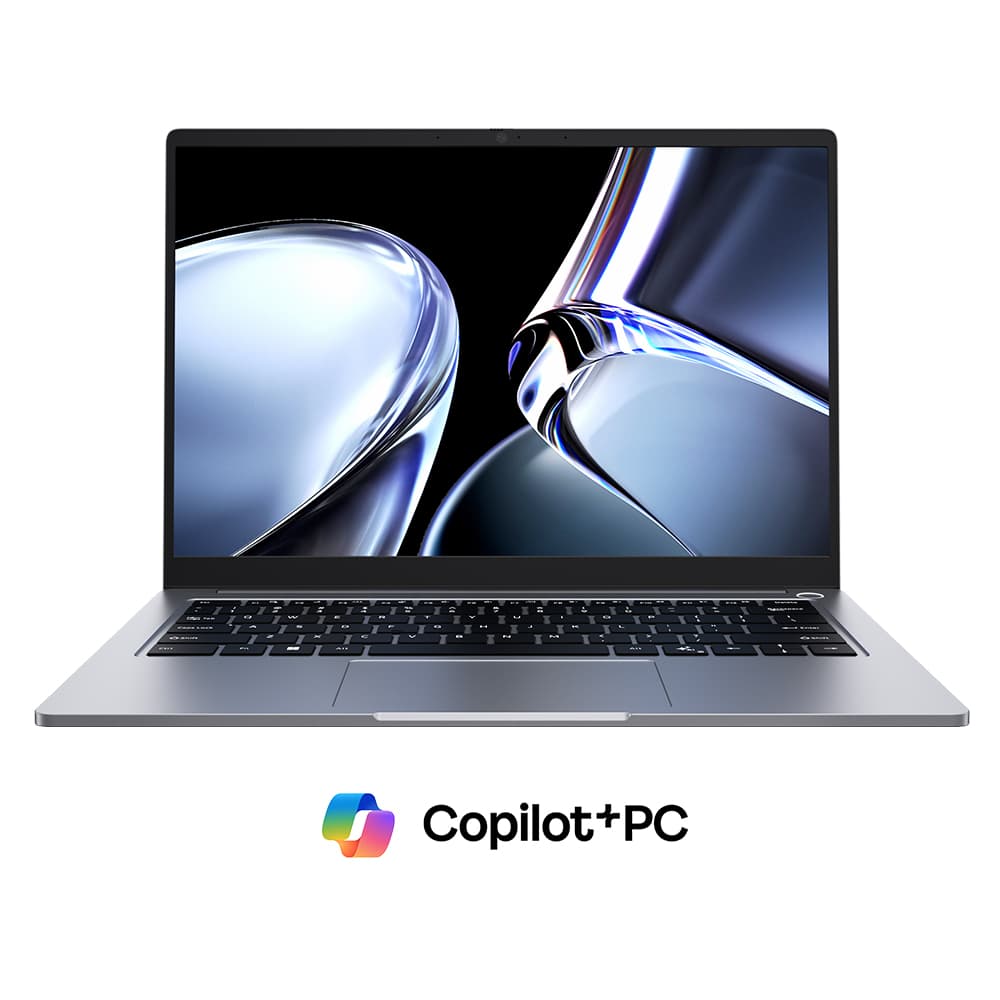
14 Inches | 512 GB | 16 GB | Core Ultra 5 226V
On Sale
Best for: Budget shoppers who care about display quality and want a good laptop for light productivity.
Why we like it: The CoreBook Air makes fewer compromises than we expected at its price. Its brighter, higher-resolution IPS display is a major advantage over many inexpensive laptops, and it offers decent performance for light productivity. You also get Wi-Fi 6E, two fast Thunderbolt 4 ports, a reasonably solid chassis, and a surprisingly comfortable keyboard.
Drawbacks: The trackpad is loud and clunky, the chassis has noticeable keyboard deck flex, and the laptop feels a little cheap when you pick it up. While its Thunderbolt 4 ports are excellent, its slower HDMI and USB connections could also limit certain peripherals.
Not ideal for: Buyers who want a premium-feeling chassis or those considering other Chuwi laptops specifically for gaming or demanding creator workloads. We’ve found some of the brand’s gaming and creator laptop performance claims can be misleading.
📊 See full test results, pricing history, and current deals
14 Inches | 512 GB | 16 GB | Core 5 320
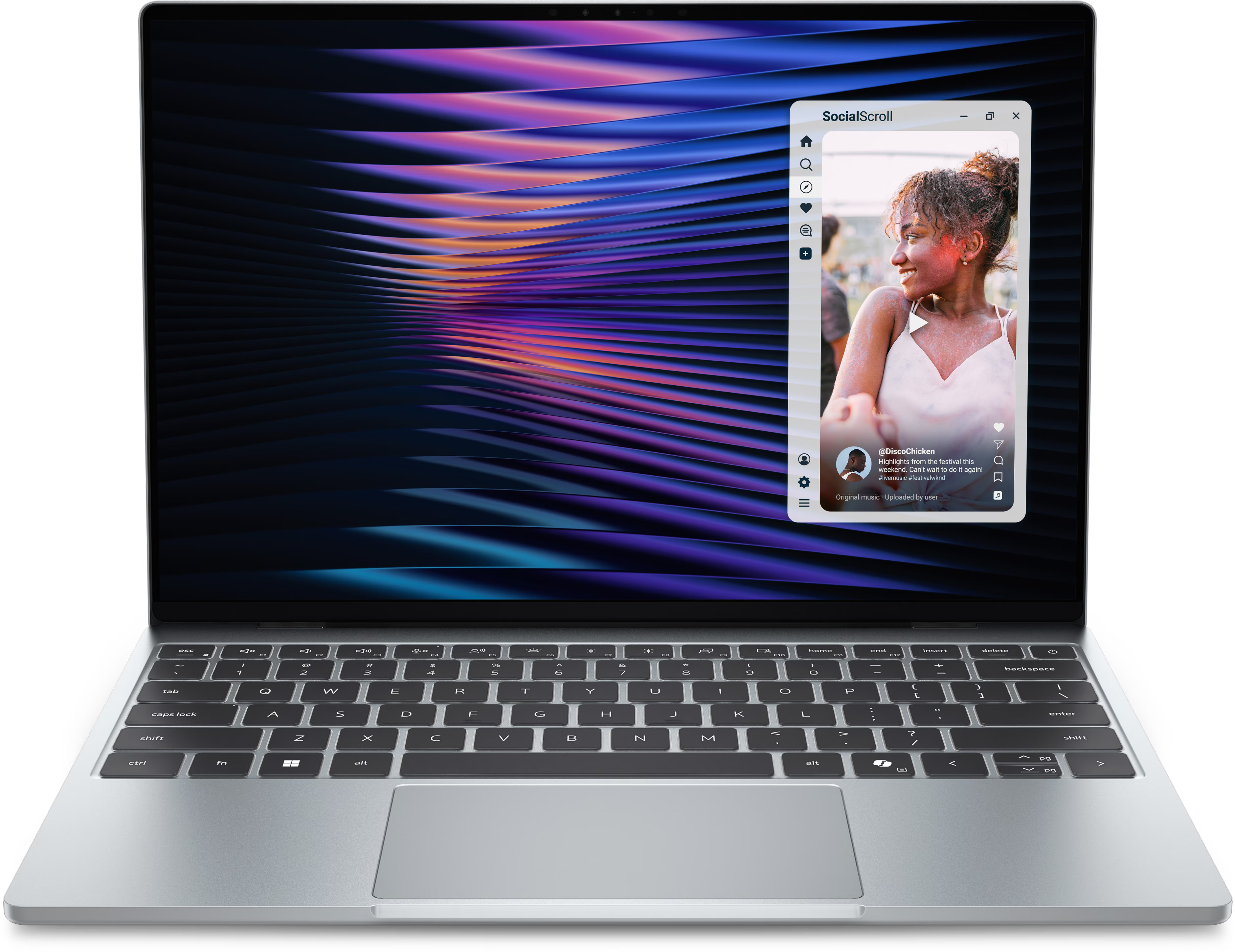
Best for: Light users who want one of the most premium, portable new laptops available around $800 (with a student discount).
Why we like it: The XPS 13 looks great, feels premium, and is extremely lightweight and portable. It also has a nice high-resolution, high-refresh-rate display, an accurate trackpad, and a good webcam and microphone. If your workload is mostly web browsing, Office applications, and other basic tasks, the overall laptop experience is excellent for the price.
Drawbacks: Performance is poor compared with many modern laptops, which is why we specifically recommend this for light users. Some configurations also come with only 8GB of memory, so look for one with at least 16GB if you're a student. Its keyboard is low travel and isn’t particularly comfortable, while connectivity is limited to a single 10Gbps USB-C port on each side.
Not ideal for: Performance-heavy users, anyone who needs lots of ports, or buyers outside the US where the XPS is considerably more expensive.
📊 See full test results, pricing history, and current deals
13 Inches | 512 GB | 16 GB | M5 10-Core | M5 8-Core GPU

Best for: Students and everyday users who are comfortable buying refurbished and want a premium, portable laptop.
Why we like it: A refurbished MacBook Air avoids many of the compromises found on new laptops under $800. We recommend looking for an M3 model or newer with 16GB of memory. You get good performance, an excellent haptic trackpad, a high-resolution display, stellar build quality, good battery life, and an extremely lightweight and portable design. There’s also no fan, so it operates silently.
Drawbacks: You’re buying used or refurbished hardware, which comes with additional risk. We strongly recommend purchasing from somewhere with a warranty and/or good return policy. The Air also has limited ports.
Not ideal for: Windows users, gamers, or anyone who relies on applications that aren’t available on macOS.
▶️ Watch our full MacBook Air review
📊 See full test results, pricing history, and current deals
14 Inches | 512 GB | 16 GB | Core Ultra 5 226V
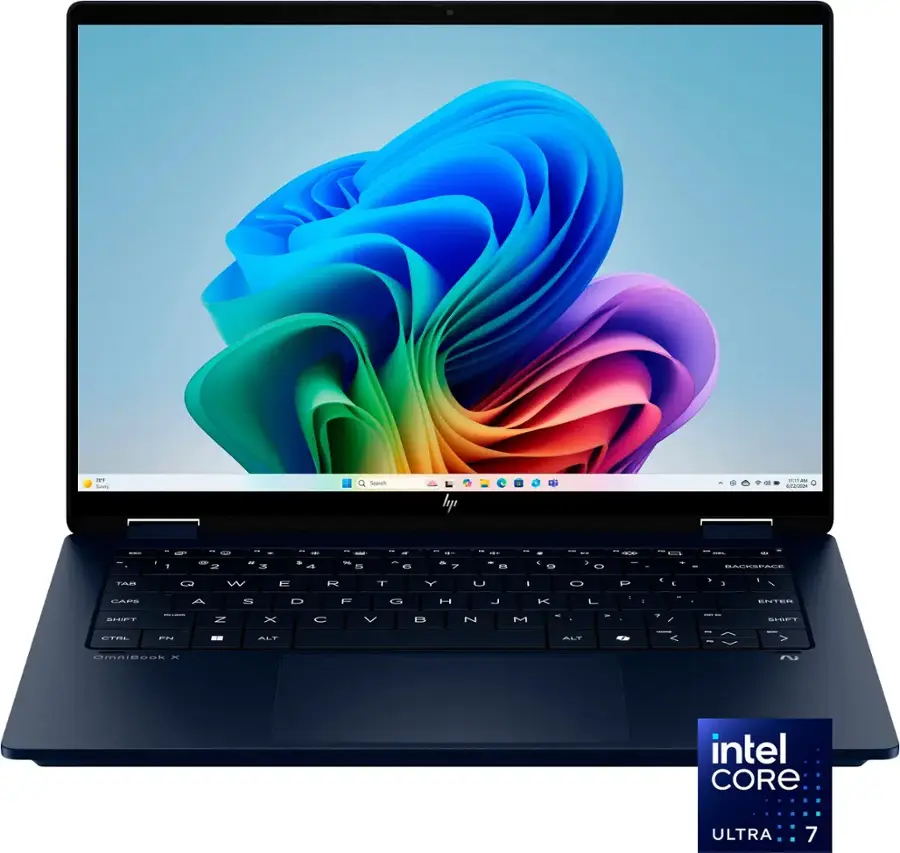
Best for: Most people looking for the best overall balance of quality and features under $800.
Why we like it: The OmniBook X 14 makes fewer major compromises than anything else on our list. Both the clamshell and Flip can be excellent buys, but we particularly like the Flip, which we’ve seen around $650. You get a sturdy, premium-feeling metallic chassis, an OLED display, decent performance, a comfortable keyboard, a good trackpad, and an unusually strong port selection. There’s a fast 40Gbps USB-C port on either side, 10Gbps USB-A ports, HDMI 2.1, and a headphone jack.
Drawbacks: The display on cheaper configurations is fairly average despite being OLED. The model we tested was only 1920x1200 at 60Hz, reached around 300 nits of brightness, and had a minor screen-door effect. Better configurations are available with faster processors and nicer screens, but they don’t always fall below $800.
Not ideal for: Buyers who prioritize a particularly bright, high-resolution, fast-refresh-rate display above everything else.
▶️ Watch our full OmniBook x review
📊 See full test results, pricing history, and current deals
14 Inches | 1 TB | 16 GB | Core Ultra 7 256V
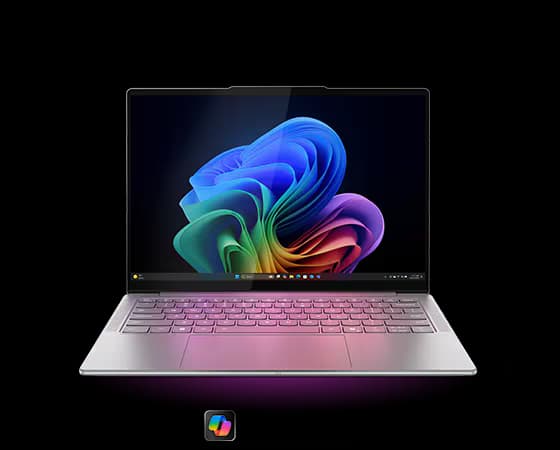
Best for: Anyone who finds one under $800 and wants a premium everyday laptop with an excellent keyboard.
Why we like it: If a Yoga Slim 7 drops into this price range, it may actually be a better buy than the OmniBook X. The Yoga Slim 7x configuration we found has a Snapdragon X2 processor, a stunning OLED display, premium build quality, a good trackpad, good performance, and easily the best keyboard on this list. While we prefer the more modern look of the OmniBooks, the Yoga is more enjoyable to actually use because of that keyboard.
Drawbacks: The Qualcomm Snapdragon processor means application compatibility may be an issue depending on the software you use. The configuration we found also has a lower-resolution display.
Not ideal for: Anyone who relies on incompatible Windows applications or needs to buy immediately. The main reason this is only an honorable mention is that these sub-$800 sales are much less common than they are with HP.
▶️ Watch our full Yoga Slim 7 review
📊 See full test results, pricing history, and current deals
There isn’t one perfect laptop under $800. The best option depends on the compromises you’re willing to make. The LOQ gives gamers dedicated graphics but sacrifices portability and battery life. The XPS 13 gives light users a premium experience but sacrifices performance. A refurbished MacBook Air provides excellent overall quality but requires you to buy used and switch to macOS.
Since prices in this category change constantly, we recommend checking the current deal rather than relying on MSRP. You can use the laptop picker and price tracking tools on Best Laptop Deals to compare options and see when the laptop you want actually drops to a good price.