Best Laptops for Students (2026) – Tested & Ranked
Best Laptops for Students (2026) – Tested & Ranked
July 1, 2026
|
The best laptops for students, ranked by real-world performance, battery life, and value.
Summary
We tested over 300 laptops to find the best laptops for students in 2026, based on real-world performance, battery life, and value. See our top picks for school, college, and everyday use.
This guide focuses on premium, all-around laptops, typically around $1,000, that handle everything from classes and research to creative work.
For most students, this is the sweet spot. You get strong performance, long battery life, and a lightweight design without overpaying for features you won’t use.
If you want a laptop that just works for school, college, and beyond, start here.
Our Top 5 Picks for Students
These are the 5 best laptops based on hands-on testing across performance, battery life, and real-world use.
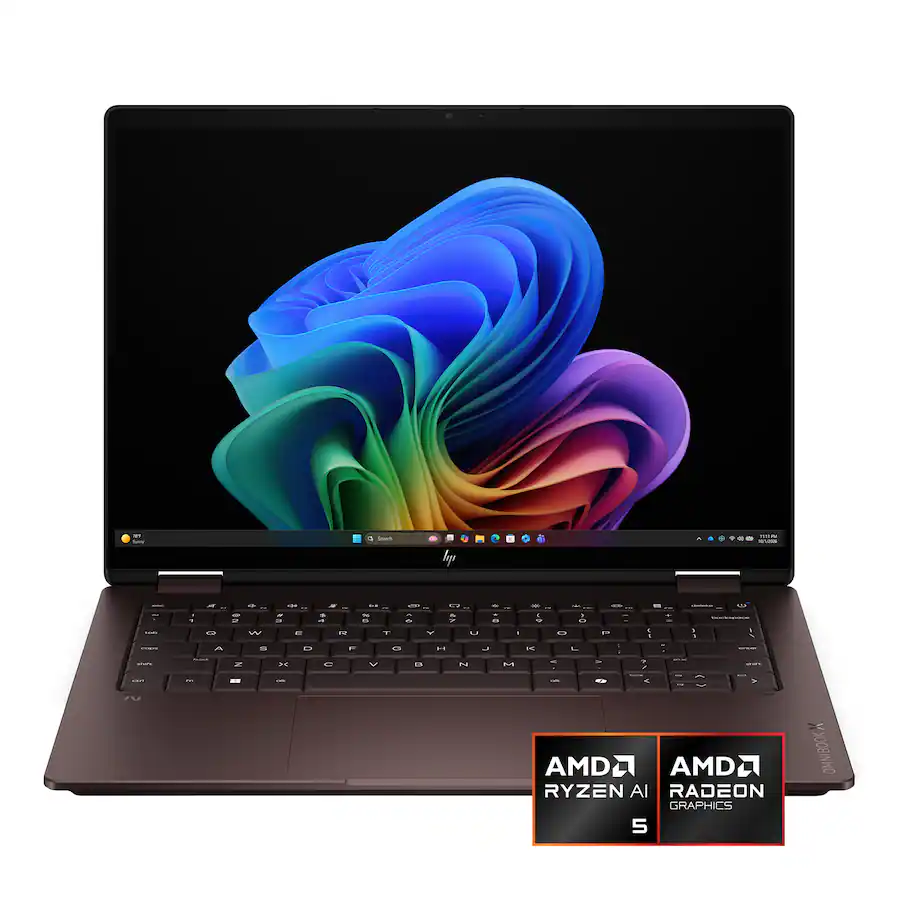
Best for: Students who want a flexible 2-in-1 for notes, media, and everyday use
Why we like it: This is one of the most versatile laptops you can get right now. You get a sharp OLED touchscreen, solid performance for everyday tasks, and full 2-in-1 flexibility with pen support for note-taking. It’s lightweight, well-built, and works just as well in class as it does on the couch.
Drawbacks: No HDMI port, and the large trackpad can occasionally struggle with palm rejection.
Not ideal for: Students looking for a more premium feeling laptop.
Best for: Students who want maximum performance and longevity
Why we like it: If you want a laptop that can handle anything you throw at it, this is it. The M5 Pro delivers serious performance for coding, editing, and demanding workloads, while still offering excellent battery life. You also get one of the best displays and speakers on any laptop, plus a premium build that will last for years.
Drawbacks: It’s expensive. A well-specced model can easily push past $2,000.
Not ideal for: Students with basic needs or those who rely on Windows-only software.
Best for: Students who need strong performance for gaming, engineering, or heavier workloads
Why we like it: This is one of the best value performance laptops right now. You get a powerful CPU and dedicated GPU in a relatively compact 14-inch design, making it capable of handling gaming, 3D work, and demanding applications without the price of a premium workstation. Battery life is also better than most gaming laptops, which makes it more practical for school.
Drawbacks: The design is simplistic and bland, and performance is not as strong as larger, chunkier gaming laptops.
Not ideal for: Students who prioritize a premium feeling laptop, or don't need that much performance.
Excellent value and one of the laptops we would recommend to most people that are ok with Apple’s operating system.
Very strong performance for light use, with a snappy everyday experience.
Excellent real-world battery life for typical office and writing use.
Completely silent because there is no fan.
Both 13-inch and 15-inch versions are highly portable for their size.
Trackpad remains best-in-class with excellent palm rejection.
Cons
M5 is only a modest upgrade over M4 in many workloads.
Sustained heavy performance is limited by the fanless design.
The display is still a 60Hz IPS panel, which could be better in a premium laptop in 2026.
The keyboard feels a bit low travel, especially on the 15-inch model.
Ports are still limited to two Thunderbolt 4 USB-C ports and a MagSafe 3 port on the left side (all of the charging ports are on the left side) and a 3.5 mm headphone/microphone combo jack on the right side.
Why we like it: This is the best overall laptop for most students. It’s thin, lightweight, and powerful enough to handle everything from classes and research to light creative work. Battery life easily lasts a full day, and the build quality is among the best you can get at this price.
13" vs. 15": Choose the 13" if portability is your top priority. Choose the 15" if you want more screen space for multitasking.
Downsides: No high refresh rate display, limited ports, and no fan. Performance drops under sustained heavy workloads compared to a MacBook Pro.
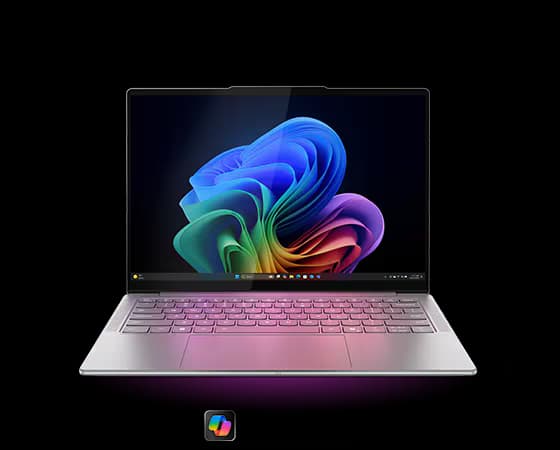
Best for: Students who want a lightweight Windows laptop with excellent battery life
Why we like it: This is one of the best all-around Windows laptops for students right now. It’s thin, well-built, and delivers outstanding battery life, especially on the 14-inch model. Performance is smooth for everyday schoolwork, and you get a comfortable keyboard plus a solid port selection, including HDMI, which is still rare in this category.
14" vs. 15": Choose the 14" for the best battery life and OLED display. Choose the 15" if you want a larger, high-resolution screen while staying relatively light.
Cons: The trackpad feels a bit less premium than the rest of the laptop, and only the 14" model gets OLED.
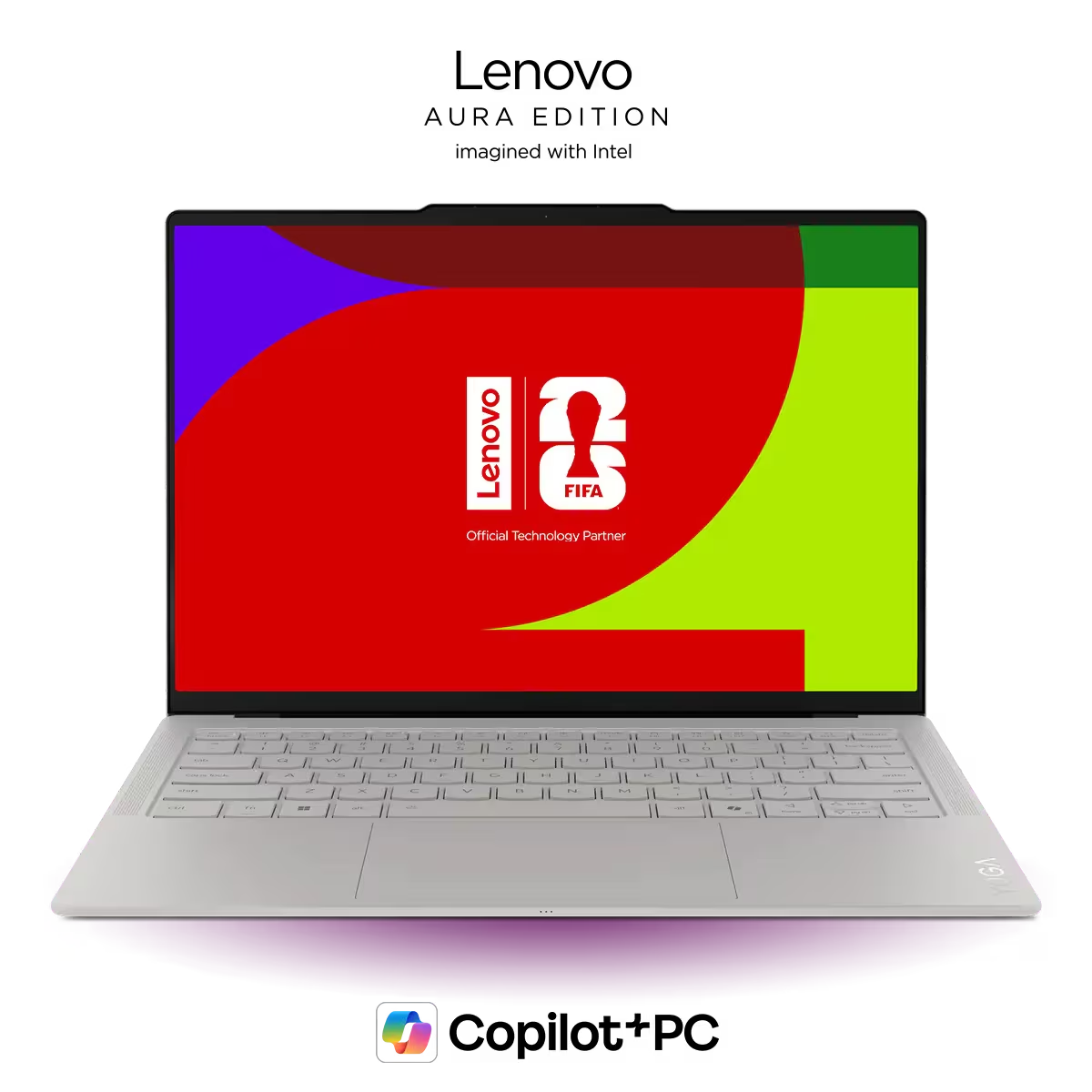
A step up from the Slim 7i with a more premium build and higher-end configuration options. A great pick if you want something similar to our top choice, but with a bit more performance and polish.
A powerful, more premium alternative to the TUF A14. Better build quality and performance, but at a higher price, making it a better fit for students who want a thinner, more refined gaming laptop.