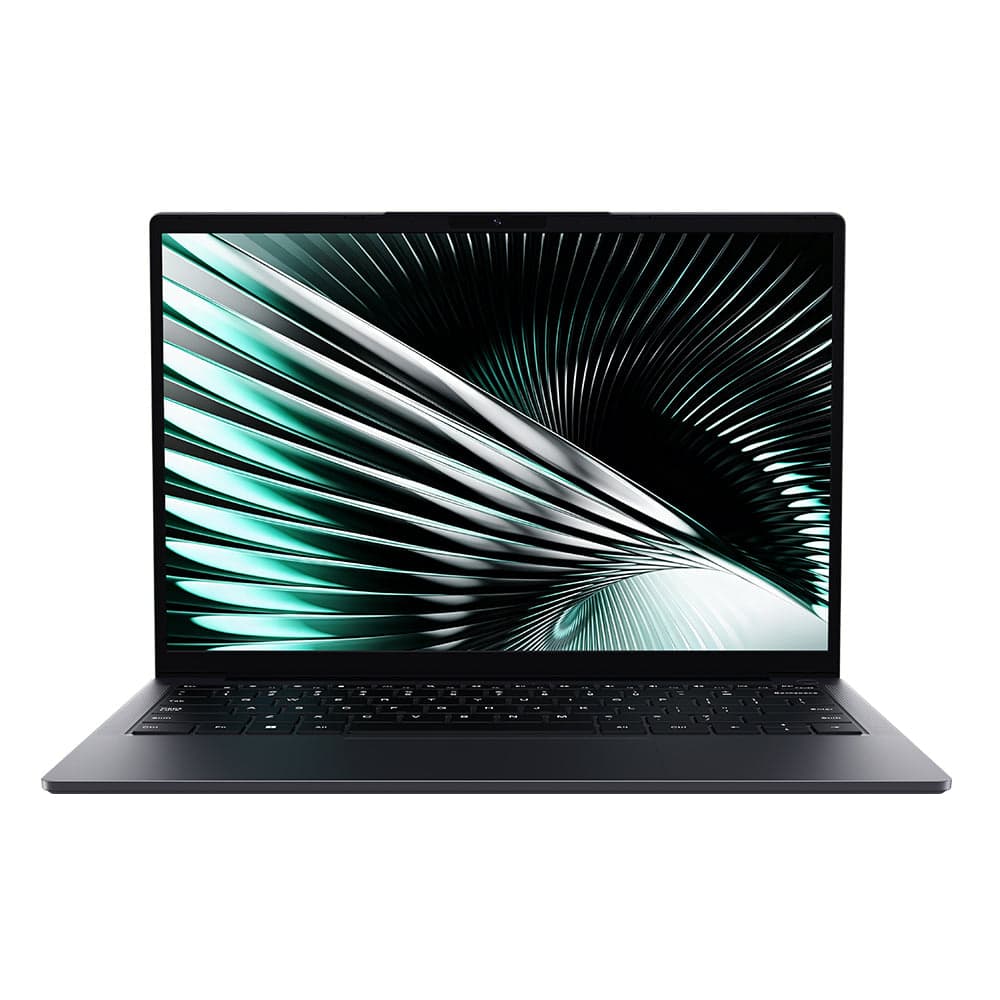
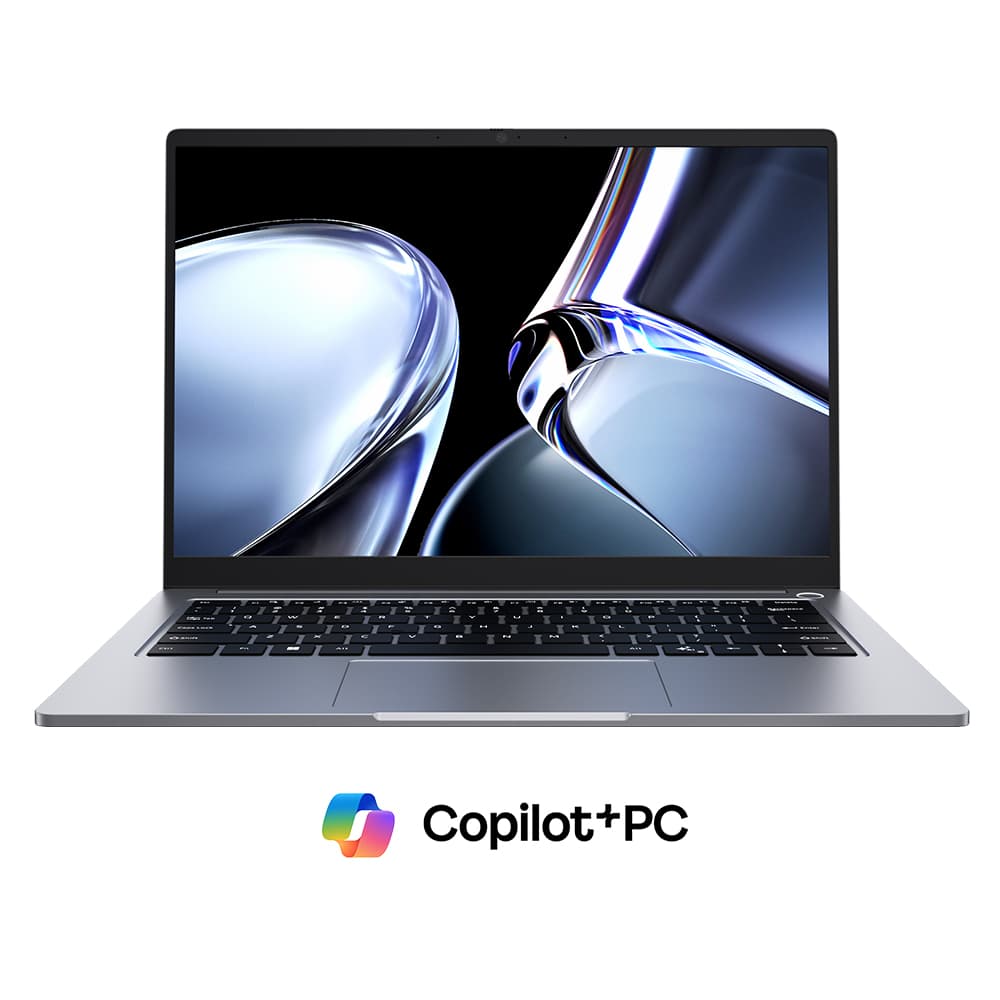
This lightweight 14-inch laptop offers a usable IPS display, a comfortable keyboard, plenty of ports, and enough performance for basic office work and web browsing. It even delivers surprisingly good battery life.
There are some major compromises, though. Build quality feels cheap, the trackpad is disappointing, and performance is extremely limited beyond everyday tasks. Chuwi also makes some questionable marketing claims about AI and creative workloads. Still, if you're shopping for a new Windows laptop under $500, the UniBook is one of the better options we've tested.
Build Quality: Cheap, but Better Than Expected
The UniBook feels noticeably cheaper than laptops costing $800 or more. There's significant keyboard deck flex, some give on the lid, and even occasional creaking around the palm rests. The edges can also feel a little sharp against your wrists.
However, compared to other laptops around $450, the UniBook is surprisingly decent. Its hinges feel reasonably sturdy, and the understated design looks better than some similarly priced alternatives, like the Lenovo IdeaPad Slim 3. It's also exceptionally light for a 14-inch laptop, weighing about as much as the smaller 13-inch MacBook Neo. The included charger is relatively bulky, though, so we'd recommend swapping it for a smaller 65W USB-C charger for easier travel.
A Surprisingly Usable IPS Display
The UniBook's display isn't particularly impressive by normal laptop standards, but it's better than most screens under $500. You get a matte IPS panel with wide viewing angles and around 300 nits of brightness, making it perfectly fine for everyday office tasks. Colors are somewhat washed out though, so we wouldn't recommend it for color-sensitive work.
The display is limited to 60Hz, doesn't support touch, and isn't bright enough for comfortable outdoor use. However, we didn't notice any backlight bleed during testing, and the matte finish helps reduce reflections. Overall, it's a reasonable display for the price.
A Good Keyboard, but a Disappointing Trackpad
The keyboard was a pleasant surprise, with a satisfying, relatively quiet click, comfortable spacing, and a familiar layout. You even get a reasonably bright backlight, something the more expensive MacBook Neo lacks. The keys feel somewhat shallow and mushy compared to premium laptops, but they're better than expected at this price.
The trackpad is less impressive. Tracking is accurate enough, but the mechanical click is loud, deep, and rattly. It works, but we'd recommend using a wireless mouse for a better experience.
Plenty of Ports, but Watch the Speeds
The UniBook has an unusually generous port selection for its price, including two USB-C ports, three USB-A ports, HDMI, Gigabit Ethernet, a microSD card reader, a headphone jack, and a Kensington lock slot. It's a great variety for connecting everyday accessories, external displays, and wired internet.
However, speeds are limited. HDMI only supports 4K at 30Hz, while USB-C supports 4K at 60Hz and charging but lacks USB4 or Thunderbolt 4. Two USB-A ports offer 5Gbps, the third is limited to USB 2.0, and the microSD reader reaches just 25MB/s. It's a useful selection, but don't expect premium speeds or docking capabilities.

Chuwi UniBook Geekbench 6 CPU Performance
Performance is the UniBook's biggest limitation. Its entry-level Intel processor and 8GB of RAM are fine for web browsing and basic office work, but not much more. It felt responsive enough in everyday use, with Geekbench single-core performance competitive with the MacBook Neo.
More demanding tasks are a different story. Its Photoshop score was less than half that of the next-best processor in our comparison, while its integrated graphics finished last in Steel Nomad Light. Despite Chuwi's claims about AI tools and media editing, we wouldn't recommend the UniBook for gaming or creative work.
Battery Life Is Better Than Expected

Chuwi UniBook Battery Life Compared to Other Budget Laptops
Battery life is a pleasant surprise. Despite its relatively small 53Wh battery, the UniBook performed about as well as the Dell XPS 13 in our testing.
We estimate around 10 hours of light everyday use, which should be enough for a full workday. Actual results will vary, but that's impressive for a $450 laptop.
Upgradeability, Speakers, and Linux Support
The UniBook offers some useful upgrade options, including a replaceable SSD, Wi-Fi 6 card, and battery. However, the RAM is soldered and cannot be upgraded, which is worth considering for long-term use. The speakers are passable for the price but sound flat, lack bass, and don't get particularly loud.
We also installed Ubuntu 26.04, and most hardware worked after updating. Unfortunately, the speakers and microphone weren't detected, so Linux users may need additional drivers or troubleshooting.
Should You Buy the Chuwi UniBook?
If you only have around $450 to spend on a new Windows laptop, the Chuwi UniBook is one of the better options we've tested. It's lightweight, has a decent display, a surprisingly good keyboard, plenty of ports, and respectable battery life. It's more than capable of basic office work and web browsing.
The biggest compromises are its cheap construction, poor trackpad, and limited performance. We'd also prefer more than 8GB of RAM, especially since it isn't upgradeable. While it offers similar performance to the MacBook Neo and Dell XPS 13 in some basic tasks for much less money, those laptops feel considerably more premium.
We generally prefer the UniBook to similarly priced IdeaPad 3 and OmniBook 3 models, but an HP OmniBook 3 with 16GB of RAM, a stronger Snapdragon processor, and an OLED display would be a better buy at a competitive price. Ultimately, the UniBook proves you don't need to spend $1,000 for a usable laptop, but we'd recommend checking BestLaptop.Deals for better deals before buying.