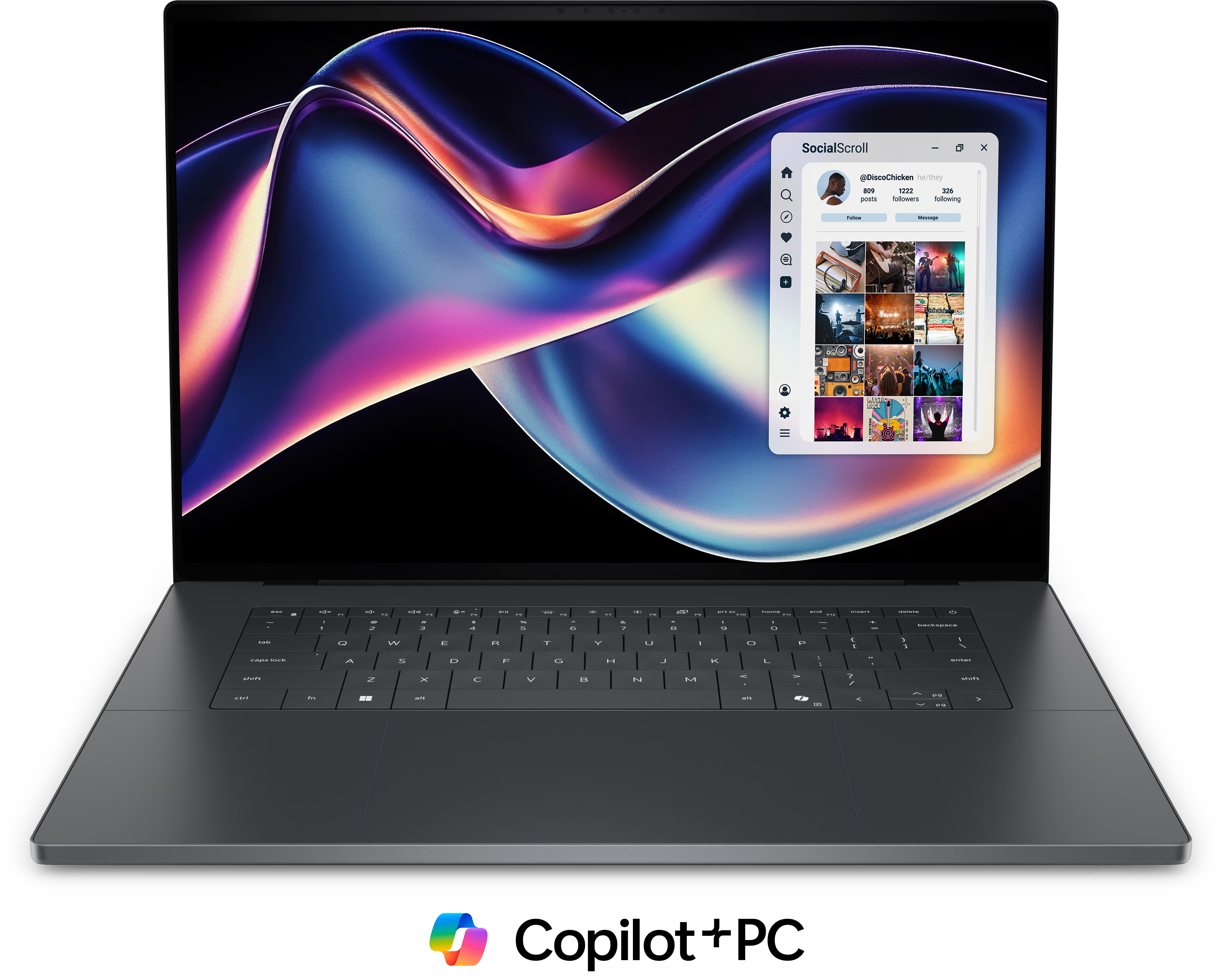
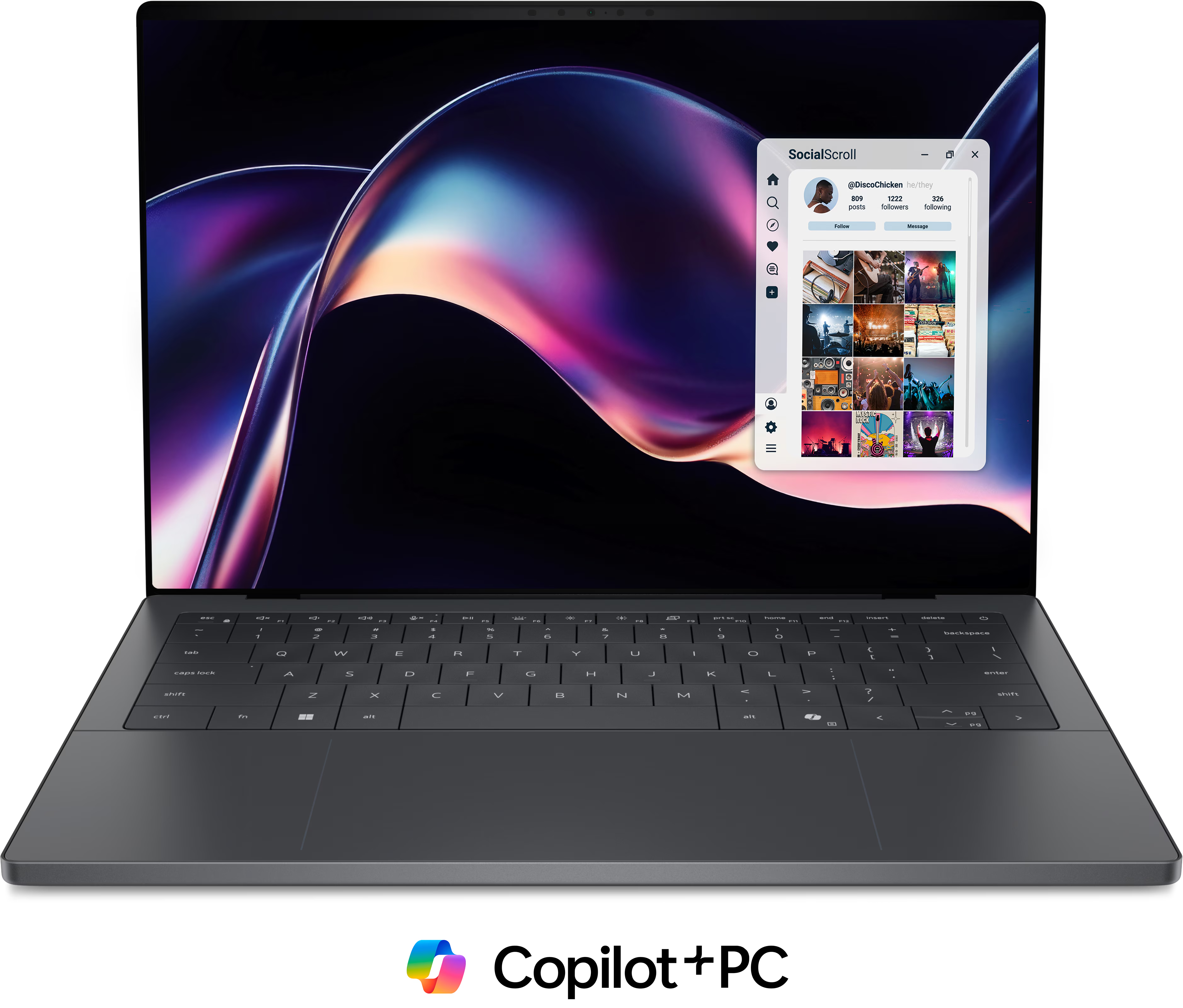
These are better than previous XPS generations in several important ways. They feel ultra-premium, feature excellent haptic trackpads, powerful new Intel chips, phenomenal speakers, and in some configurations, impressive battery life.
But for the super-premium prices Dell is charging, there are also some frustrating compromises. The keyboards are a serious weak point, port selection is limited, and higher-end CPU configurations don’t fully stretch their legs due to power limits.
There are real highs here. There are also real lows. Let’s break them down.
The High Points
Premium Chassis and Build Quality
Dell’s industrial design remains a strong suit.
Both laptops look sleek and understated. The coating feels luxurious and resists fingerprints better than most dark laptops—a rare win. Build quality is excellent, approaching MacBook-level sturdiness.
They’re also impressively compact for their screen sizes. They aren’t ultra-light, but they do feel dense and refined.
One odd ergonomic issue: opening the lid is unnecessarily difficult. There’s no lip or indent, and you often have to wedge a fingernail underneath to lift it. It’s a small detail, but on a premium machine, it stands out.
Display Options: Tandem OLED Is the One to Get
Both models offer:
- 1920×1200 IPS (non-touch)
- High-resolution Tandem OLED (touch-enabled)
- 14" 2880×1800
- 16" 3200×2000
The OLED panel is clearly superior. It’s sharper, more vibrant, and delivers a more premium visual experience.
Dell rates it at 400 nits, but measured brightness is closer to 450 nits. In real-world use like writing outdoors under some shade, it proved bright enough. Reflections are also well-controlled for a glossy display.
Other display highlights:
- Variable refresh rate down to 1Hz (on the 1920×1200 panel)
- No detectable PWM flickering
- Minimal screen door effect on OLED
- No backlight bleed on IPS
One recommendation: avoid the 1920×1200 panel on the 16-inch model. At that size, pixel density suffers and content looks softer than it should.
Excellent Haptic Trackpad
The haptic trackpad is one of the best on a Windows laptop.
It’s precise, responsive, and has effective palm rejection. Many Windows haptic implementations struggle here, but Dell’s solution keeps the cursor stable and predictable.
It doesn’t quite match a MacBook in the smoothness of its glide, but it’s close.
Speakers That Compete at the Top
Both the XPS 14 and 16 deliver outstanding audio. On par with the MacBook Pro.
They get loud, full, and immersive. The XPS 14, in particular, sounds exceptionally balanced. The XPS 16 pushes some frequencies a bit aggressively, but overall, these are among the best speakers in the Windows space.
Strong Battery Life (With the Right Configuration)
Battery life is a major win—especially on the XPS 14 with the 8-core CPU and lower-resolution display.
In a demanding real-world test (300 nits brightness, Wi-Fi and Bluetooth on, office tasks looping), the base XPS 14 delivered outstanding longevity. It even beat larger-battery competitors in some cases.
The OLED models drain faster, and the XPS 16 lags behind the 14 due to its larger display and similar battery size. Still, overall battery performance is strong for this class.
Integrated Graphics That Surprise
With the higher-end Core Ultra X7/X9 configurations, the integrated B390 GPU performs impressively—approaching low-wattage RTX 5050 levels in synthetic tests.
In lighter gaming:
- Playable Cyberpunk performance at moderate settings (on XPS 16)
- Strong results in less demanding titles
- Solid creative application performance
However, the 4-core GPU variant (Core Ultra 5 or 7) is significantly weaker and not suitable for gaming or heavier GPU workloads.
An Actually Great Webcam
One standout feature that shouldn’t be overlooked: the webcam is excellent.
Image clarity, exposure handling, and overall quality are among the best on Windows laptops. If you spend a lot of time on video calls, this is a meaningful advantage.
The Low Points
The Keyboard Is the Achilles Heel
On first impression in a store or something, the keyboard feels crisp and satisfying. But over time, problems may emerge.
Three of our testers experienced constant typos due to no space between the keys and very low key travel. Key travel is just 0.8mm. Dell compensates with a strong tactile click, but the actuation point appears to register after the click sometimes. The result? Every once in a while, you will think you pressed a key but you didn’t. Typing quickly and accurately becomes frustrating.
On a separate note, the front edge is a bit sharp and may cut into your wrists without arm support, like on a plane.
With this keyboard, you may adapt over time—but for a premium laptop, this is a serious drawback.
Port Selection Is Weak (Especially on XPS 16)
Ports include:
- 3x USB-C
- 1x headphone/mic combo
That’s it.
No USB-A.
No HDMI.
No SD card reader.
No Thunderbolt 5.
At this price point—particularly on the XPS 16—the lack of ports feels unacceptable. Most users will need a dongle, undermining the clean aesthetic.
The only silver lining: charging ports are available on both sides.
Both laptops use Intel’s latest Core Ultra Series 3 chips. The problem isn’t the silicon—it’s the power delivery.
- XPS 14 capped at 25W
- XPS 16 capped at 35W
These chips scale well with higher power, and competitors that allow 45W can extract noticeably more performance.
As a result:
- The higher-end X7/X9 configurations fall behind laptops with the same chips
- Performance also trails similarly priced competitors like the MacBook Pro or ProArt laptops
In Geekbench, they perform well. In sustained loads like Cinebench, power limits hold them back.
Fan Noise Isn’t Silent
Under load, fan noise is noticeable. It’s not high-pitched or annoying, but it does ramp up even in Balanced mode.
The XPS 14 stays physically cool due to its lower wattage. The XPS 16 runs warmer and doesn’t meaningfully quiet down when stepping out of Ultra Performance mode.
If you’re sensitive to fan cycling in quiet environments, take note.
Creator Workloads and Stability
In Premiere Pro, laptops with dedicated GPUs lead comfortably. The XPS models fall behind, and in testing, Premiere crashed multiple times during a real project.
In DaVinci Resolve and Photoshop, performance improves, but overall these aren’t ideal creator laptops at this price.
If heavy video editing is your priority, there are much stronger alternatives.
Linux Support: Not Ready
Right now, Linux is not plug-and-play on a boot drive of Fedora 43 due to an outdated kernel 6.17. The 6.18 kernel adds compatibility for the haptic touchpad in the XPS's, which won't function without it. Other things didn't work either on this kernel, like the webcam, Wi-Fi, and speakers. If you do a full install and update of Fedora, results may differ. Luckily, Dell is set to release their support for Ubuntu in April once it's updated to kernel 6.20, so you could also wait for that if you want official support.
So, Who Should Buy These?
If prices drop, the story changes significantly.
Right now, at full MSRP, these machines feel expensive relative to what they deliver. But for the right buyer, they can still make sense:
You’ll like the XPS 14 or 16 if you:
- Prioritize premium design and materials
- Want top-tier speakers
- Care about an excellent webcam
- Value strong battery life (especially on the XPS 14 base model)
- Don’t need many ports
- Don’t do heavy GPU or sustained CPU workloads
Pros
- Premium design and build quality
- Excellent haptic trackpad
- Physical function row (vs previous model)
- Very good speakers
- Punchy Tandem OLED screen (on select models)
Cons
- Keyboard causes alot of typing errors and takes time to get used to
- Very few ports
- Feeds its CPU less power than other laptops do
- Expensive
Best Overall Pick
If choosing today, the sweet spot is:
XPS 14 with Core Ultra 5 and Tandem OLED
It delivers:
- Excellent battery life
- A stunning display
- Lower heat and noise
- The best balance of performance and efficiency
Pros
- Looks stunning
- Extremely well constructed
- Haptic trackpad
- Physical function row (vs previous model)
- Very good battery life (especially the non-X cpu models)
- Best-in-class speakers
- Punchy Tandem OLED screen (on select models)
Cons
- Low-travel keyboard leads to typing errors and takes time to get used to
- Very limited ports (USB-C only)
- CPU is underfed power (X7 and X9 models should be avoided)
Final Verdict
The Dell XPS 14 and 16 represent meaningful progress for the XPS line. They look better, sound better, and in some cases last longer than their predecessors.
But they’re not class-leading across the board. The keyboard is a serious misstep. Port selection is frustrating. And higher-end configurations don’t fully justify their cost.
They have high highs.
They have low lows.
At a discount, they become compelling. At full price, they’re harder to recommend.