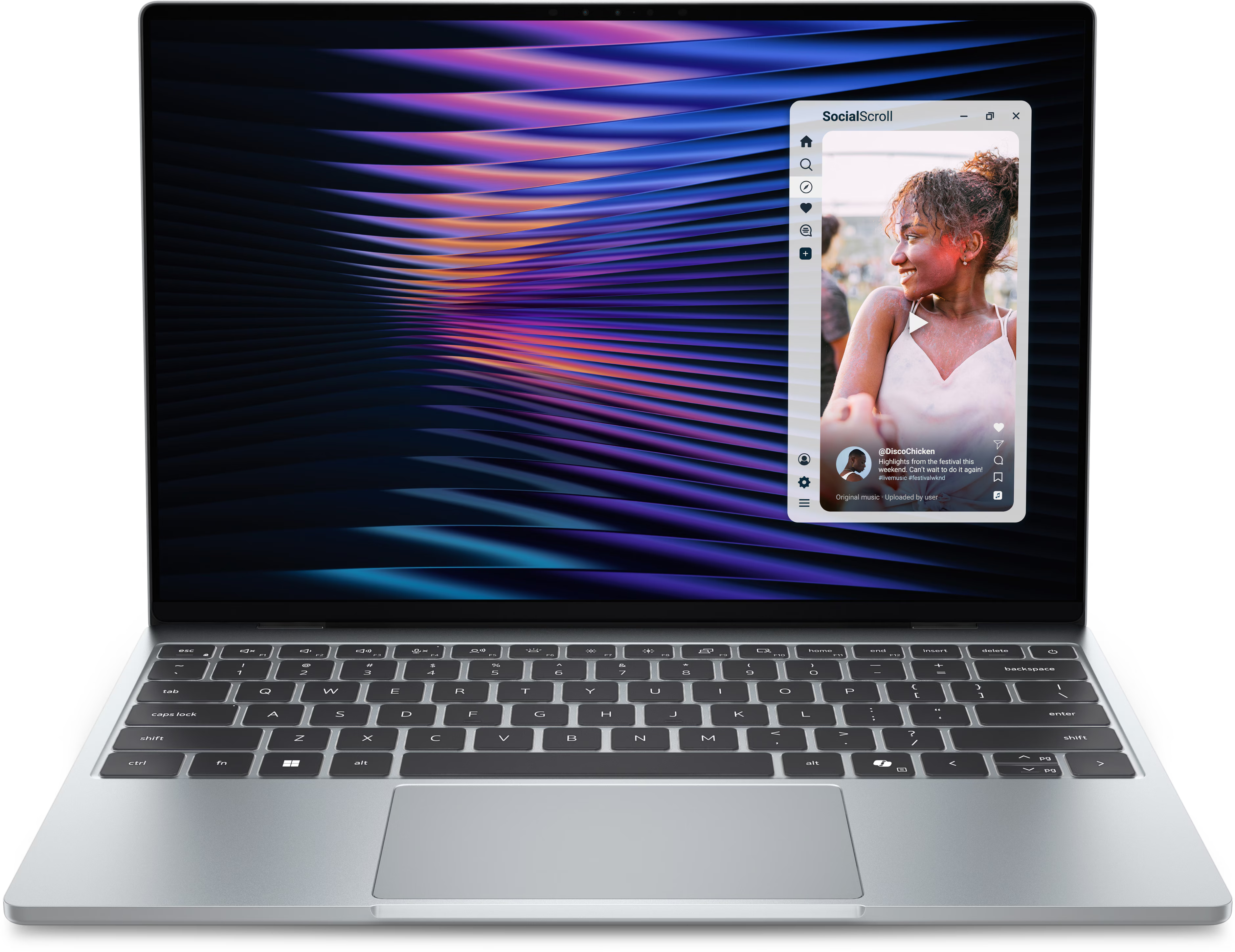
Googlebooks Review: Great Hardware, Terrible Software
November 6, 2026
|
Google's new Googlebooks offer some impressive hardware, but their unfinished software and frustrating limitations make them difficult to recommend over Windows laptops or MacBooks.
Summary
We tested three new Googlebooks and found great hardware held back by frustrating software, app compatibility problems, and limited Android phone integration.
Table of contents:
Summary: Great Laptops Ruined by Their SoftwarePremium Hardware, but What's the Point?The Operating System Doesn't Feel FinishedFile Management Is a NightmareAndroid Apps Don't Work Like Laptop AppsApp Compatibility Is Another ProblemPhone Integration Doesn't Deliver on Its PromiseThere Are Some Things Googlebooks Get RightWhat About Less Demanding Users?Conclusion: Who Should Buy a Googlebook?
Summary: Great Laptops Ruined by Their Software
When Google announced its new Googlebooks, I was genuinely excited. I love the idea of an Android laptop. Something that offers enough functionality for everyday users, a polished Apple-like experience, and seamless integration with your phone.
More competition for Microsoft would be fantastic, too.
Unfortunately, after testing three of the five new Googlebooks, most of us found them incredibly frustrating to use.
Apps didn't work properly, basic laptop functionality was missing, and the promised phone integration was nowhere near what we expected. Using these laptops often felt like taking a trip back in time, reminding us how much functionality we take for granted on Windows and macOS.
And that's a shame because some of the hardware is genuinely impressive.
The Lenovo Googlebook I used, for example, feels incredibly premium for its price. It has a large 15-inch display, a rigid and lightweight chassis, and a soft-touch coating that makes it delightful to handle.
But none of that makes up for an operating system that constantly gets in your way.
Premium Hardware, but What's the Point?
One thing we can give Google and its manufacturing partners credit for is the hardware.
The XPS Googlebook is particularly lightweight, weighing just 1,065 grams in our testing. That's lighter than the MacBook Neo at 1,232 grams and many competing Windows laptops.
The displays are also surprisingly good. Our XPS Googlebook reached 579 nits of brightness, making it the brightest laptop in this comparison. The HP Googlebook's OLED display also performed well, reaching 514 nits.

The XPS Googlebook leads our brightness comparison at 579 nits, while the HP Googlebook also performs well at 514 nits.
These are the kinds of results we'd normally be excited about in a laptop review. The problem is that good hardware only matters if the software lets you take advantage of it.
Unfortunately, that's where Googlebooks fall apart.
The Operating System Doesn't Feel Finished
Some of the most frustrating issues are things that should be incredibly simple.
For example, I wanted to change the trackpad speed on my Lenovo Googlebook. Searching for "Trackpad Settings" didn't take me to the relevant setting. Instead, it launched a web search where Google's AI proceeded to explain how to change trackpad settings on a MacBook.
Then there's the keyboard backlight.
For some reason, Lenovo chose a white keyboard with white backlighting, making the characters difficult to distinguish when illuminated.
Normally, pressing the keyboard backlight button cycles through brightness levels. Not here. Instead, you have to hold the Google key while pressing the brightness controls.
It's completely unintuitive.
What I'd really like is automatic keyboard backlighting that turns off in bright environments and switches on when it gets dark. But none of the Googlebooks we tested offered this.
Even searching for applications is inconsistent. On Android phones, searching for an app you haven't installed can take you to its Play Store listing. Despite having Play Store search enabled in settings, this functionality didn't work properly on our Googlebooks.
These might sound like small complaints individually, but they add up quickly.
File Management Is a Nightmare
Things became considerably worse when I tried using the laptop for actual work.
I needed to open an Excel file from our network, but Google's built-in file manager didn't show our network drives.
Installing a third-party file manager wasn't much better.
I couldn't pin frequently used directories to the sidebar, and navigating through folders was unnecessarily frustrating. There were no straightforward back and forward controls, meaning a wrong click could leave me navigating through the same directories again.
Eventually, I resorted to opening multiple file manager windows just to make moving between folders manageable.
Unfortunately, window management brought another set of problems.
I couldn't simply drag windows between virtual desktops. Even when opening applications on my second desktop, they would sometimes appear on the first.
I've spent years working with technology, and I still found this operating system difficult to figure out.
That's particularly disappointing because simplicity is supposed to be one of the main reasons to buy a Googlebook.
Android Apps Don't Work Like Laptop Apps
The operating system's limitations extend into its applications.
Take Slack, for example. Instead of a proper desktop experience, you're effectively using the phone version.
That means constantly moving in and out of conversations rather than having a convenient sidebar showing what's happening across your workspace.
On a phone, that's understandable. On a laptop with plenty of screen space, it's frustrating.
Dropbox was another headache.
When I tried opening an Excel spreadsheet, it asked me to sign into Excel despite already being logged into the app. After signing in again, the application crashed and wouldn't display the spreadsheet.
Sure, these problems might be less noticeable if you only use Google's own applications, but that's a pretty significant limitation for something being sold as a laptop.
App Compatibility Is Another Problem
Things got even worse when I tried installing Teamfight Tactics.
The game simply wouldn't launch.
One possible explanation is the processor architecture. Many Android applications are designed for ARM processors, whereas the Lenovo Googlebook I tested uses an Intel x86 processor.
That can introduce compatibility problems, as certain applications may require translation or may not run at all.
We couldn't confirm that this was the precise cause of the game's failure, but the result was the same: an application I wanted to use didn't work.
And this isn't limited to entertainment.
Cierra regularly uses Excel for pivot tables, macros, and more demanding spreadsheet work. On her XPS Googlebook, the necessary macro add-ins didn't work, and she couldn't refresh pivot tables.
She found the browser version of Microsoft Office better than the Android apps, but it still couldn't do everything she needed.
For anyone relying on specialist Windows or Mac applications, these limitations could be an immediate dealbreaker.
Phone Integration Doesn't Deliver on Its Promise
One of the features we were most excited about was cross-device integration.
Cierra, our resident Android user, was particularly interested in moving video calls between devices, continuing app sessions, and quickly sharing files.
Unfortunately, most of those features didn't work at launch with her Samsung phone, despite it running Android 17.
Once they did, they took some getting used to. There is a phone app menu and a standard app menu, and they are separate from each other. This means I can have one app open in the phone mirroring menu while also having that same app open on the desktop and they have different UIs that conflict. Very odd. The integration did work though, in the form of transferring calls and sharing files up to 200MB, even if it didn't live up to our expectations.
There Are Some Things Googlebooks Get Right
To be fair, not everything was a disaster.
My docking station worked, along with my external monitor, keyboard, and mouse. I could print, and even my external audio interface worked, which genuinely surprised me.
However, Logitech's Android software couldn't detect my mouse, and there was no compatible software for configuring or updating my audio interface.
Cierra also found her XPS Googlebook usable for after-hours writing, where she primarily relies on Google's app suite, Notion, and Canva.
It was certainly more comfortable than doing those tasks on her phone. But it still wasn't nearly as convenient as a traditional laptop.
Websites would frequently redirect her to Android apps rather than keeping her in the browser, resulting in interfaces that looked worse or offered less functionality.
What About Less Demanding Users?
Xoie had a somewhat more positive experience with the HP Googlebook.
Coming from a school Chromebook, she appreciated that her Googlebook felt faster, lasted longer on battery, and wasn't as restricted. She also liked its touchscreen.
However, she found its battery life less impressive than a Linux laptop she'd recently tried.
Despite being more comfortable with a simplified operating system, she still wouldn't choose to buy a Googlebook.
Alex, who films our laptop B-roll and spends time using each device, was even less impressed. His takeaway was simple: these laptops are frustrating to use and far too expensive for what they offer.
Conclusion: Who Should Buy a Googlebook?
Right now, I genuinely can't recommend one of these laptops.
The problem isn't necessarily the hardware. Some Googlebooks are lightweight, well-built, and have great displays.
It's the software.
The operating system lacks basic functionality, many applications offer a noticeably worse experience than their desktop counterparts, and some don't work at all.
Even the headline feature, seamless Android phone integration, feels unfinished.
And then there's the pricing.
With some Googlebooks costing around $1,000, they're competing against established Windows laptops and Apple's MacBook Air. At those prices, I'd take a MacBook Air every time.
Even the cheaper MacBook Neo offers a considerably more useful laptop experience for most buyers.
You could argue that Googlebooks will improve through software updates, and they probably will. But based on what we've experienced, there's an enormous amount of work left before they can compete with Windows and macOS.
There's also the education market to consider. While Xoie found her Googlebook more capable than her old school Chromebook, it's difficult to imagine schools replacing inexpensive Chromebooks with laptops costing around $1,000.
Ultimately, Google has worked with manufacturers to produce some genuinely appealing hardware, only to hold it back with software that doesn't feel ready.
For now, I'd strongly recommend buying a Windows laptop or MacBook instead.
Hopefully, Googlebooks will eventually become the Android laptops we were hoping for. Unfortunately, they're nowhere near that point today.