Best Laptop Deals by JustJoshTechBest Laptop Deals by JustJoshTech

Live Deals

Laptop Picker

Articles

Best Laptop Deals by JustJoshTech

Community

Search...

Search...

Live Deals

Laptop Picker

Recommended Tech

Articles

Videos

Best Laptop Deals by JustJoshTech

Community

SELECT REGION


logo

Quick Links

Live DealsRecommended TechArticlesManage My Alerts

Company

About UsAdvertise With UsJosh's JourneyContact us

Get In Touch

EmailYoutubeTwitchTwitterInstagramLinkedIn
ArticlesLaptop ReviewsLaptop Reviews

How to Pick a Laptop: Which Display Should You Buy?

How to Pick a Laptop: Which Display Should You Buy?

July 27, 2026

|
Text reads "avoid these traps"

Laptop Displays: Avoid These Traps

Summary

Choosing a laptop display? Learn how resolution, brightness, and panel technology affect your everyday experience.

Table of contents:

A Great Screen Is About More Than Just SizeResolution and Size Must Be Considered TogetherDon't Overlook BrightnessGlossy vs. Matte DisplaysOLED, IPS, or Mini-LED?Be Careful With Budget DisplaysOur Recommendations

A Great Screen Is About More Than Just Size

Many people assume that buying a larger laptop means they'll be able to see more on the screen. In reality, screen size is only one of three key factors: resolution and brightness are the other two. Get these right, and even a smaller laptop can provide a better viewing experience than a much larger one.

Here's what you should look for when choosing your next laptop.

Resolution and Size Must Be Considered Together

A higher resolution allows more information to fit on the screen while keeping text crisp and easy to read.

Rather than focusing only on the display's diagonal size, consider its pixel density (PPI). Displays with around 200 pixels per inch or higher make small text, spreadsheets, and code much sharper and easier to work with. If you can't reach 200, try for at least 180.

It's entirely possible for a high-quality 13-inch laptop to display more usable information than a lower-resolution 16-inch model.

Don't Overlook Brightness

Brightness is measured in nits, and it has a huge impact on how easy your laptop is to use.

Retail stores can make displays look brighter than they really are because of their lighting, so don't rely solely on what you see in person.

For most users, we recommend looking for a display rated at 400 nits or more. If you regularly work outdoors or in bright offices, 500 nits or higher will provide a much better experience.

Glossy vs. Matte Displays

Glossy displays often look more vibrant because they produce deeper contrast and richer colors. The downside is reflections.

In bright environments like cafés, offices with large windows, or outdoors, reflections can quickly become distracting.

Some glossy displays use excellent anti-reflective coatings, but if you spend a lot of time working in bright conditions, a matte display is usually the better choice.

Matte panels reduce glare significantly, although they can make images appear slightly less vibrant.

OLED, IPS, or Mini-LED?

Panel technology also plays a role in image quality.

IPS displays are the most common and the least expensive. The most common downfall of these displays is poor color accuracy. Ideally, you'll want something with 100% sRGB coverage.

OLED displays generally produce deeper blacks and more vibrant colors than traditional IPS panels, making movies, games, and creative work look fantastic.

Mini-LED displays also deliver excellent contrast while reaching very high brightness levels.

The latest Tandem OLED panels combine many of the strengths of both technologies, offering higher brightness than standard OLED displays while reducing some of the motion issues seen on other panel types.

Be Careful With Budget Displays

One of the easiest ways manufacturers reduce costs is by fitting lower-quality displays.

Budget gaming laptops often sacrifice color accuracy, brightness, or response times. Some inexpensive productivity laptops still use outdated panel technologies with poor viewing angles like TN.

A powerful processor or graphics card can't make up for a display you'll be staring at every day, so don't overlook screen quality when comparing laptops.

The XPS 13 is one of the only budget laptops with a great display. The MacBook Neo as well.

Our Recommendations

If you're shopping for a laptop, these are the display features we'd prioritize:

  • Resolution: Around 200 PPI or higher for crisp text and better workspace. 180 at a minimum. Here is a handy calculator.
  • Brightness: At least 400 nits, with 500+ nits recommended for bright environments.
  • Panel type: OLED, Mini-LED, or Tandem OLED where possible for the best image quality.
  • Finish: Matte for frequent outdoor or bright-room use, glossy if you mainly work indoors and prefer more vibrant visuals.

A great display can make a laptop feel far more enjoyable to use every day. Rather than choosing based on screen size alone, focus on resolution, brightness, and panel quality—you'll notice the difference every time you open your laptop.
Laptops in this Article

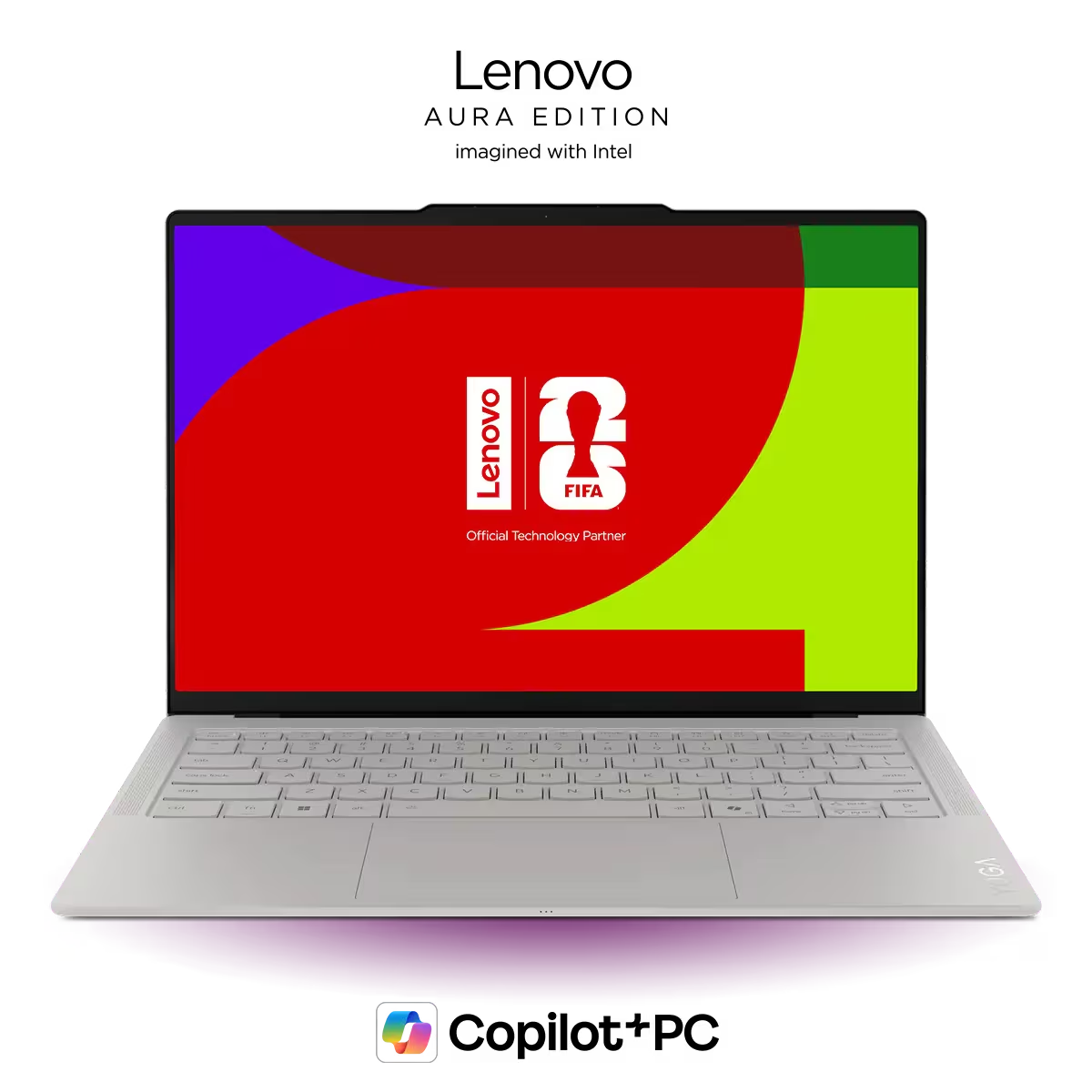
Yoga Slim 7i Ultra Aura Edition 14

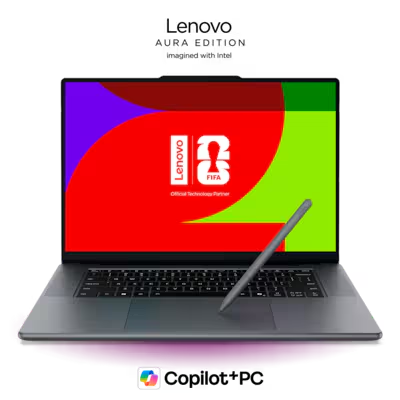
Lenovo Yoga Slim 7i Ultra Aura Edition 14 - Gen 11 - 2026

14 Inches512 GB16 GBCore Ultra 7 355

14 Inches | 512 GB | 16 GB | Core Ultra 7 355

$1,499
$1,499
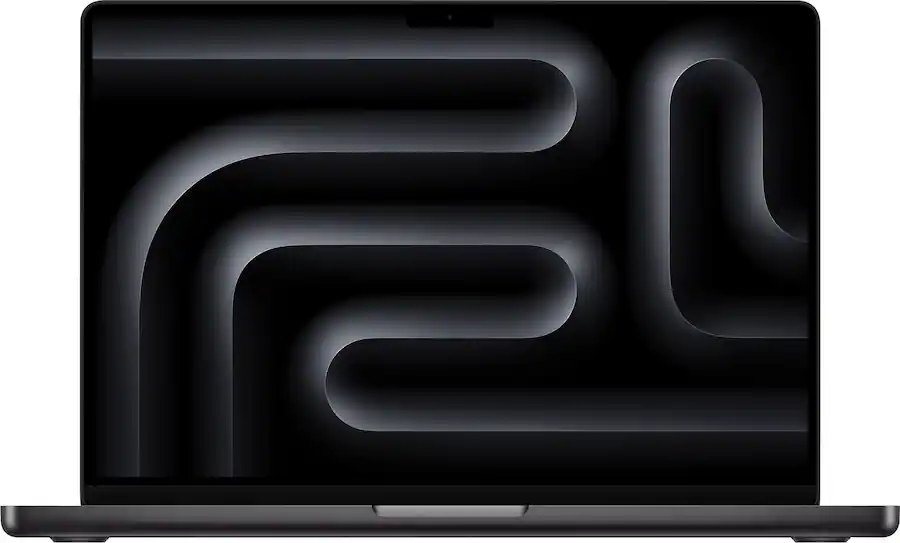
MacBook Pro 14

Apple MacBook Pro 14 - M5 - 2026

14.2 Inches1 TB24 GBM5 10-CoreM5 10-Core GPU

14.2 Inches | 1 TB | 24 GB | M5 10-Core | M5 10-Core GPU

On Sale
Great Deal
$1,899$2,199
Save $300
On Sale
Great Deal
$1,899$2,199
Save $300
7.9
Laptop 13 Pro

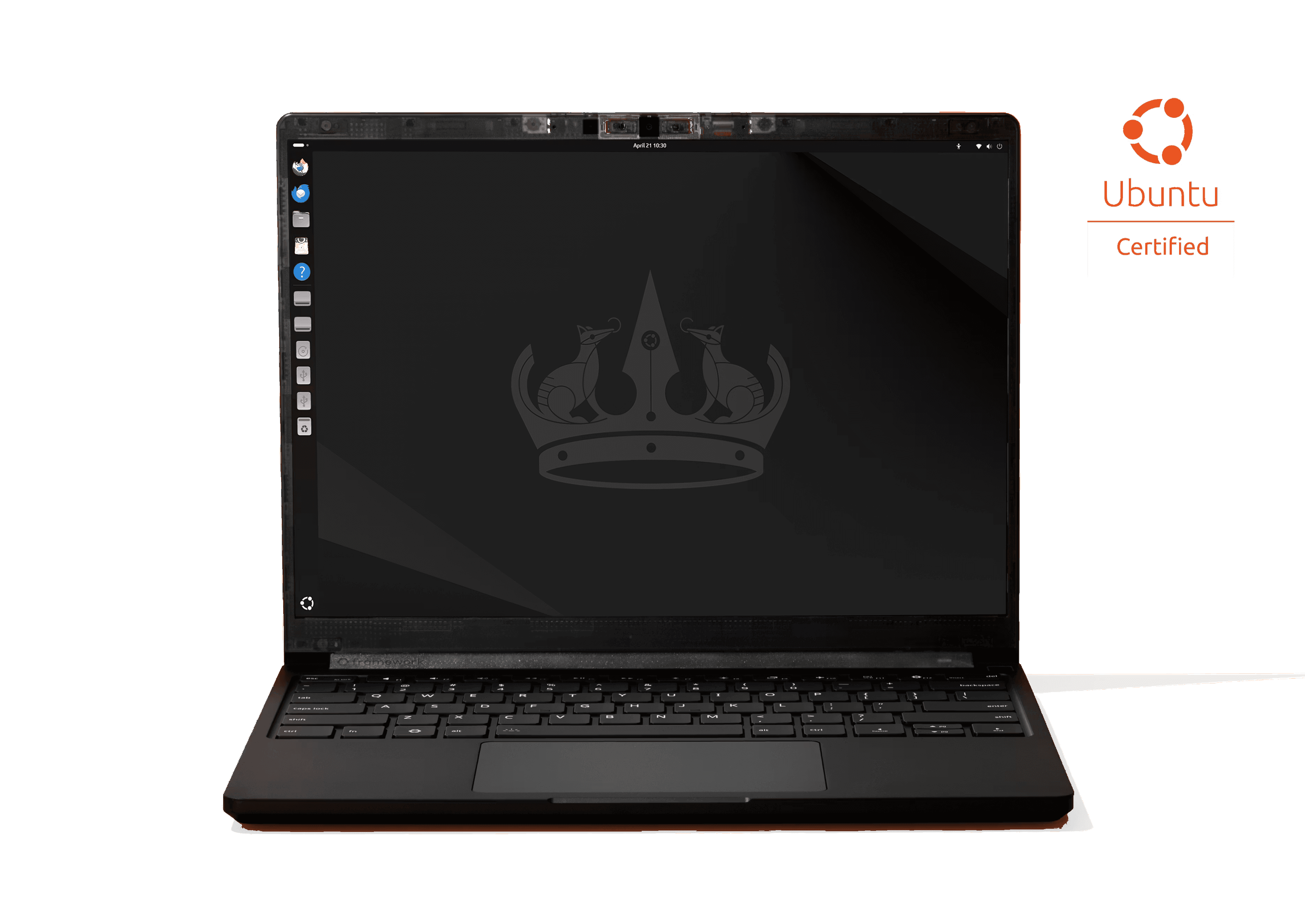
Framework Laptop 13 Pro - Intel Core Ultra Series 3 - 2026

13.5 Inches1 TB32 GBCore Ultra X7 358HArc B390

13.5 Inches | 1 TB | 32 GB | Core Ultra X7 358H | Arc B390

$2,899
$2,899
Lenovo Yoga Slim 7i Ultra Aura Edition 14 - Gen 11 - 2026

14 Inches | 512 GB | 16 GB | Core Ultra 7 355

Yoga Slim 7i Ultra Aura Edition 14
Lenovo Yoga Slim 7i Ultra Aura Edition 14 - Gen 11 - 2026

14 Inches | 512 GB | 16 GB | Core Ultra 7 355

Lenovo
Luna Grey
$1,499
Lenovo
Seashell
$1,499

Pros

  • Extremely light for a 14-inch laptop.
  • Accurate and responsive trackpad with good palm rejection.
  • Beautiful, high resolution OLED display with 120Hz refresh rate and over 500 nits in brightness.
  • Very long battery life

Cons

  • Only three Thunderbolt 4 / USB-C ports; one will be used for charging
  • Thunderbolt 4, not Thunderbolt 5
  • No 3.5 mm headphone jack
  • White keyboard backlight on a white keyboard (with the Seashell color option) makes it harder to see the keys.
Lenovo
Luna Grey
$1,499
Buy Now
Lenovo
Seashell
$1,499
Buy Now
Apple MacBook Pro 14 - M5 - 2026

14.2 Inches | 1 TB | 24 GB | M5 10-Core | M5 10-Core GPU

MacBook Pro 14
Apple MacBook Pro 14 - M5 - 2026

14.2 Inches | 1 TB | 24 GB | M5 10-Core | M5 10-Core GPU

B&H Photo
Silver
On Sale
$1,899Save $300
B&H Photo
Space Black
On Sale
$1,899Save $300
BestBuy
$2,199
Out of stock
Amazon
Silver
On Sale
$1,804
Amazon
Space Black
On Sale
$1,804

Pros

  • Excellent performance
  • Very long battery life
  • All round premium laptop
  • Exceptionally quiet and mostly feels cool to the touch
  • Very premium - Great speakers, webcam, trackpad, keyboard, dsiplay
  • Extremely fast storage

Cons

  • Not a Big Boost In Performance Over M4
  • No Wi-Fi 7
B&H Photo
Silver
$1,899Save $300
On Sale
Buy Now
B&H Photo
Space Black
$1,899Save $300
On Sale
Buy Now
BestBuy
$2,199
Buy Now
Out of stock
Amazon
Silver
$1,804Save $395
On Sale
Out of Stock
Amazon
Space Black
$1,804Save $395
On Sale
Out of Stock
Framework Laptop 13 Pro - Intel Core Ultra Series 3 - 2026

13.5 Inches | 1 TB | 32 GB | Core Ultra X7 358H | Arc B390

7.9
Laptop 13 Pro
Framework Laptop 13 Pro - Intel Core Ultra Series 3 - 2026

13.5 Inches | 1 TB | 32 GB | Core Ultra X7 358H | Arc B390

Framework
$2,899

Pros

  • Ubuntu (Linux), Windows, and no pre-installed OS, are all supported out of the box.
  • Fully upgradeable, with fast LPCAMM2 memory modules
  • Super bright, high-resolution IPS matte touch display. 13.5" with 3:2 ratio for great visibility
  • Modular port selection with Framework's Expansion Card system up to Thunderbolt 4 speeds.
  • Comfortable keyboard
  • Has a haptic touchpad
  • Larger battery, good battery life

Cons

  • Still only has one fan for cooling while many competitors have two (will need to be tested).
  • Costs more than similar laptops with the same specs due to its modularity.
  • Gets very warm in super intensive tasks, but only slightly warm otherwise.
Framework
$2,899
Buy Now
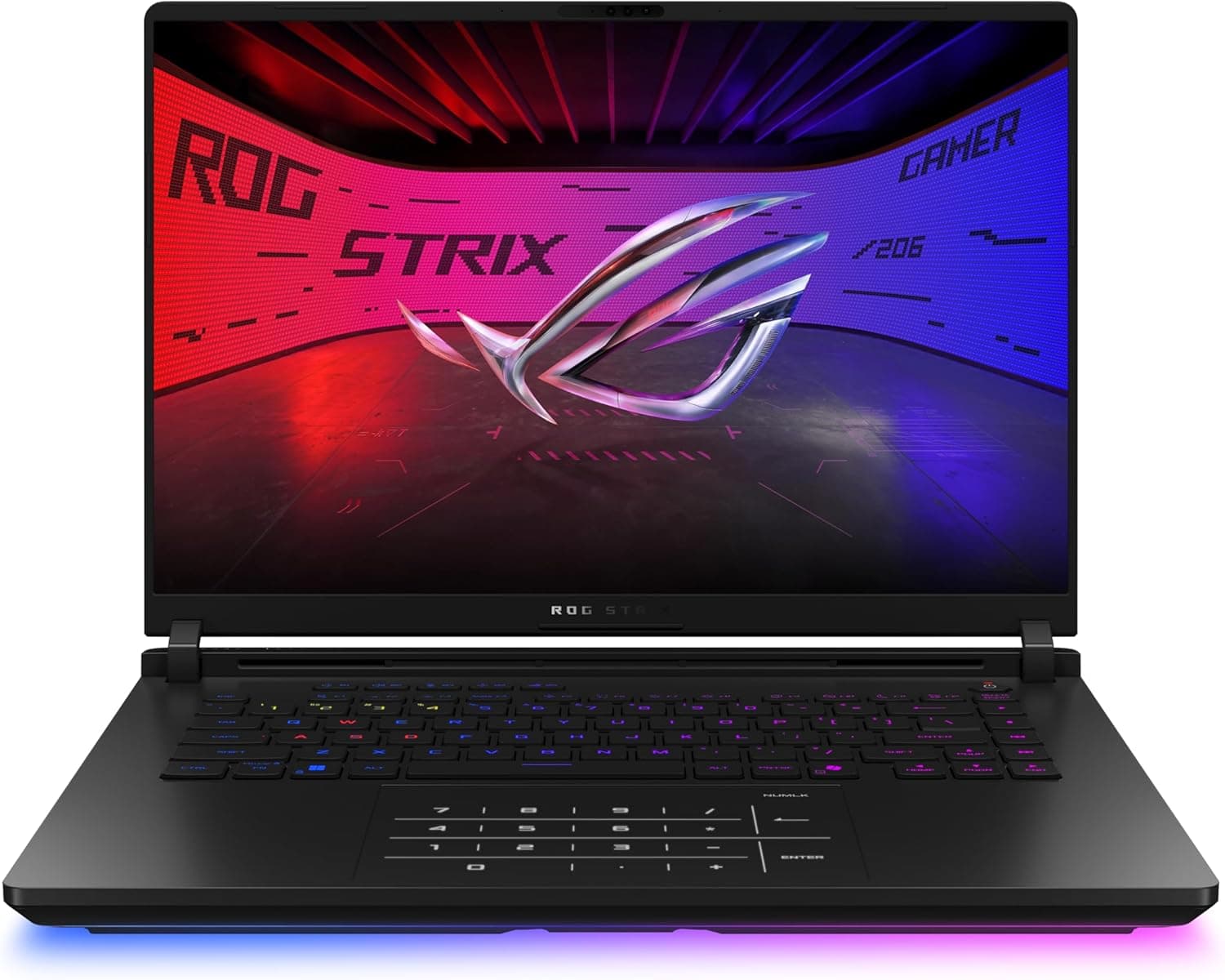
Asus ROG Strix Scar 16 - 2025

16 Inches | 2 TB | 32 GB | Core Ultra 9 275HX | RTX 5080

ROG Strix Scar 16
Asus ROG Strix Scar 16 - 2025

16 Inches | 2 TB | 32 GB | Core Ultra 9 275HX | RTX 5080

Amazon
$3,299
Out of stock
BestBuy
$3,299

Pros

  • High end components
  • Feels very cool to the touch while gaming
  • Exhausts hot air out the back
  • Comfortable keyboard
  • Great Mini-LED display
  • Ports in good locations away from your mouse
  • Easy to upgrade as back can be taken off without tools

Cons

  • Heavy
  • Like all thick laptops, you may feel it biting into your wrist a little
Amazon
$3,299
Buy Now
Out of stock
BestBuy
$3,299
Out of Stock
Lenovo Yoga Pro 9i 16 Aura Edition - 2026

16 Inches | 1 TB | 32 GB | Core Ultra 9 386H | RTX 5060

8.2
Yoga Pro 9i 16 Aura Edition
Lenovo Yoga Pro 9i 16 Aura Edition - 2026

16 Inches | 1 TB | 32 GB | Core Ultra 9 386H | RTX 5060

Lenovo
$3,059

Pros

  • Very premium, well-rounded laptop with strong CPU and GPU performance in a portable 16-inch machine.
  • Excellent, very bright 16-inch tandem OLED display with sharp 3200 x 2000 resolution, 120Hz refresh rate, and near-perfect color coverage.
  • Outstanding keyboard with great travel, satisfying click, premium feel, and centered layout now that the numpad is gone.
  • Haptic trackpad is a welcome upgrade and supports pen input.
  • Excellent speakers, easily as good as the MacBook Pro 16’s.
  • 2 upgradeable SSD slots.

Cons

  • Very expensive, especially compared with last year’s model.
  • CPU is completely outclassed by Apple’s M5 Pro and Max chips in this class.
  • GPU is only midrange for the price and is not fed full wattage.
  • Display is extremely reflective, even more so than the glossy MacBook Pro display.
Lenovo
$3,059
Buy Now
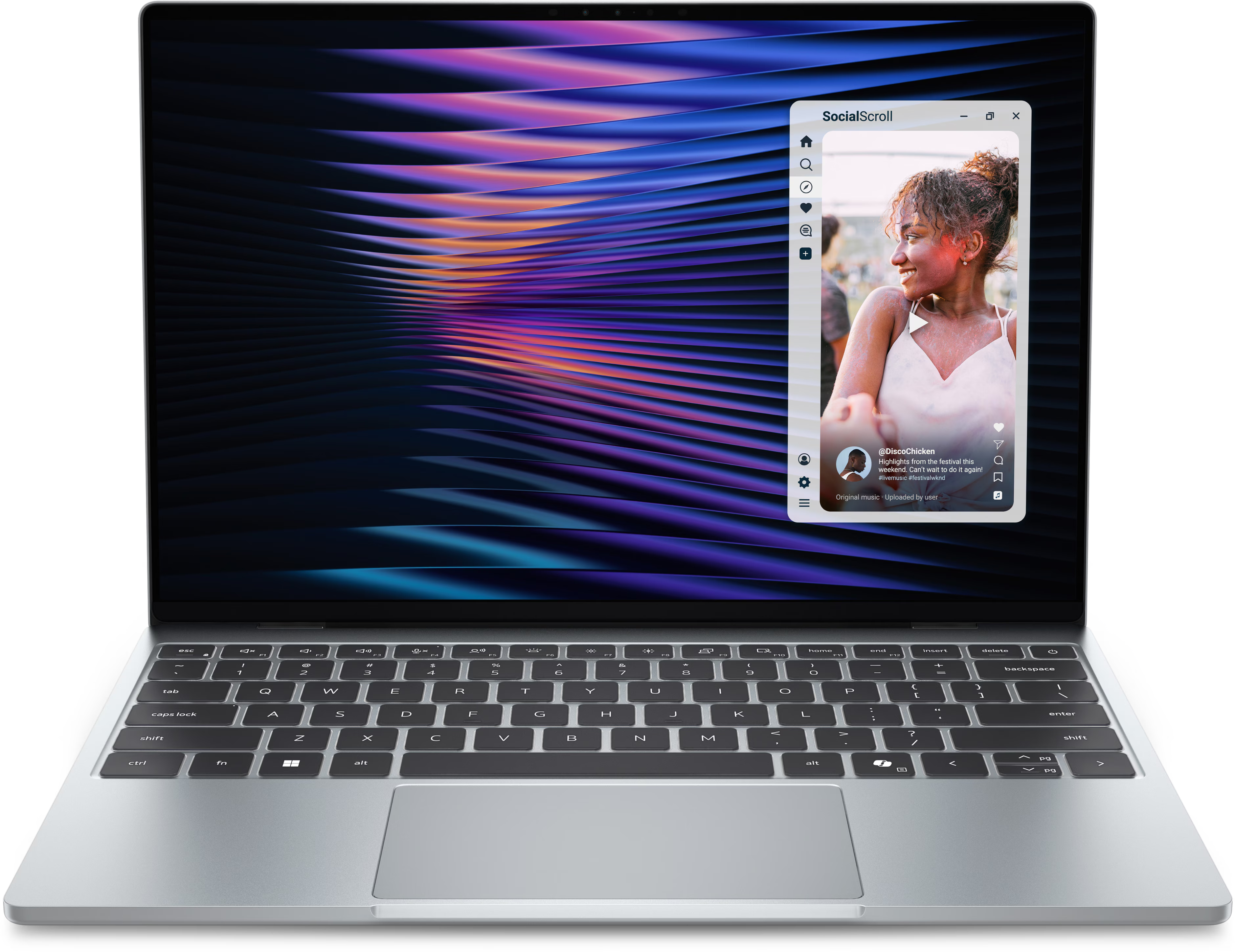
Dell XPS 13 - Intel - 2026

13.4 Inches | 512 GB | 16 GB | Core 5 320

7.4
XPS 13
Dell XPS 13 - Intel - 2026

13.4 Inches | 512 GB | 16 GB | Core 5 320

BestBuy
Sky
$999
Dell
Storm
$1,049
Dell
Sky
$1,049

Pros

  • Competitive price for what you get.
  • Looks more like and has the build quality of a higher end laptop than a budget one, despite being thin and lightweight.
  • Great screen for the price. It is high resolution, 120 hz, around 500 nits (bright for a laptop at this price point), and has very good color gamut of sRGB (almost 100% coverage) and DCI-P3 (also almost 100% coverage).
  • Has pretty effective keyboard backlighting.
  • Windows Hello via an IR Camera is standard.
  • Has an option for 16 GB of RAM at the time of purchase.

Cons

  • Low travel keyboard (0.8 mm)
  • Ports are very lacking for connecting external devices; only 2 USB C (5 Gbps) ports, and no Thunderbolt 4 or USB4.
  • Intel Wildcat Lake (Core Series 3) CPU is only suitable for light/casual use.
  • Pricing is less competitive outside of the U.S.
BestBuy
Sky
$999
Buy Now
Dell
Storm
$1,049
Buy Now
Dell
Sky
$1,049
Buy Now
Apple MacBook Neo 13 - 2026

13 Inches | 256 GB | 8 GB | A18 Pro

MacBook Neo 13
Apple MacBook Neo 13 - 2026

13 Inches | 256 GB | 8 GB | A18 Pro

Amazon
Blush
On Sale
$689Save $10
Amazon
Silver
On Sale
$689Save $10
Amazon
Indigo
On Sale
$689Save $10
Amazon
Citrus
On Sale
$689Save $10
BestBuy
Citrus
On Sale
$689Save $10
BestBuy
Indigo
On Sale
$689Save $10
BestBuy
Silver
On Sale
$689Save $10
BestBuy
Blush
On Sale
$689Save $10

Pros

  • Looks great
  • Fantastic value
  • Built very well, feels premium
  • Very good display for the price
  • Good speakers
  • Excellent trackpad
  • No fan noise, as it is fanless
  • The chassis stays cool even under load.

Cons

  • Very basic performance only. A18 Pro chip and 8GB
  • No keyboard backlight
  • Fingerprint sensor only available in more expensive model
  • Ports are lacking, only 2 USB C and a headphone jack. One port is very slow
  • Battery life is not that long due to its small battery
  • Storage is limited and slow for a modern laptop
Amazon
Blush
$689Save $10
On Sale
Buy Now
Amazon
Silver
$689Save $10
On Sale
Buy Now
Amazon
Indigo
$689Save $10
On Sale
Buy Now
Amazon
Citrus
$689Save $10
On Sale
Buy Now
BestBuy
Citrus
$689Save $10
On Sale
Buy Now
BestBuy
Indigo
$689Save $10
On Sale
Buy Now
BestBuy
Silver
$689Save $10
On Sale
Buy Now
BestBuy
Blush
$689Save $10
On Sale
Buy Now