Summary
HP's new OmniBook X and 7 Flip series replace the older Pavilion and Envy lines with a cleaner design, modern displays, and better-than-expected performance for the price. But not all versions are equal, and pricing tricks make it easy to overpay.
Pros
- Offers great value when on sale
- Intel processor is a fantastic one at this price point
- Bright screen
- Looks nice for a cheaper laptop
- Good battery life considering its smaller battery
Cons
- Screen colors are a little inaccurate
- Keyboard is mushy
- Feels a bit cheap, keyboard deck flexes a bit
Models Reviewed
We tested three models:
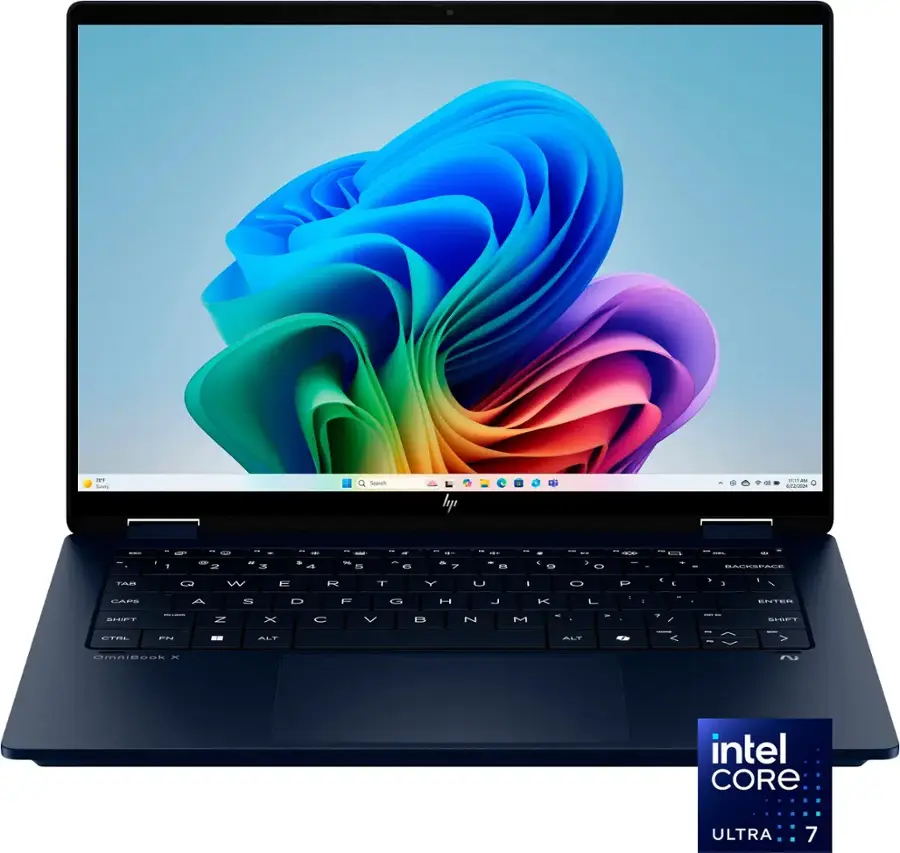
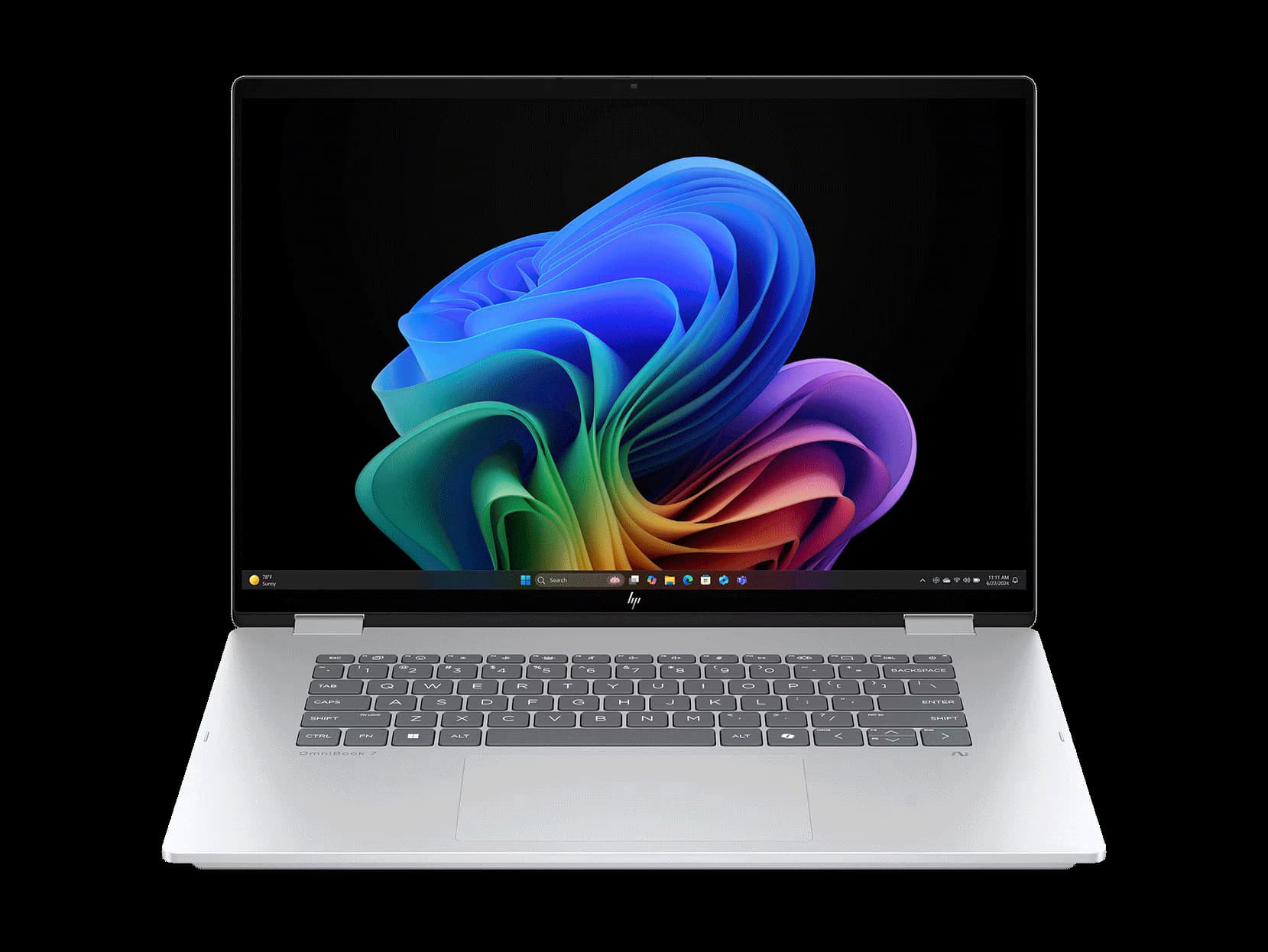
- OmniBook X Flip 14 (Intel Core Ultra 5 226V)
- OmniBook X Flip 16 (AMD Ryzen AI 5 340)
- OmniBook 7 Flip 16 (Intel Core Ultra 7 258V)
All three are 2-in-1 convertibles, built for light workloads like browsing, office work, and student use.
Display: Quality Depends on Which One You Get
All models come with one of two display options:
- 1920×1200 IPS (Full HD)
- 2880×1800 OLED (3K)
The difference in quality is significant. The IPS panels are fine for casual use, but on the 16-inch model, the lower resolution looks soft and less crisp—especially for productivity tasks like spreadsheets or document work.
OLED, on the other hand, is vibrant, more color-accurate, and generally far better—even if it shows a bit of a screen-door effect up close. Both displays hit over 400 nits of brightness, and none showed PWM flickering, which is a nice surprise in this price range.
These laptops are built for light tasks, and each configuration offers good enough speed for typical users. That said, there are some differences worth noting:
Intel Core Ultra 7 258V (OmniBook 7 Flip 16)
- Best single-core speed
- Strongest integrated graphics (Arc 140V)
- Coolest and quietest under load
AMD Ryzen AI 5 340 (OmniBook X Flip 16)
- Better multi-core performance
- Runs warmer and louder
- Integrated GPU (Radeon 840M) lags behind Intel
Intel Core Ultra 5 226V (OmniBook X Flip 14)
- Balanced, but not exceptional
- Performs the slowest under load
- Efficiency helps battery life
Light gaming? Stick with the Core Ultra 7 for the best integrated graphics performance. AMD’s iGPU doesn’t compete here.
Thermals
Thermals are a mixed bag. The OmniBook 7 Flip 16 with Intel's Core Ultra 7 handled heat best, likely thanks to its larger chassis. The OmniBook X Flip 14 and X Flip 16 (AMD) both got noticeably warm and had more audible fan noise.
Battery Life
Battery life was strong across the board in light-use scenarios:
- OmniBook X Flip 14: Nearly 18 hours (thanks to low-res screen + efficient CPU)
- Both 16-inch models: Respectable, though not class-leading
Keyboard
- All three models have decent but shallow 1mm travel keyboards.
- The 16-inch models felt clickier and more satisfying.
- The 14-inch keyboard felt a bit mushy in comparison.
Trackpad
- Usable, smooth, and reasonably accurate.
- Nothing special, but no real complaints.
Ports
- Excellent port selection across all models:
- 2x USB-A (10 Gbps)
- 1x USB-C (10 Gbps)
- 1x Thunderbolt 4
- 1x HDMI 2.1
- Headphone jack
Only nit: all charging ports are on one side, which can create cable clutter.
Pricing & Competition
Let’s be blunt—do not buy these at full MSRP. HP inflates the price so they can advertise big markdowns. Wait for a $300–$400 discount, which can happen regularly on any of these.
For example, the more premium OmniBook Ultra was on sale for less than these Flips' MSRPs during our testing—and it has better build quality, a Ryzen 9 chip, and 32GB of RAM.
Real Competitors:
- Lenovo Yoga 7 2-in-1s: Better design, often better pricing.
- ASUS Zenbook/Vivobook: Slightly better keyboards, a sleeker style.
- MacBook Air (M4): If you don’t need Windows or a touchscreen, it's a better long-term buy for many users.
Final Verdict
The HP OmniBook X and 7 Flip series are solid picks—at the right price. They offer respectable performance, good battery life, and flexible 2-in-1 functionality. But they’re only worth considering if:
- You get them on sale (never at MSRP)
- You choose OLED on the 16-inch models
- You pick the right chip (Intel Ultra 7 for graphics or AMD for multitasking)
Skip them if you want:
- A premium keyboard
- Ultra-portable design
- Great speakers or webcam quality
Pros
- OLED Screen looks very vibrant
- Keyboard still feels comfortable despite it being 1mm key travel
- Trackpad is nice
- Decent battery life
Cons
- Basic level of performance
- IPS screen is low resolution and has inaccurate colors
- Speakers are poor