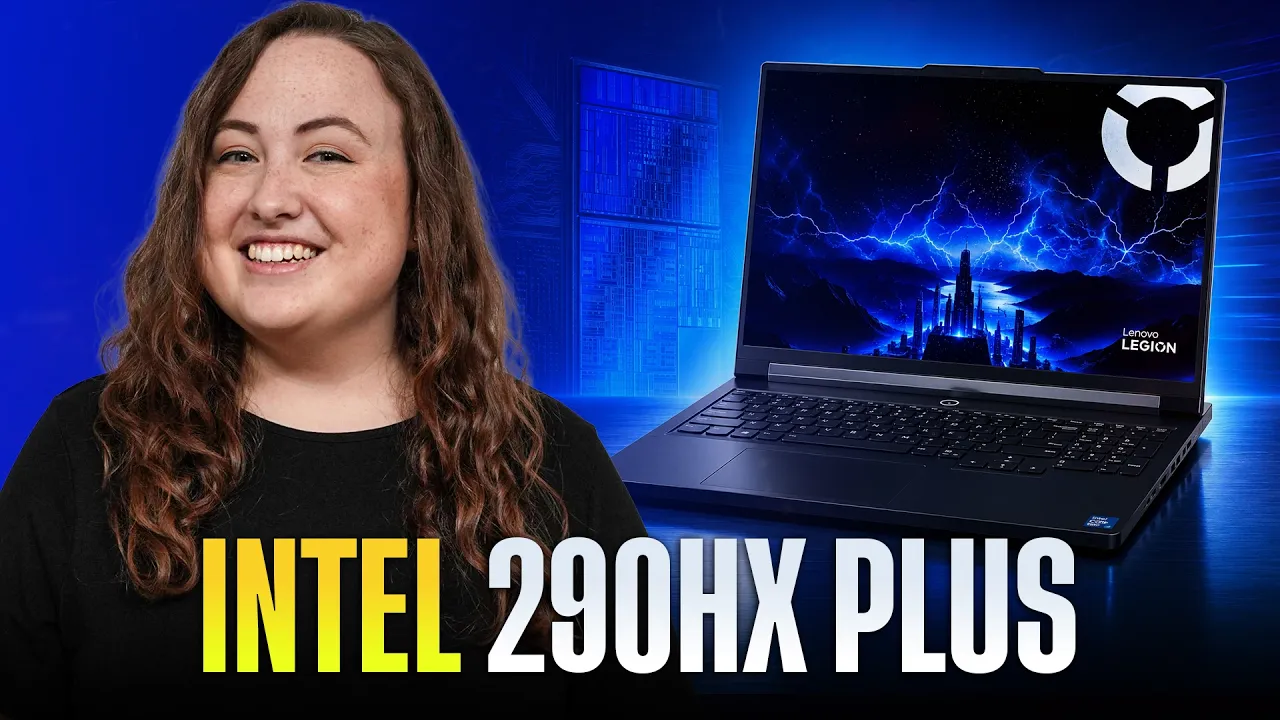
Intel’s Arrow Lake HX refresh is here, and the new Core Ultra 9 290HX Plus brings a modest but useful performance bump over last year’s Core Ultra 9 275HX. Tested inside Lenovo’s latest Legion Pro 7i, the new chip delivers stronger CPU performance, better gaming consistency, and improved battery life compared to the prior model.
In Geekbench, the Core Ultra 9 290HX Plus shows a surprisingly strong uplift over laptops using the Core Ultra 9 275HX. Even compared with the Legion 9i, an 18-inch gaming laptop, the 16-inch Legion Pro 7i comes out ahead. The multi-core improvement is around 14% over last year, which is a solid result for a refresh.

Common Performance Tasks - Geekbench 6 on Highest Performance Modes, Higher is Better.
Single-core performance is much closer, though. That is not too surprising given the nature of this update. The 290HX Plus is not a totally new architecture, so the biggest gains show up when the processor can stretch across more cores.
Cinebench tells a more modest story. The new Legion Pro 7i still tops the chart and beats the prior model, but the gap is smaller than what we saw in Geekbench. Single-core performance improves a bit more here, but again, this is best understood as a refinement rather than a full generational jump.

Max CPU Performance Benchmark - Cinebench 2026 Single Run on Highest Performance Modes, Higher is Better.
The more interesting part is how the laptop gets there. During our 10-minute Cinebench test, the new Legion Pro 7i briefly bursts a little higher, but its average power draw is essentially the same as last year’s model. Since it performs better at the same average wattage, the result is a small but real efficiency improvement.
Efficiency, Heat, and Fan Noise
Looking at performance per watt, the new Core Ultra 9 290HX Plus does edge ahead of the older Core Ultra 9 275HX. On our Cinebench efficiency scatter plot, the new Legion Pro 7i lands slightly above the previous model, meaning it delivers a little more performance at the same wattage.

Cinebench 2026 Performance by Power Draw
Core temperatures during Cinebench are very similar between the two Legion Pro 7i models. Both sit in the upper 80s Celsius and both peak at 104°C. So, internally, the CPU still gets hot under sustained load.
The external temperatures are more impressive. The new Legion Pro 7i improves the keyboard deck temperatures significantly. Around 37°C is barely noticeable, while 41°C starts to feel warm. That makes the newer model more comfortable to use during heavy CPU workloads, even if the internal CPU temperatures are still high.
Fan noise is still loud in the highest performance modes. That is typical for this class of gaming laptop, and Legions generally avoid the high-pitched fan tone that can make some laptops more annoying. Still, they are not quiet.
For most people, Balanced mode is probably the better choice. In that mode, the new Legion Pro 7i drops to around 49 dB while retaining 88% of its performance and drawing 39% less power. The CPU also runs much cooler. That is the mode we would use for many intensive tasks unless you absolutely need maximum performance.
Gaming is where the CPU refresh becomes more interesting. To compare graphics performance fairly, we looked at the new Legion Pro 7i against the Legion 9i, since both use an RTX 5090. Last year’s Legion Pro 7i configuration we tested used an RTX 5080, so it is not the cleanest match for GPU comparisons.
In Time Spy, the new Legion Pro 7i slightly outperforms the Legion 9i. The CPU score is about 10% higher, which gives the Pro 7i the edge. This is especially notable because gaming workloads give the CPU less power than CPU-only benchmarks like Cinebench. That suggests the 290HX Plus is also performing better at lower wattages.

Cyberpunk 2077 Benchmark on 2550x1600 on Ultra Settings - Upscaling: Balanced & Frame Gen Off.
In Cyberpunk 2077 at 2560x1600, Ultra settings, balanced upscaling, and frame generation off, the new Legion Pro 7i keeps a slight lead over the Legion 9i. Marvel Rivals follows the same general trend, with the new Pro 7i again landing at the top.
We also moved to Forza Horizon 6 during testing, which is more demanding, and the trend continued. Average FPS was similar.

Forza Horizon 5 Benchmark on 2550x1600 on Extreme Settings - Upscaling: Off & Frame Gen: Off.
Across the gaming tests where frame generation was not used, the new CPU consistently helped improve 1% lows. That is a meaningful improvement for actual gameplay, even when average FPS does not dramatically change.
Gaming Heat and Comfort
Thermals while gaming are a little more complicated than they look on a chart. In our Forza Horizon 6 testing, the new Legion Pro 7i does get warm. At first glance, that might look worse than what we saw in Cinebench, but there are a few important details.
First, this model has an RTX 5090, while the older Legion Pro 7i we tested had an RTX 5080. That makes the Legion 9i the more relevant comparison, because it also has an RTX 5090 and a larger 18-inch chassis with theoretically more room for cooling.
Second, the hottest surface temperature does not tell the whole story. During actual gaming, the heat was mostly concentrated toward the center and upper part of the keyboard deck. The WASD area and palm rests stayed comfortable. That matters more than the single hottest point, because those are the areas your hands actually touch while gaming.
Not sure if we'd want to use this image again here. Maybe we should consolidate the points.
The fans are loud in the highest performance mode, as expected. Again, Balanced mode is a sensible option if you are sensitive to fan noise. You will give up performance, but even in Balanced mode the laptop still averaged 94 FPS with 1% lows above 60 FPS in a modern game at Ultra settings, native resolution, and no DLSS. That is still a very strong result.
Lenovo also allows manual tuning, so users who want to find their own balance between performance, fan noise, and temperatures have some room to experiment.
Creator Workloads

Puget Benchmark Premiere Pro 2.0 - Highest Performance Mode, Higher is Better
In Premiere Pro, the new Legion Pro 7i tops the chart, but last year’s Legion Pro 7i with an RTX 5080 performs surprisingly close to the Legion 9i with an RTX 5090. That older 5080 unit appears to perform above average for its GPU class, though still within the expected range according to PugetBench.

Puget Benchmark Davinci Resolve Pro 2.0 - Highest Performance Mode, Higher is Better
DaVinci Resolve is even more unusual. The RTX 5080 Legion Pro 7i actually pulls ahead of the Legion 9i. After retesting and checking the data, this appears to be more about that specific 5080 unit performing extremely well than the RTX 5090 underperforming in a broader sense.
One possible factor is that even though the RTX 5090 includes a third media encoder that the RTX 5080 does not, these particular benchmarks may not be taking full advantage of it. Either way, all of these high-end Legion models perform extremely well for video editing. In most projects, stutters or slowdowns should be rare.

Blender 4.2.3 Splash Screen Render - Highest Performance Mode, Lower is Better
Blender produces results that line up more closely with expectations. The new Legion Pro 7i and Legion 9i sit at the top thanks to their RTX 5090 GPUs, while the RTX 5080 Legion Pro 7i follows closely behind. Laptops with weaker GPUs trail further back.
Battery Life
Battery life is still not a strength, but that is normal for high-performance gaming laptops. The new Legion Pro 7i improves battery life by around 16% compared with last year’s model.

Battery Rundown Test - Office Tasks
That should be enough for a shorter plane ride or a stretch of light work away from the wall, but this is not a laptop we would expect to last through a full workday unplugged.
We do not currently test gaming on battery with Nvidia gaming laptops because performance drops heavily and runtime is usually very short. For users who care more about portability and battery life than maximum gaming performance, Lenovo’s smaller Legion 5i 15-inch is a better fit. A BIOS update has also improved battery life on that model by fixing an issue where the dedicated GPU was not fully sleeping in iGPU mode.
One important note: Lenovo has told us that Legion Space is not currently pushing every expected update users may need. It is worth checking Lenovo’s website directly for the latest BIOS and driver updates.
Conclusion
The Core Ultra 9 290HX Plus is not a revolutionary update, but it is a good one. Across our testing, the new processor provides about 6% more performance on average. That is enough to make the latest Legion Pro 7i the fastest gaming laptop we have tested to date.
The biggest wins are not just in raw CPU benchmarks. The new chip also helps gaming performance, especially 1% lows, which can make games feel smoother even when average FPS does not jump dramatically. It also delivers slightly better efficiency and improved battery life compared with last year’s model.
The Legion Pro 7i remains one of our favorite high-performance gaming laptops. It has excellent performance, good thermals, a vivid OLED screen, and a very comfortable keyboard. As a complete package, it offers a great gaming experience.
That said, last year’s Legion Pro 7i still performs very well, and the chassis is effectively the same. If you can find the older model at a major discount, it may be the smarter value buy.