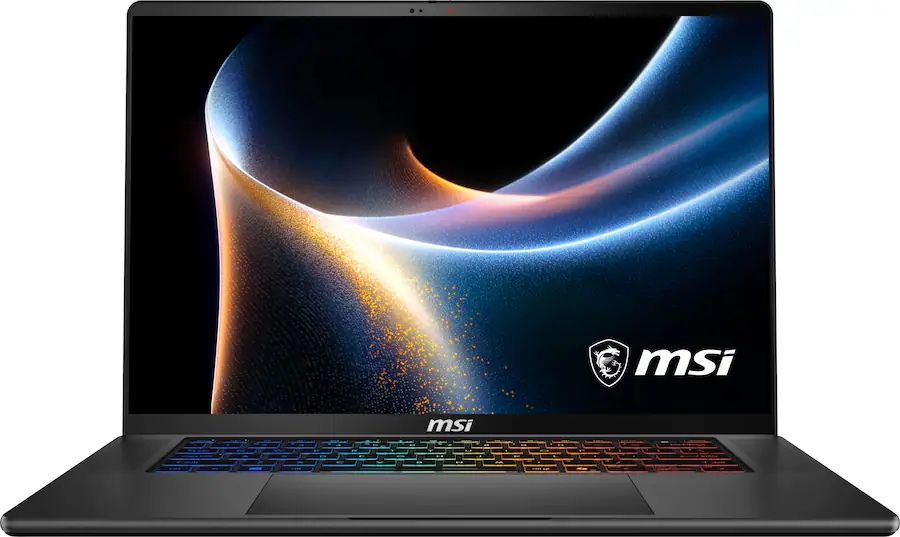
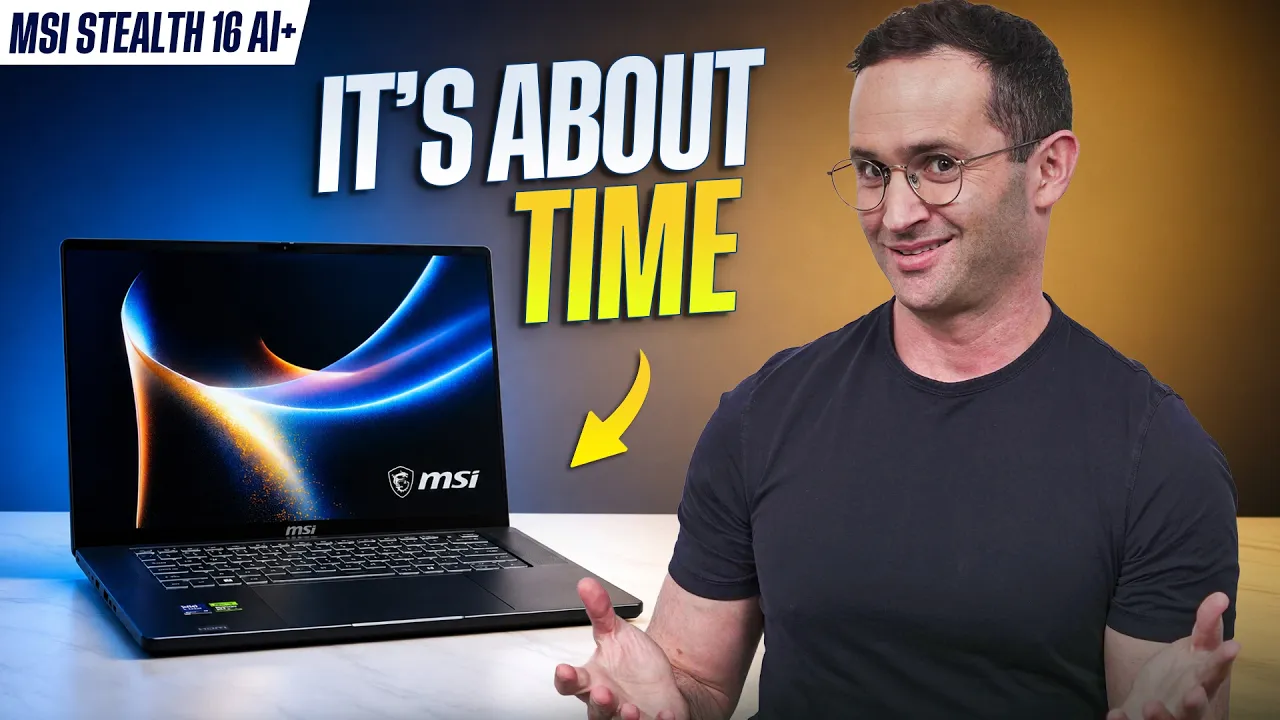
On paper, its 125W GPU power limit makes it look considerably weaker than premium thin gaming laptops like the ASUS Zephyrus G16. In our testing, though, the Stealth could tie or even beat the Zephyrus in some games. It also stays remarkably cool while gaming, has an excellent 240Hz OLED display, and finally has a keyboard we really enjoy using.
There are compromises. It doesn't feel as premium as the Zephyrus or Blade 16, battery life isn't good, and the port placement is frustrating. But if the RTX 5070 Ti model is around $400-$500 cheaper than a comparable Zephyrus, the Stealth is very compelling.
A Slimmer, More Understated Stealth
MSI completely redesigned the Stealth this year. It weighs around the same as the Zephyrus G16 and Blade 16, although it's a little thicker. It's still considerably slimmer than a traditional gaming laptop, and its curved front edge makes it comfortable to use.
Build quality is where you'll notice the difference versus more expensive competitors. The chassis can flex and even creak when pressure is applied, and some panels aren't fitted as precisely. Still, the important areas feel solid. There's minimal flex in the keyboard deck and lid, and the display hinge is tight.

MSI Stealth 16 AI+ Gaming Performance in Forza Horizon 6
The Stealth can be configured with Intel’s high-end Core Ultra 9 Series 3 processor and GPUs like the RTX 5070 Ti and RTX 5080. MSI only feeds the GPU up to 125W, which looks low compared to the Zephyrus G16’s advertised 160W. In reality though, the Zephyrus generally doesn’t push much beyond 140W even in its highest Manual mode, while the Stealth can consistently maintain its 125W limit. Both laptops have a total CPU and GPU power envelope of around 170W, but MSI gives more of that power to the CPU.
That approach pays off in CPU-bound games. The Stealth beat the Zephyrus in Marvel Rivals in our testing, even with the Zephyrus running in its highest Manual mode. The Stealth also tied the Zephyrus in somewhat CPU-intensive titles like Forza Horizon 6. The Zephyrus and Blade still pull ahead in more GPU-heavy games like Cyberpunk at high resolutions, but for CPU-bound games and esports titles, the Stealth performs much better than its 125W GPU limit suggests.
Cool While Gaming, Warm During Light Use
The Stealth stays incredibly cool to the touch, with hot air exhausted out the rear rather than toward your mouse hand. Fan noise gets loud, but it's comparable to other gaming laptops. We found Extreme Performance mode with Apex disabled provided a good balance.
Oddly, the Stealth can feel warmer during light use, with the left palm rest heating up even though the fans are mostly silent. Those fans can occasionally spin up in Silent mode with a higher-pitched sound that may bother noise-sensitive users. CPU-only performance also falls slightly behind the Blade and Zephyrus, though it’s still plenty powerful for demanding workloads like coding or music production.
Battery Life Is a Weakness

MSI Stealth 16 AI+ Battery Life During Office Tasks
The Stealth lasted around five and a half hours in our office rundown test, which isn't great. Based on our experience with Windows gaming laptops, we'd expect closer to three hours during real-world use.
Performance drops substantially when unplugged, so you’ll want to stay near an outlet. Thankfully, the Stealth supports USB-C charging, letting you carry a smaller charger instead of MSI’s much heavier power brick when you don’t plan to game.
An Excellent 240Hz OLED Display
The Stealth's display is fantastic. It's a 2560x1600 OLED panel running at 240Hz, with accurate colors, excellent contrast, and no noticeable screen-door effect. Games look phenomenal.
Its anti-glare coating handles reflections better than the Blade 16 and Legion 7i displays we tested, which helps since brightness is only a little over 400 nits. It’s bright enough for most situations, but we’d like more brightness in well-lit environments. The display also lacks G-Sync, and there is no Advanced Optimus, although there is a MUX switch that requires a restart to use.
MSI Finally Fixed the Keyboard
The previous Stealth's keyboard was mushy and had an awkward layout that merged the arrow keys into the number pad. Thankfully, MSI has completely changed it.
The number pad is gone, the keyboard is centered, and there’s plenty of space between the keys. Typing feels fantastic, with satisfying clicks and relatively little resistance. We actually prefer it to the Zephyrus G16. The larger trackpad isn’t nearly as impressive, though. It’s mechanical, very slippery, and our unit had a slight rattle near the bottom-right corner. It works fine, but doesn’t feel particularly premium.
The Port Placement Is Rough
Our biggest design complaint is the port placement. The power cable sticks directly out of the left side, making the Stealth particularly awkward for left-handed gamers using a mouse. All the USB-C ports are also on the left, while HDMI sits far down the right side.
That HDMI placement matters because you’ll need to use it to connect an external monitor directly to the dedicated GPU. The USB-C ports route through the integrated graphics. On the plus side, you get 2.5G Ethernet, which is rare on a slim gaming laptop, although there’s no SD card reader.
Upgradeability Is Excellent
One significant advantage over some thin gaming laptops is upgradeability. The memory is upgradeable, there are two SSD slots, and you can replace both the battery and Wi-Fi card. That’s particularly useful because the included Wi-Fi 7 card doesn’t support the faster 320MHz channels, but you have the option to upgrade it later.
The speakers are also quite good, although they lack the bass and immersive sound of the very best laptop speakers. The webcam, unfortunately, is terrible.
Should You Buy the MSI Stealth 16 AI+?
MSI has seriously improved the Stealth this year. Its 125W GPU limit looks disappointing on paper, but real-world gaming performance tells a different story. Depending on the game, it can keep up with or even beat the more expensive Zephyrus G16. It also stays incredibly cool while gaming, has an excellent OLED display, a fantastic keyboard, and strong upgradeability. We think the RTX 5070 Ti configuration makes the most sense, especially if it’s around $400 to $500 cheaper than a comparable Zephyrus G16.
We wouldn’t recommend paying for an RTX 5080 or 5090 in this chassis, since thicker laptops like the Strix Scar 16 or Legion Pro 7i have the cooling and power to better take advantage of them. We’d also be cautious with an RTX 5070 model if it only has 8GB of VRAM, especially as newer 12GB models become available. The Stealth doesn’t have the premium build quality of the Blade or Zephyrus, and its battery life and port placement are clear weaknesses. But if gaming performance matters more than those compromises, the MSI Stealth 16 AI+ punches well above its weight.
Pros
- Stays cool during performance tasks
- Great OLED screen with an anti-reflective coating
Cons
- No SD Card reader
- Battery life is lacking