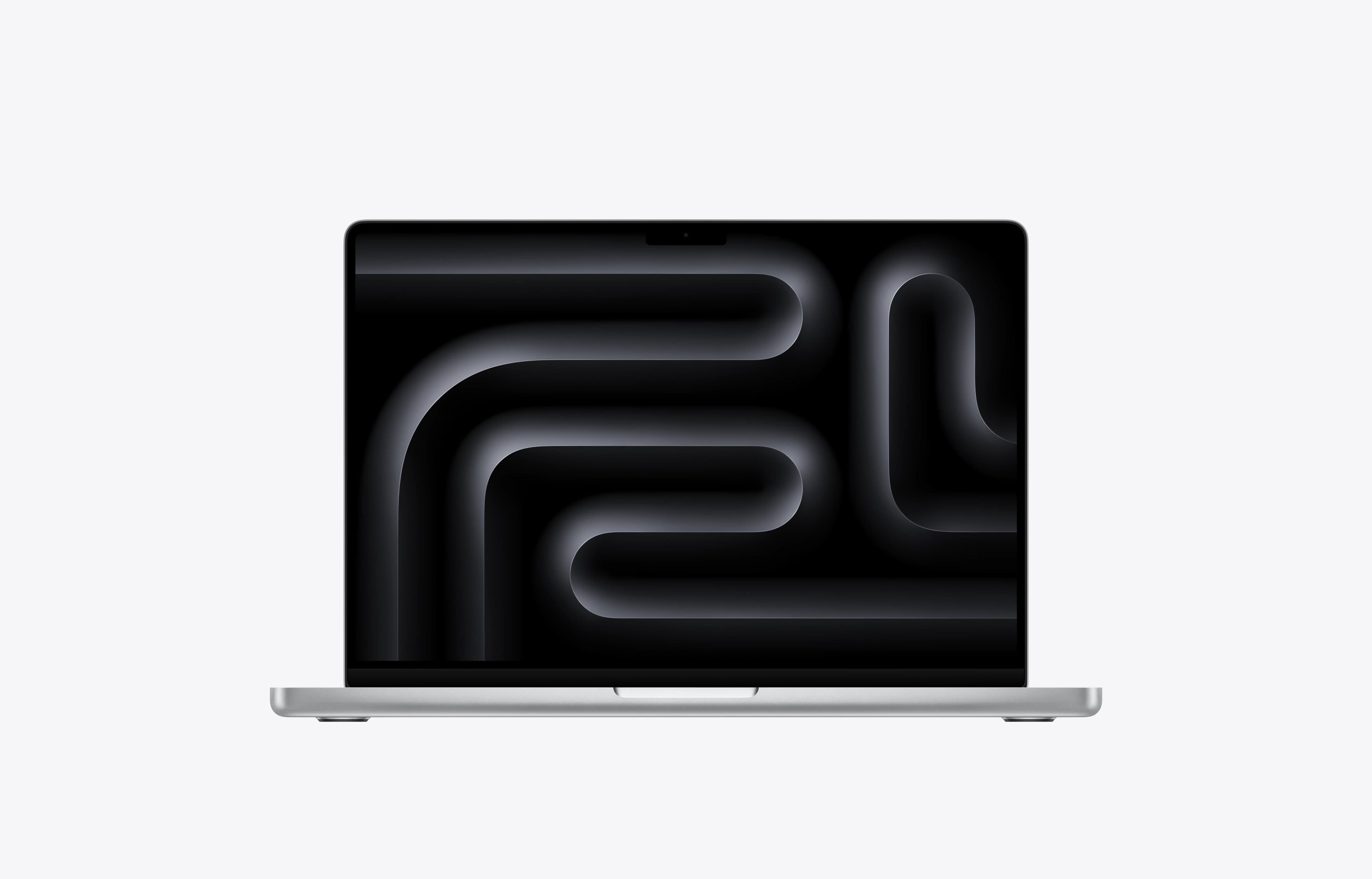
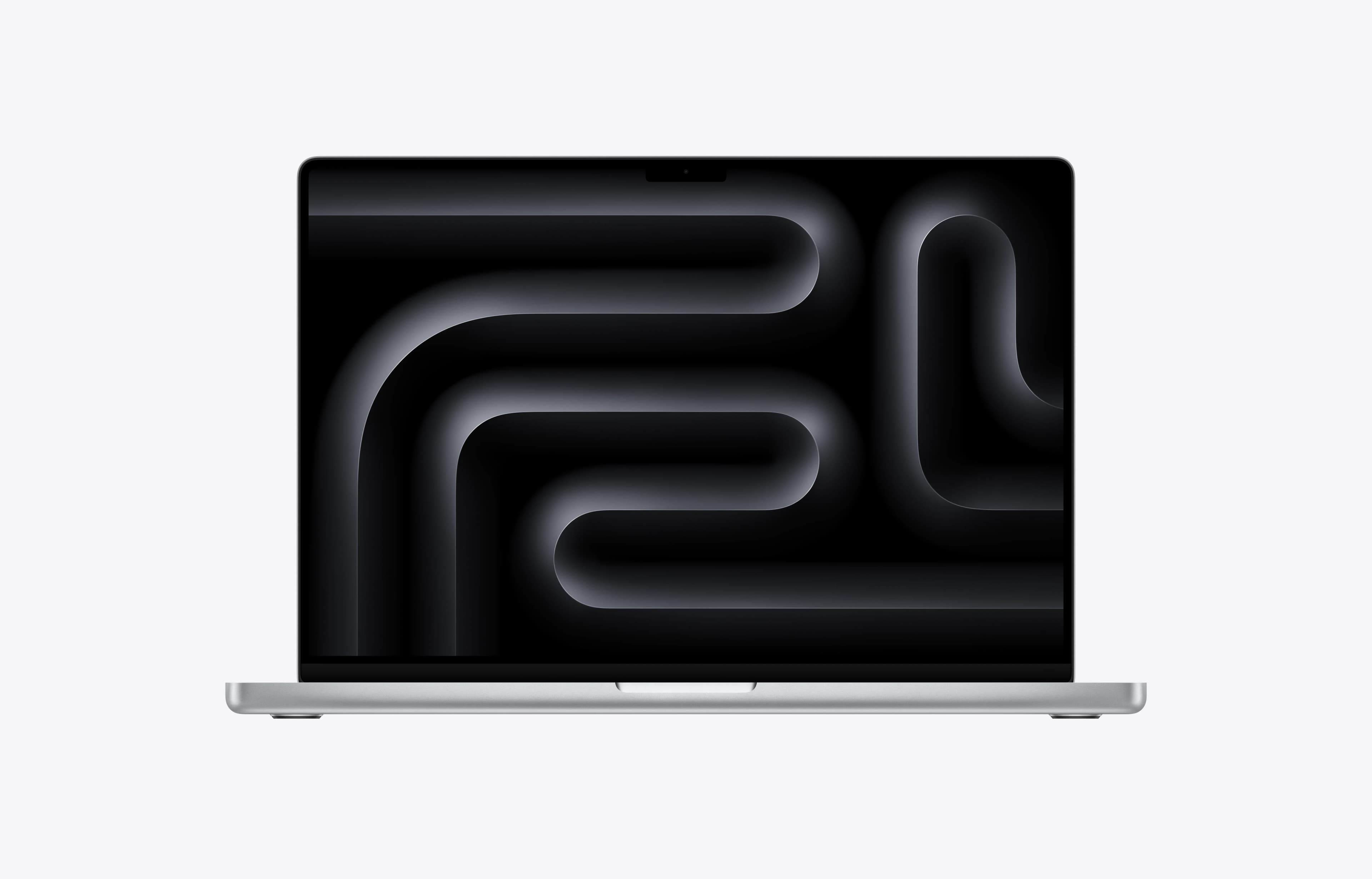
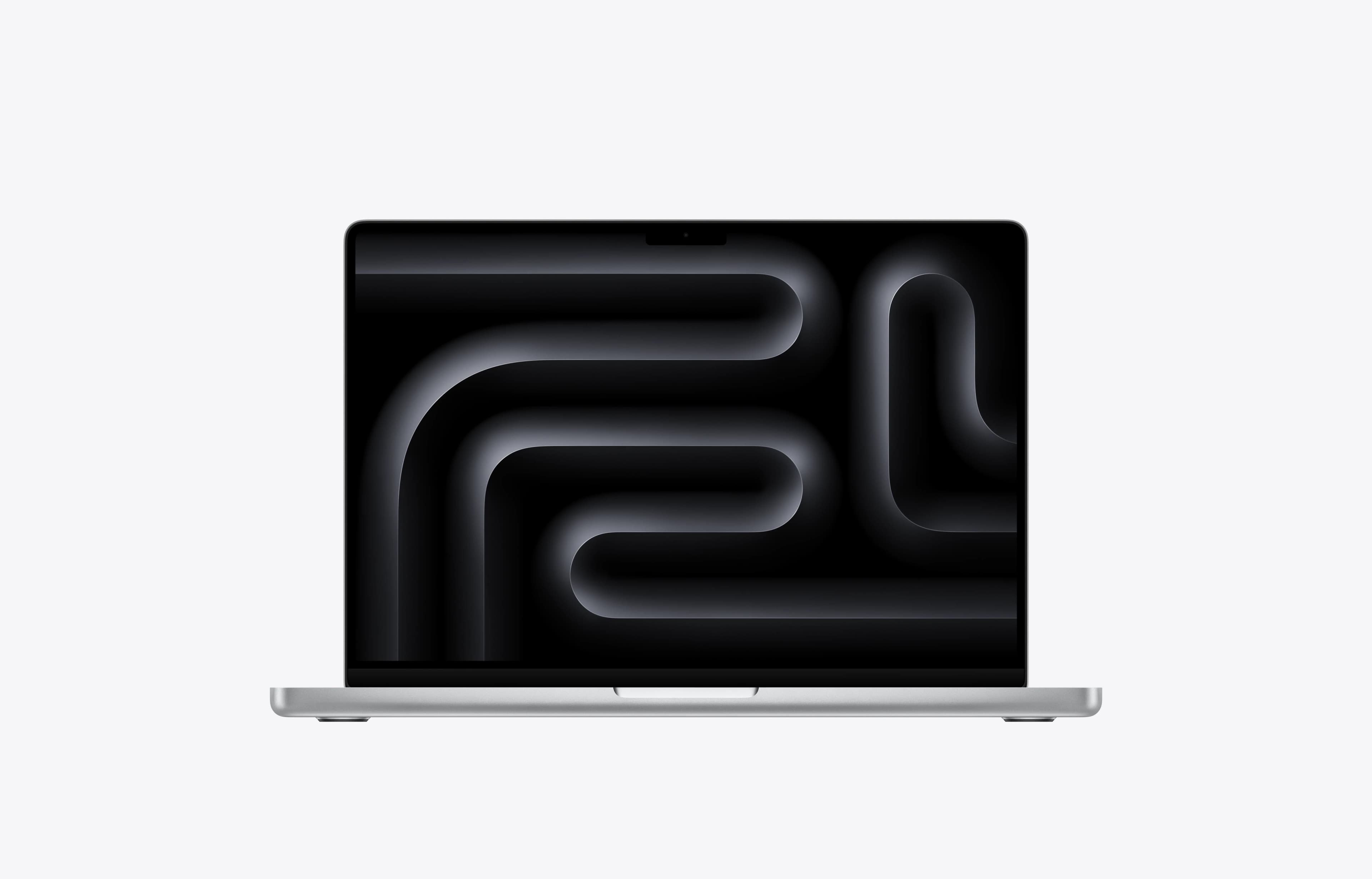
Best MacBook for Most People: MacBook Air 13 M5
Pros
- Excellent value and one of the laptops we would recommend to most people that are ok with Apple’s operating system.
- Very strong performance for light use, with a snappy everyday experience.
- Excellent real-world battery life for typical office and writing use.
- Completely silent because there is no fan.
- Both 13-inch and 15-inch versions are highly portable for their size.
- Trackpad remains best-in-class with excellent palm rejection.
Cons
- M5 is only a modest upgrade over M4 in many workloads.
- Sustained heavy performance is limited by the fanless design.
- The display is still a 60Hz IPS panel, which could be better in a premium laptop in 2026.
- The keyboard feels a bit low travel, especially on the 15-inch model.
- Ports are still limited to two Thunderbolt 4 USB-C ports and a MagSafe 3 port on the left side (all of the charging ports are on the left side) and a 3.5 mm headphone/microphone combo jack on the right side.
Best for: Students, everyday users, remote workers, and anyone who wants a premium laptop without overspending.
Why we like it: The MacBook Air M5 is the easiest MacBook to recommend. It is fast, lightweight, quiet, well-built, and offers excellent battery life. For most buyers, it delivers the best balance of performance, portability, and value in Apple's lineup.
It easily handles web browsing, office work, school projects, streaming, and multitasking. It is also capable of light creative work, programming, and photo editing.
Drawbacks: The Air has no cooling fan, so it can get warm during sustained workloads.
Not ideal for: Professional creators, 3D artists, or users running demanding workloads every day.
▶️ Watch our full MacBook Air M5 review
📊 See full test results, pricing history, and current deals
Best Budget MacBook: MacBook Air 13 M3/M4 (16GB)
Pros
- Excellent value and one of the laptops we would recommend to most people that are ok with Apple’s operating system.
- Very strong performance for light use, with a snappy everyday experience.
- Excellent real-world battery life for typical office and writing use.
- Completely silent because there is no fan.
- Both 13-inch and 15-inch versions are highly portable for their size.
- Trackpad remains best-in-class with excellent palm rejection.
Cons
- M5 is only a modest upgrade over M4 in many workloads.
- Sustained heavy performance is limited by the fanless design.
- The display is still a 60Hz IPS panel, which could be better in a premium laptop in 2026.
- The keyboard feels a bit low travel, especially on the 15-inch model.
- Ports are still limited to two Thunderbolt 4 USB-C ports and a MagSafe 3 port on the left side (all of the charging ports are on the left side) and a 3.5 mm headphone/microphone combo jack on the right side.
Best for: Budget-conscious buyers looking for the best value MacBook.
Why we like it: The MacBook Air M3 and M4 remain excellent value, especially when discounted. Both offer premium build quality, excellent battery life, and enough performance for years of everyday use. Most buyers won't notice a meaningful difference compared to newer Air models.
If you can find around $700, it is one of the smartest MacBook purchases you can make.
Drawbacks: You may need to shop around to find a good deal.
Not ideal for: Buyers who want the latest hardware or maximum performance.
📊 See full test results, pricing history, and current deals
Best MacBook for Students: MacBook Air 13 M5
Pros
- Excellent value and one of the laptops we would recommend to most people that are ok with Apple’s operating system.
- Very strong performance for light use, with a snappy everyday experience.
- Excellent real-world battery life for typical office and writing use.
- Completely silent because there is no fan.
- Both 13-inch and 15-inch versions are highly portable for their size.
- Trackpad remains best-in-class with excellent palm rejection.
Cons
- M5 is only a modest upgrade over M4 in many workloads.
- Sustained heavy performance is limited by the fanless design.
- The display is still a 60Hz IPS panel, which could be better in a premium laptop in 2026.
- The keyboard feels a bit low travel, especially on the 15-inch model.
- Ports are still limited to two Thunderbolt 4 USB-C ports and a MagSafe 3 port on the left side (all of the charging ports are on the left side) and a 3.5 mm headphone/microphone combo jack on the right side.
Best for: College students, high school students, and anyone carrying a laptop all day.
Why we like it: Students need three things: portability, battery life, and reliability. The Air M5 delivers all three. It is light enough to take anywhere, lasts all day on battery, and has enough performance for coursework, research, presentations, and even some creative projects.
It is also a laptop that should remain useful long after graduation.
Drawbacks: Limited ports compared to the Pro models.
Not ideal for: Students regularly editing large video projects or working with 3D applications.
▶️ Watch our full MacBook Air M5 review
📊 See full test results, pricing history, and current deals
Best MacBook for Home & Office Use: MacBook Air 13 M5
Pros
- Excellent value and one of the laptops we would recommend to most people that are ok with Apple’s operating system.
- Very strong performance for light use, with a snappy everyday experience.
- Excellent real-world battery life for typical office and writing use.
- Completely silent because there is no fan.
- Both 13-inch and 15-inch versions are highly portable for their size.
- Trackpad remains best-in-class with excellent palm rejection.
Cons
- M5 is only a modest upgrade over M4 in many workloads.
- Sustained heavy performance is limited by the fanless design.
- The display is still a 60Hz IPS panel, which could be better in a premium laptop in 2026.
- The keyboard feels a bit low travel, especially on the 15-inch model.
- Ports are still limited to two Thunderbolt 4 USB-C ports and a MagSafe 3 port on the left side (all of the charging ports are on the left side) and a 3.5 mm headphone/microphone combo jack on the right side.
Best for: Remote workers, office users, families, and general productivity.
Why we like it: For email, spreadsheets, video calls, web browsing, and document work, there is little reason to spend more. The Air M5 feels incredibly responsive and avoids the higher cost of the Pro lineup.
For many professionals, it already provides everything they need.
Drawbacks: The display and port selection are not as advanced as the Pro models.
Not ideal for: Users with demanding professional workflows.
▶️ Watch our full MacBook Air M5 review
📊 See full test results, pricing history, and current deals
Best MacBook for Developers: MacBook Pro 14 with M5 Pro
Pros
- Excellent performance
- Very long battery life
- All round premium laptop
- Exceptionally quiet and mostly feels cool to the touch
- Very premium - Great speakers, webcam, trackpad, keyboard, dsiplay
- Extremely fast storage
Cons
- An incremental update that doesn't change much from the M4 version or give a big performance boost in CPU or GPU tasks
- No Wi-Fi 7
- Not good for gaming
- No Thunderbolt 5
- The price has gotten much more expensive as of June 25, 2026.
Best for: Software developers, programmers, and technical professionals.
Why we like it: Many developers don't need significantly more CPU performance than the Air. The MacBook Pro 14 stands out thanks to its brighter display, additional ports, active cooling, and better workstation experience.
It also remains quieter and more comfortable during longer development sessions.
Drawbacks: More expensive than the Air without delivering dramatically different performance in everyday tasks.
Not ideal for: Casual users who don't need the extra ports or premium display.
▶️ Watch our full MacBook Pro 14 M5 review
📊 See full test results, pricing history, and current deals
Best MacBook for Creators: MacBook Pro 14 with M5 Pro
Pros
- Excellent performance
- Very long battery life
- All round premium laptop
- Exceptionally quiet and mostly feels cool to the touch
- Very premium - Great speakers, webcam, trackpad, keyboard, dsiplay
- Extremely fast storage
Cons
- An incremental update that doesn't change much from the M4 version or give a big performance boost in CPU or GPU tasks
- No Wi-Fi 7
- Not good for gaming
- No Thunderbolt 5
- The price has gotten much more expensive as of June 25, 2026.
Best for: Content creators, photographers, designers, and creative professionals.
Why we like it: The M5 Pro models are the sweet spot for creators, offering a significant performance jump over the Air while avoiding the premium price of the M5 Max. They're especially well suited to photographers, designers, music producers, and most video editors.
For most creators, this is where performance and value meet. Photo editing, graphic design, content creation, and moderate video editing all run exceptionally well here.
Drawbacks: Costs significantly more than the Air.
Not ideal for: Casual users who won't benefit from the extra performance.
▶️ Watch our full MacBook Pro 14 M5 review
📊 See full test results, pricing history, and current deals
Best MacBook for Video Editors: MacBook Pro 14 with M5 Max
Pros
- Excellent performance
- Very long battery life
- All round premium laptop
- Exceptionally quiet and mostly feels cool to the touch
- Very premium - Great speakers, webcam, trackpad, keyboard, dsiplay
- Extremely fast storage
Cons
- An incremental update that doesn't change much from the M4 version or give a big performance boost in CPU or GPU tasks
- No Wi-Fi 7
- Not good for gaming
- No Thunderbolt 5
- The price has gotten much more expensive as of June 25, 2026.
Best for: Professional video editors and production workflows.
Why we like it: Video editing is one of the few workloads that genuinely benefits from stepping up to an M5 Max chip. The additional GPU power and extra media engine help with demanding timelines, higher-resolution footage, and faster exports.
The M5 Max adds a second media engine and significantly more GPU power, making it worthwhile for professional video editors working with demanding footage.
Drawbacks: Expensive and often overkill for casual creators.
Not ideal for: Users primarily editing photos or occasional videos.
▶️ Watch our full MacBook Pro 14 M5 review
📊 See full test results, pricing history, and current deals
Best MacBook for AI & 3D Work: MacBook Pro 14 with M5 Max
Pros
- Excellent performance
- Very long battery life
- All round premium laptop
- Exceptionally quiet and mostly feels cool to the touch
- Very premium - Great speakers, webcam, trackpad, keyboard, dsiplay
- Extremely fast storage
Cons
- An incremental update that doesn't change much from the M4 version or give a big performance boost in CPU or GPU tasks
- No Wi-Fi 7
- Not good for gaming
- No Thunderbolt 5
- The price has gotten much more expensive as of June 25, 2026.
Best for: AI developers, 3D artists, VFX professionals, and advanced technical users.
Why we like it: These workloads scale well with GPU performance and memory capacity. The M5 Max models offer more graphics power and support substantially more memory than M5 Pro systems, making them better suited to large AI models and complex 3D projects.
This is Apple's true workstation-class laptop.
Drawbacks: Higher heat output, shorter battery life, and significantly higher pricing.
Not ideal for: Most professionals and almost all everyday users.
▶️ Watch our full MacBook Pro 14 M5 review
📊 See full test results, pricing history, and current deals
Best Large-Screen MacBook: MacBook Pro 16 with M5 Pro
Pros
- Exceptional CPU performance, with the new M5 Pro and Max chips outperforming most Intel and AMD options in similarly portable laptops.
- Excellent for video editing, programming, audio work, and other CPU-heavy professional tasks.
- Very low fan noise in professional workloads compared with gaming laptops.
- Can be configured with large unified memory pools, which is useful for larger local AI models.
Cons
- CPU uplift over the previous M4 generation is not massive.
- Gaming performance still trails far behind powerful Nvidia-equipped Windows laptops.
- The price has gotten much more expensive as of June 25, 2026.
Best for: Power users who want the largest display and best overall workstation experience.
Why we like it: The MacBook Pro 16 combines excellent battery life, a large display, strong cooling, and outstanding performance. If your laptop spends most of its life as your primary work machine, the larger screen can dramatically improve productivity.
It also stays noticeably cooler under sustained workloads than the 14-inch model with the same processor.
Drawbacks: Larger, heavier, and more expensive than the 14-inch models.
Not ideal for: Frequent travelers or users prioritizing portability.
▶️ Watch our full MacBook Pro 16 M5 review
📊 See full test results, pricing history, and current deals
MacBook to Avoid for Most Buyers: MacBook Neo
Pros
- Looks great
- Fantastic value
- Built very well, feels premium
- Very good display for the price
- Good speakers
- Excellent trackpad
- No fan noise, as it is fanless
- The chassis stays cool even under load.
Cons
- Very basic performance only. A18 Pro chip and 8GB
- No keyboard backlight
- Fingerprint sensor only available in more expensive model
- Ports are lacking, only 2 USB C and a headphone jack. One port is very slow
- Battery life is not that long due to its small battery
- Storage is limited and slow for a modern laptop
Best for: Buyers with extremely basic needs and very tight budgets.
Why we like it: The Neo can handle simple tasks like web browsing, document editing, research, and media consumption. If your needs are minimal, it gets the job done.
Drawbacks: Limited memory, slower storage, and significantly less performance than the rest of Apple's lineup. It leaves very little room for your needs to grow over time.
Not ideal for: Programming, video editing, content creation, or anyone planning to keep their laptop for many years.
▶️ Watch our full MacBook Neo review
📊 See full test results, pricing history, and current deals
How to Choose the Right MacBook
Buy the MacBook Air 13 M5 if...
You want the safest recommendation. It offers the best balance of performance, battery life, portability, and value.
Buy the MacBook Air 13 M3/M4 if...
You find one on sale and want the best value for money.
Buy the MacBook Pro 14 with M5 Pro if you're a developer ...
Or professional who wants better ports, a better display, and a more capable workstation.
Buy the MacBook Pro 14 with M5 Pro if you're a creator...
Editing photos, producing music, or needing substantially more performance than the Air.
Buy the MacBook Pro 14 with M5 Max if...
Your work involves professional video editing, AI workloads, or 3D rendering.
Final Recommendation
If you're unsure which MacBook to buy, get the MacBook Air 13 M5.
It is the best MacBook for most people and one of the easiest laptop recommendations we can make. Only move up to a Pro model if you have a specific workload that genuinely benefits from the additional performance.
If you're on a tighter budget, an M3 or M4 MacBook Air with 16GB of memory remains an excellent value when you can find one on sale.